


.png)
.png)


The HubSpot Content Hub drag-and-drop editor is the main tool used to create and edit pages within HubSpot. It allows users to build website pages visually by arranging sections, modules, and content elements without writing code.
This editor is designed to make website management easier for marketing teams while still allowing developers to maintain control over the design structure.
Understanding how the HubSpot Content Hub drag-and-drop editor works will help you create pages faster and keep your website organized.
What Is the HubSpot Content Hub Drag-and-Drop Editor?
The HubSpot Content Hub drag-and-drop editor is a visual page builder where you can edit content directly on the page.
Instead of editing code, you can simply:
- Drag modules into place
- Rearrange page sections
- Edit text and images
- Preview the page before publishing
This approach makes it possible for non-developers to manage website content easily.
How Pages Are Built in the Editor
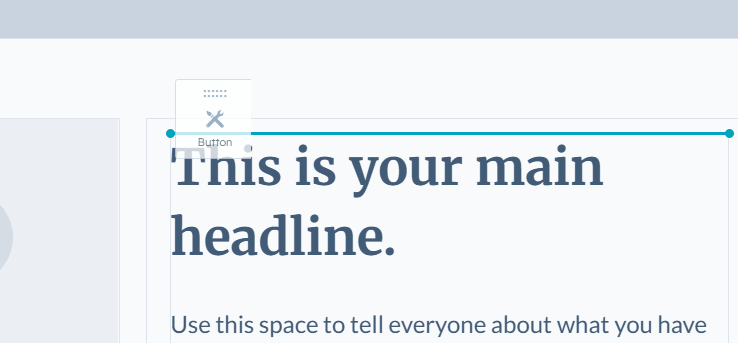
When you open a page in HubSpot Content Hub, the drag-and-drop editor shows the page layout based on the selected template.
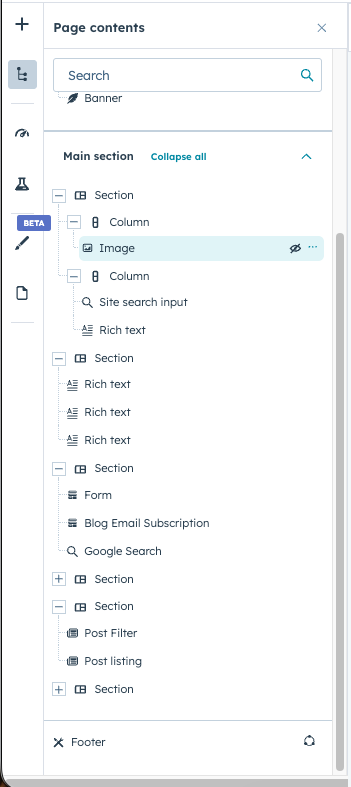
The page typically consists of:
- Sections (large layout areas)
- Columns (content layout inside sections)
- Modules (individual content elements)
Editors can modify these elements directly in the interface.
Adding Modules to a Page
Modules are the content elements that appear within sections.
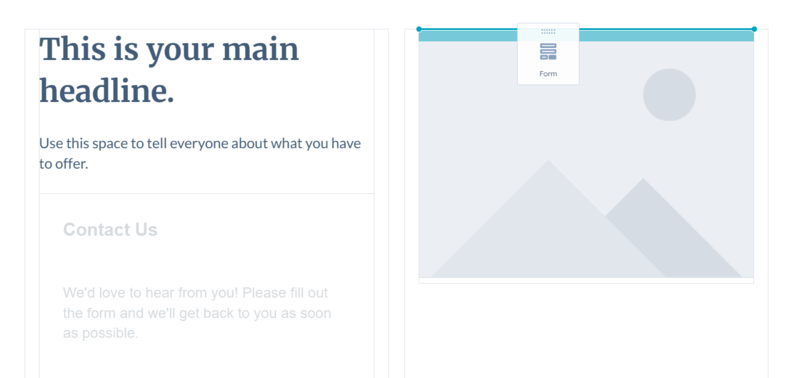
To add a module in the HubSpot Content Hub editor, you simply drag it from the module panel into the page layout.
Common modules include:
- Text modules
- Image modules
- Buttons
- Forms
- Videos
Once a module is added, its content can be edited from the settings panel.
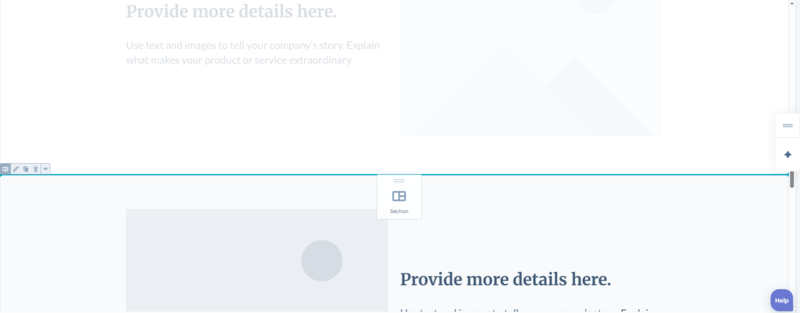
Rearranging Page Layout
Another key feature of the drag-and-drop editor is the ability to rearrange page content.
Users can easily:
- Move sections up or down
- Adjust column layouts
- Duplicate sections
- Remove elements they no longer need
This flexibility allows editors to experiment with page layouts while still maintaining the design structure defined by templates.
Previewing Pages Before Publishing
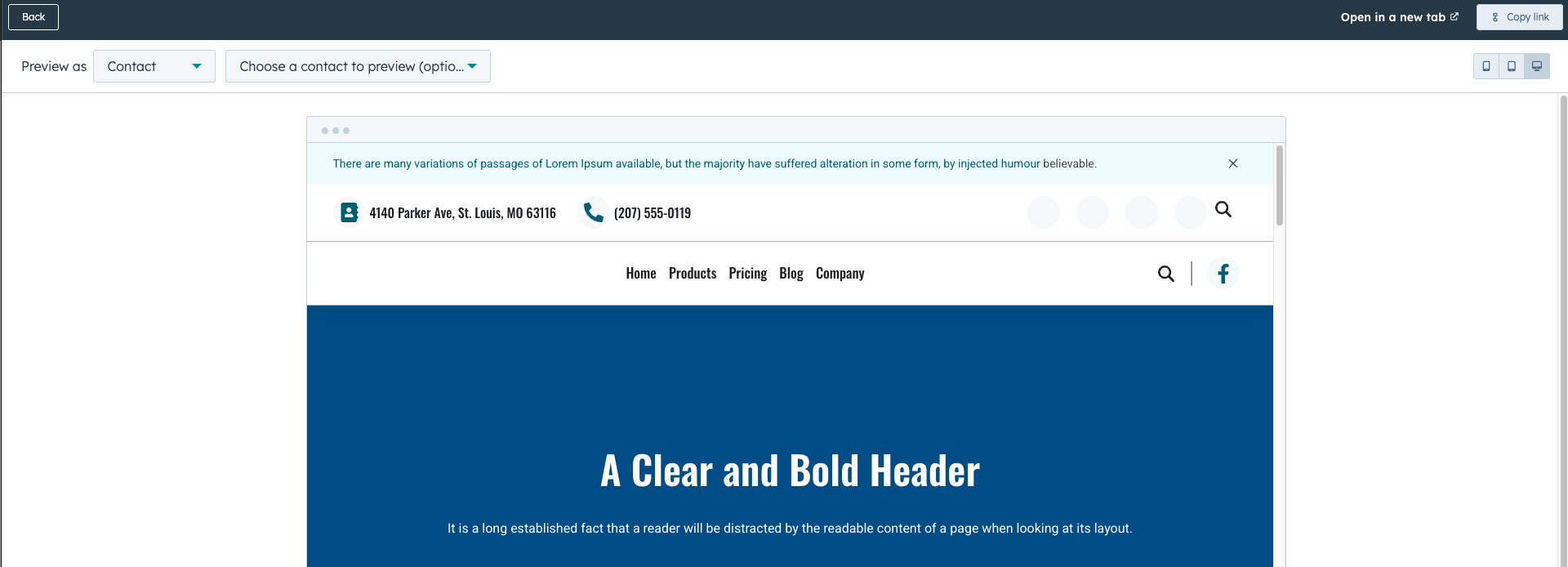
Before publishing changes, HubSpot allows users to preview pages.
The preview feature lets you check:
- Desktop view
- Tablet view
- Mobile view
This helps ensure the page layout looks correct across different devices.
Publishing Changes
Once editing is complete, pages can be published directly from the editor.
HubSpot automatically handles:
- Hosting
- Content delivery
- Security
This means the updated page becomes live without needing any additional deployment steps.
Final Thoughts
The HubSpot Content Hub drag-and-drop editor makes website editing accessible for both developers and marketers.
Developers can create templates and modules, while editors can update page content visually without needing technical expertise.
This balance helps teams manage websites efficiently while maintaining consistent design standards.
Related Post
How Do You Edit an Existing Page in HubSpot Content Hub?
Editing an existing page in HubSpot Content Hub is simple and works through the same drag-and-drop editor used when creating new pages. Once a page has been published, you can return to it anytime to update text, images, sections, or other content...

How Do You Create a Page in HubSpot Content Hub?
Creating a page in HubSpot Content Hub is a straightforward process. The platform provides a visual page editor that allows marketers and content teams to build pages without writing code.
How Do HubSpot Content Hub Custom Modules Work?
Custom modules are one of the most powerful features available in HubSpot Content Hub. They allow developers to create reusable content components that editors can easily add to pages using the drag-and-drop editor.
Have a Project in Mind?
Let’s talk about what you need and how we can make it happen.

Leave a reply