


.png)
.png)


Custom modules are one of the most powerful features available in HubSpot Content Hub. They allow developers to create reusable content components that editors can easily add to pages using the drag-and-drop editor.
Instead of rebuilding the same content sections repeatedly, custom modules allow teams to standardize complex design elements while still giving editors control over the content.
Understanding how HubSpot Content Hub custom modules work helps developers build scalable websites and makes it easier for marketing teams to manage content.
What Is a Custom Module in HubSpot Content Hub?
A custom module is a reusable content component created by developers.
It allows editors to add structured content blocks to pages without needing to edit code.
Examples of custom modules include:
- Hero banner sections
- Feature grids
- Testimonials
- Pricing tables
- Team member profiles
- Custom call-to-action sections
Once created, these modules appear in the page editor where they can be dragged into page layouts.
Why Use Custom Modules?
Custom modules help simplify website management by standardizing design elements.
They help teams:
- Maintain consistent layouts across pages
- Reduce repetitive design work
- Give editors structured content fields
- Prevent accidental design changes
For example, instead of manually formatting a testimonial section each time, a custom module can provide predefined fields for the quote, name, and photo.
Creating Custom Modules
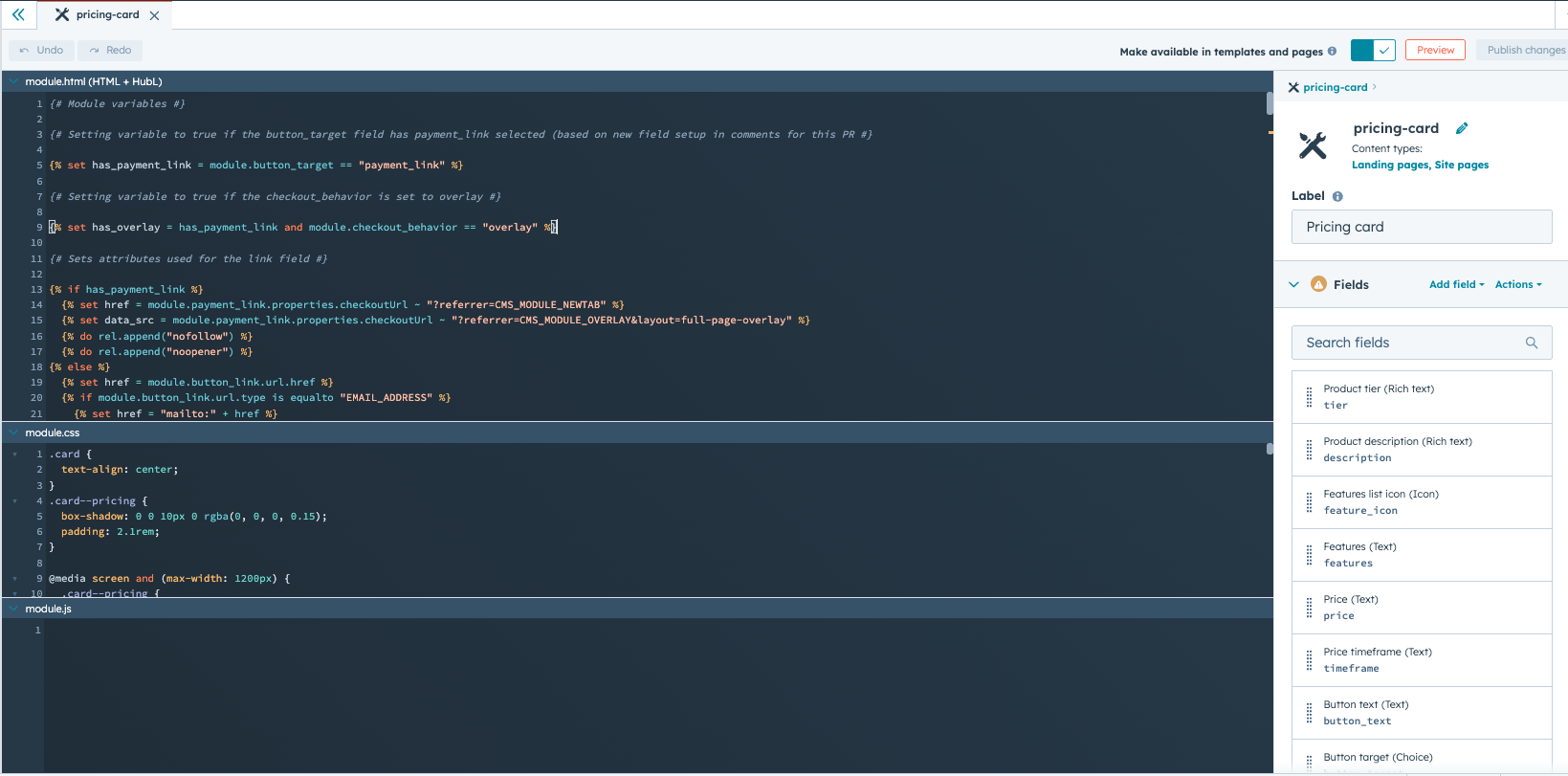
Developers create custom modules using the HubSpot Design Manager.
To create a module:
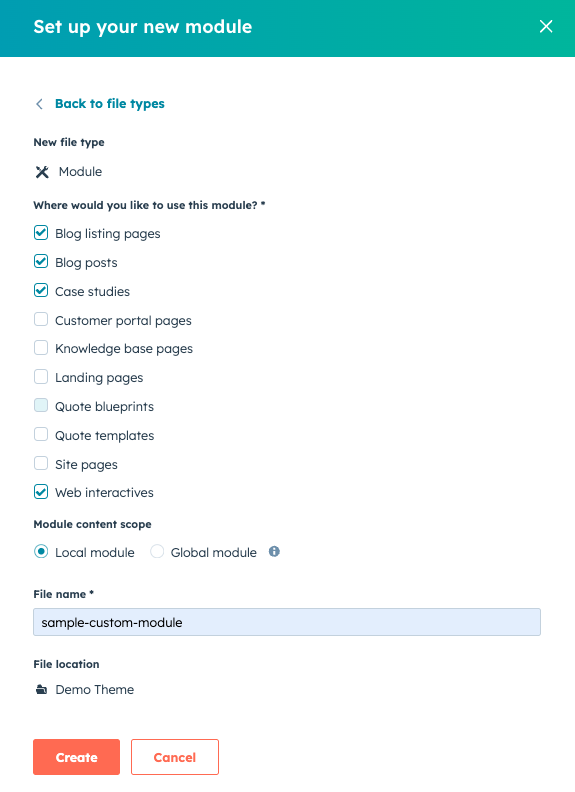
- Open Design Manager
- Create a new module file
- Define editable fields such as text, images, or links
- Add styling using HTML, CSS, and HubL
Once saved, the module becomes available in the page editor.
Types of Fields in Custom Modules
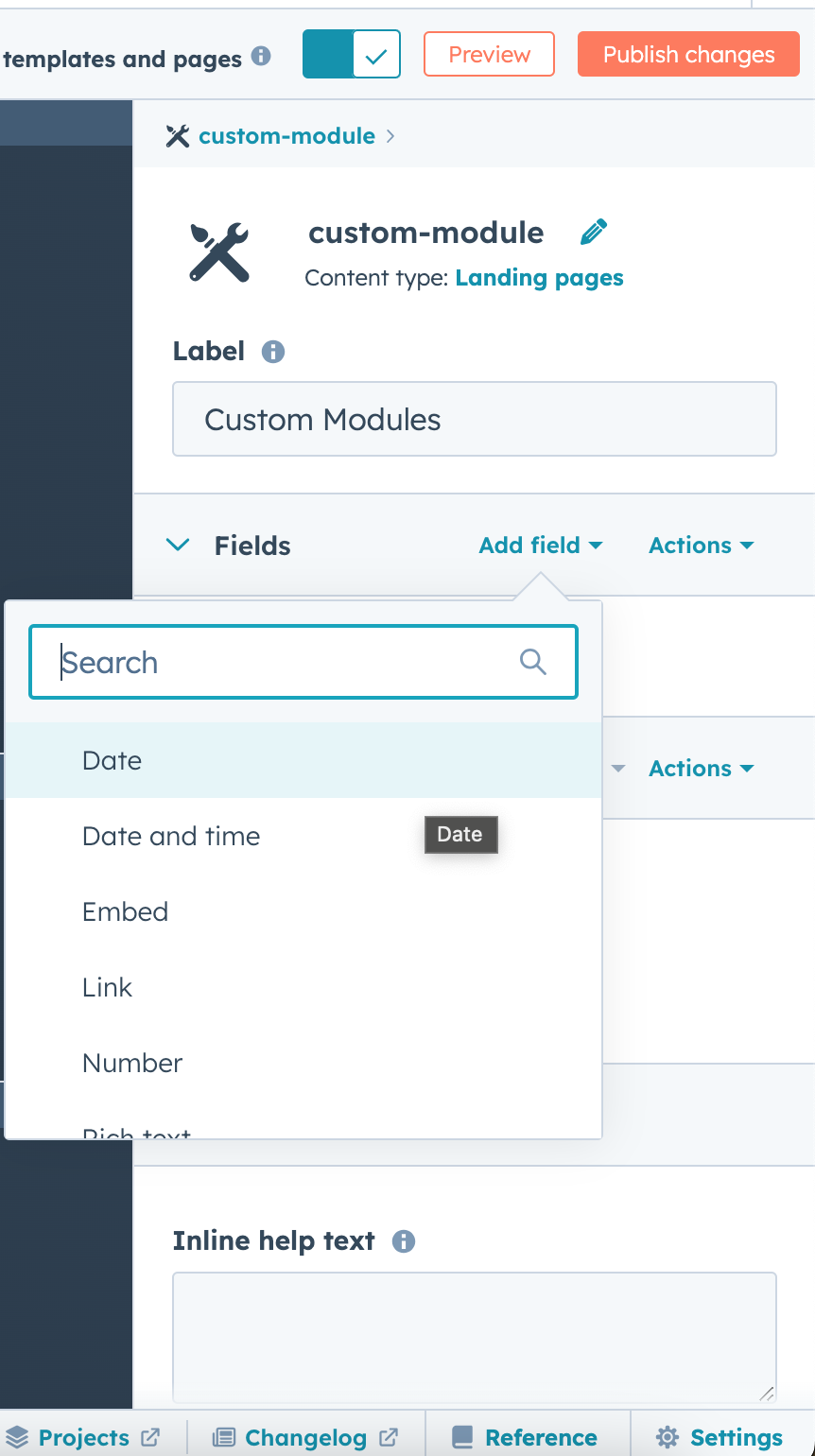
Custom modules can include many types of editable fields.
Common field types include:
- Text fields
- Rich text editors
- Image selectors
- Link fields
- Color pickers
- Repeater fields for lists
These fields allow editors to customize content while keeping the design consistent.
Using Custom Modules in Pages
Once created, custom modules can be used in different ways within HubSpot Content Hub.
They can be added to:
- Drag-and-drop page templates
- Blog templates
- Landing pages
- Global sections
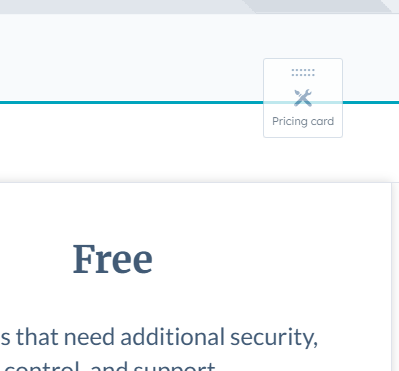
Editors simply drag the module into the page and fill in the required content fields.
Updating Custom Modules
If a developer updates the design or functionality of a custom module, those updates can automatically apply wherever the module is used.
This makes it easier to maintain consistent design across large websites.
For example, updating the styling of a CTA module can update that section across multiple pages.
In Summary
HubSpot Content Hub custom modules allow developers to build flexible, reusable content components that simplify website management. By combining structured fields with reusable layouts, custom modules help teams maintain design consistency while still allowing editors to update content easily.
Related Post

How Do HubSpot Content Hub Staging and Testing Environments Work?
When making major changes to a website, it is often risky to test those changes directly on the live site. To help avoid this problem, HubSpot Content Hub provides a staging environment where developers and teams can test updates before publishing...

How Do HubSpot Content Hub Campaigns and Content Organization Work?
Marketing campaigns often include multiple types of content such as landing pages, blog posts, emails, and calls-to-action. HubSpot Content Hub includes campaign tools that help organize these assets so teams can track and manage them as part of a...
How Do HubSpot Content Hub Navigation Menus Work?
Navigation menus play an important role in helping visitors explore a website. In HubSpot Content Hub, navigation menus allow you to organize links to important pages such as services, resources, blog posts, or contact pages.
Have a Project in Mind?
Let’s talk about what you need and how we can make it happen.

Leave a reply