
Why Migrate from WordPress?

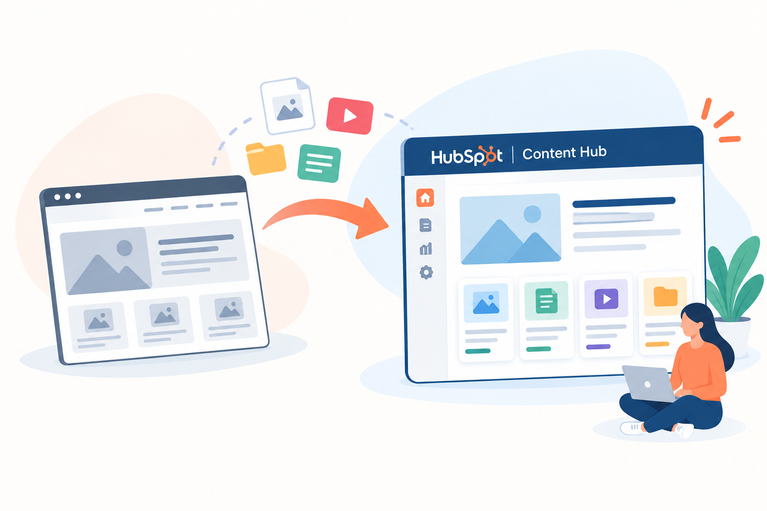
WordPress powers over 40% of the web — but powering a website and empowering a marketing team are two very different things. Plugin bloat, security vulnerabilities, and the constant need for developer involvement make WordPress increasingly costly to maintain as businesses scale. HubSpot Content Hub gives your marketing and sales teams a fully integrated platform where the website, CRM, and automation work as one. The Web Plant has performed thousands of WordPress migrations and knows exactly how to bring every page, post, form, and SEO signal across without losing a thing.
pexels-thirdman-5582868

Why HubSpot Content Hub?

HubSpot Content Hub is where your website stops being a cost centre and starts being your best-performing sales asset.

Native CRM Integration

Forms, CTAs, landing pages, and live chat all feed directly into HubSpot CRM. Every visitor interaction is tracked, attributed, and ready for your sales team.

No Plugin Juggling

Analytics, SEO tools, forms, automation ,and A/B testing are built in. One platform. One login. No compatibility nightmares.

Managed, Secure Hosting

HubSpot handles uptime, SSL, CDN, security patches, and auto-scaling. Your team focuses on content, not servers.

Empowered Marketing Teams

The drag-and-drop editor and reusable modules mean marketers can build and launch pages without touching a single line of code.

Built-in SEO Guidance

HubSpot's page editor provides real-time SEO recommendations on every page. No separate tools or plugins required.

Powerful Automation

Connect your website to HubSpot workflows to nurture leads, trigger emails, score contacts, and personalize experiences — all from the same platform.

pexels-ivan-s-5428638

What We Handle in Your Migration

Every WordPress to HubSpot Content Hub migration by The Web Plant includes:

  • Theme development matching your current WordPress design
  • Custom module build for all unique content blocks
  • Full blog import with author profiles, tags, and featured images
  • SEO metadata migration (titles, descriptions, canonical tags)
  • Mobile-responsive QA across all pages and breakpoints
  • Performance benchmarking using industry-standard tools
  • Sitemap and robots.txt configuration
  • Redirect mapping for all changed URLs

What's Included in Every Migration

Every WordPress to HubSpot Content Hub migration by The Web Plant includes:

  • Theme development matching your current WordPress design
  • Custom module build for all unique content blocks
  • Full blog import with author profiles, tags, and featured images
  • SEO metadata migration (titles, descriptions, canonical tags)
  • Mobile-responsive QA across all pages and breakpoints
  • Performance benchmarking using industry-standard tools
  • Sitemap and robots.txt configuration
  • Redirect mapping for all changed URLs

Frequently Asked Questions

Will my WordPress blog content transfer to HubSpot?

Yes. We use HubSpot's native blog import tool to migrate all posts, authors, tags, and images. For complex setups or custom post types, we perform manual migration to ensure nothing is lost.

Can you replicate my WordPress theme in HubSpot?

Absolutely. Our developers analyse your WordPress theme and recreate all design elements, typography, colours, and global styles as a custom HubSpot theme. Your brand integrity is preserved.

What happens to my WordPress plugins?

We review each plugin to understand what functionality it provides and find the best HubSpot-native equivalent. Most common plugin functions — forms, SEO, analytics, popups — are already built into HubSpot.

Will my SEO rankings be affected?

We take every precaution to protect your SEO. This includes preserving URL structures where possible, setting up 301 redirects for changed URLs, and migrating all meta titles, descriptions, and canonical tags.

How long does a WordPress to HubSpot migration take?

A typical WordPress migration takes 3–8 weeks depending on the size of the site, custom functionality, and the number of blog posts. We provide a clear timeline after the initial audit.

Do I need a HubSpot subscription before migrating?

Yes, you will need at least a HubSpot Content Hub Starter subscription. We can advise on the right tier based on your site's requirements and help you get set up.
