


.png)
.png)


When working with HubSpot Content Hub, three concepts appear again and again: pages, templates, and modules. Understanding how these pieces work together is essential for building and managing websites on the platform.
Think of them as layers that make up your website. Each layer has a different role in how your pages are structured and edited.
Pages: The Actual Content Visitors See
A page is the final webpage that visitors access through your website.
Examples of pages include:
- Homepages
- About pages
- Product pages
- Blog posts
- Landing pages
Each page contains the content your visitors read and interact with.
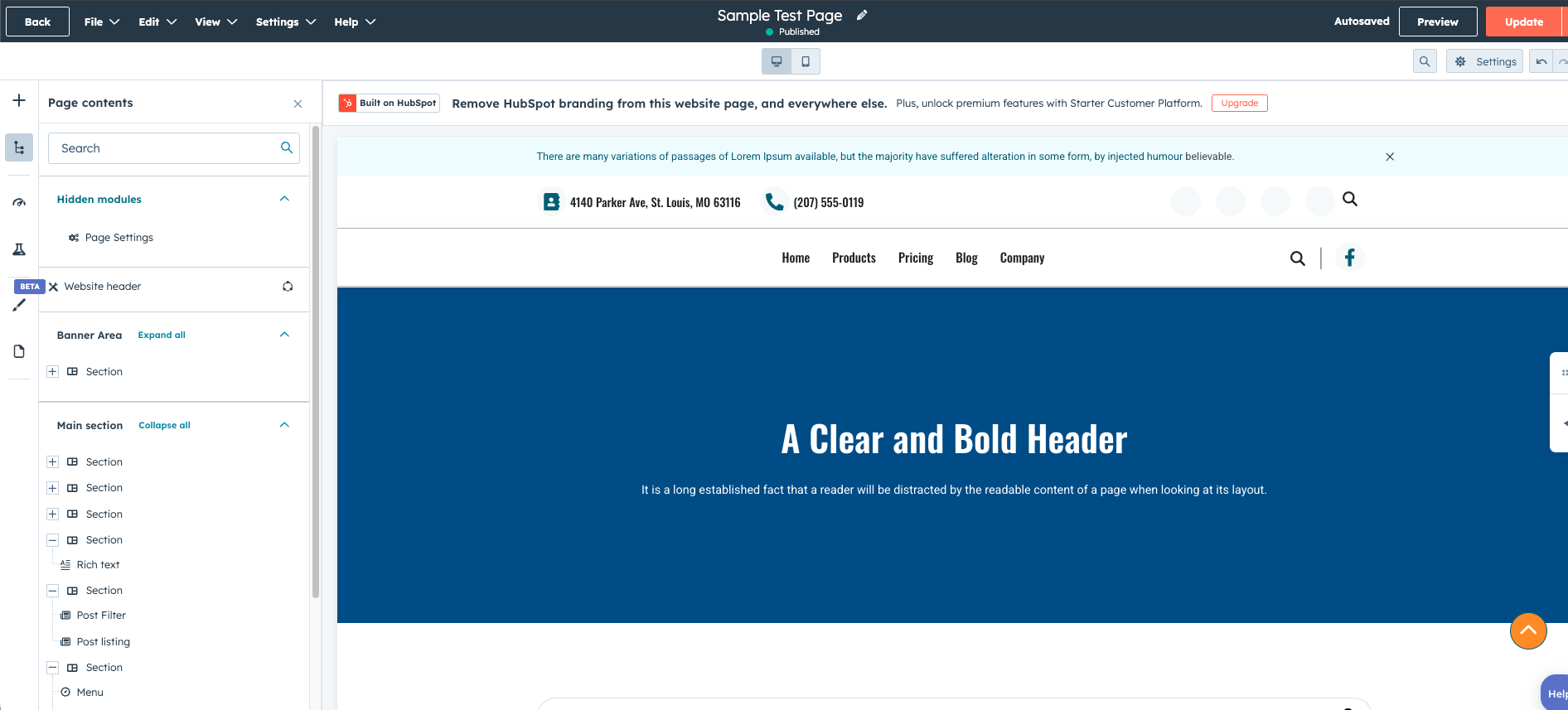
When creating a new page in HubSpot Content Hub, you typically edit it using the drag-and-drop page editor, where you can add sections, modules, and content.
Templates: The Structure of a Page
A template defines how a page is structured.
It determines things like:
- Where the header appears
- Where the main content area sits
- Where the footer goes
- What sections exist on the page
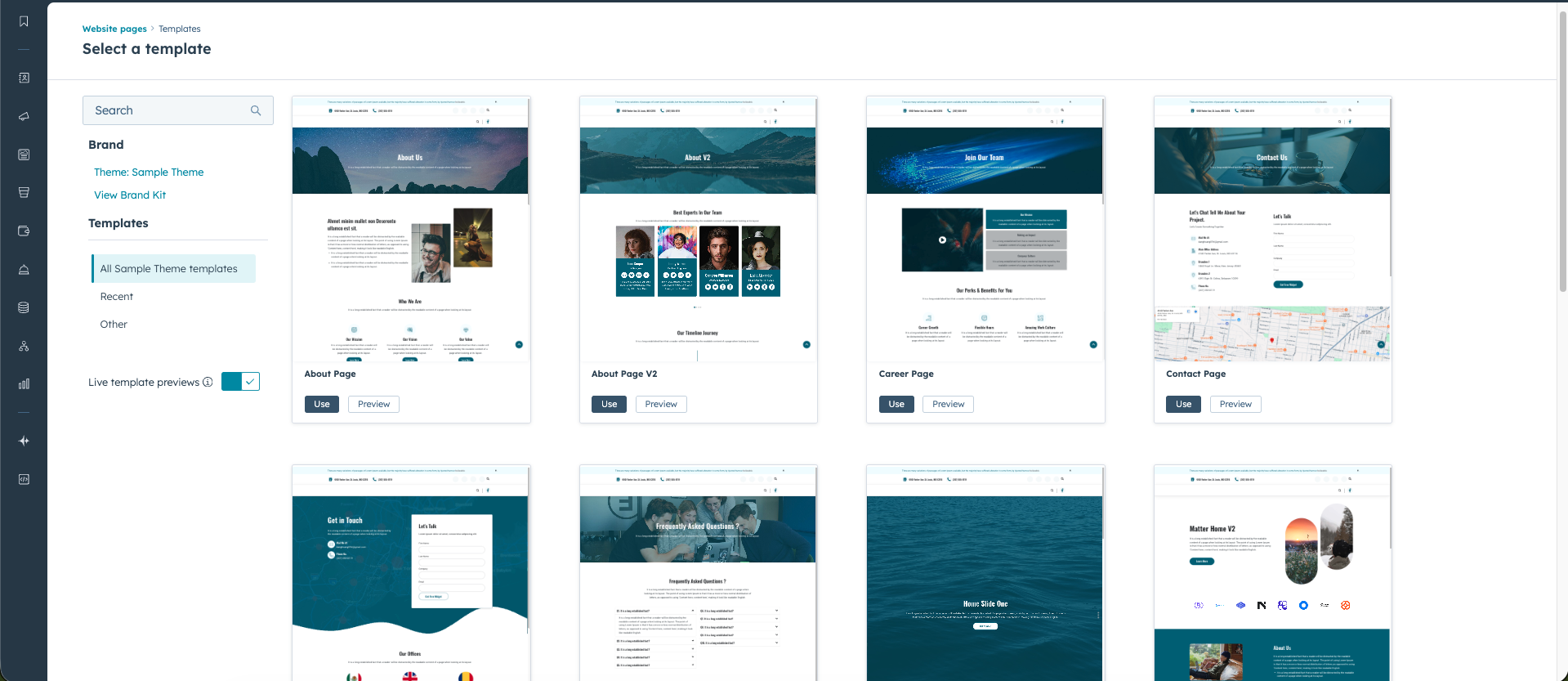
When you create a new page in HubSpot Content Hub, you usually choose a template first. The template provides the framework for the page so that content stays organized and consistent.
Templates are typically created by developers inside HubSpot’s Design Manager.
Modules: The Building Blocks of Content
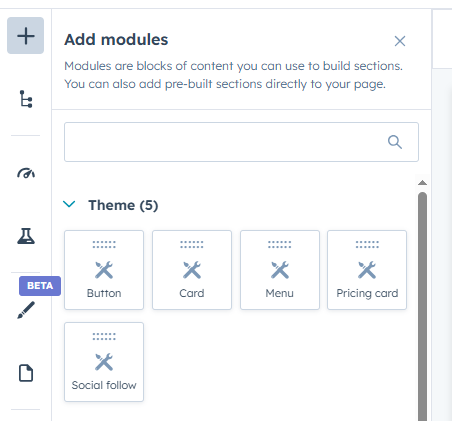
Modules are the individual content elements placed inside a page.
Common modules include:
- Text blocks
- Images
- Buttons
- Forms
- Videos
- Call-to-action components
Modules make it easy to update specific parts of a page without affecting the overall layout.
HubSpot provides many default modules, and developers can create custom modules to add additional functionality.
How These Three Work Together
To understand the relationship between these elements, it helps to think of them in a simple hierarchy.
- Templates define the structure
- Pages use those templates
- Modules add the content inside the page
For example:
- A developer creates a landing page template
- A marketer creates a new landing page using that template
- The marketer fills the page with modules such as text, images, and forms
This separation allows developers to control design while marketers focus on content.
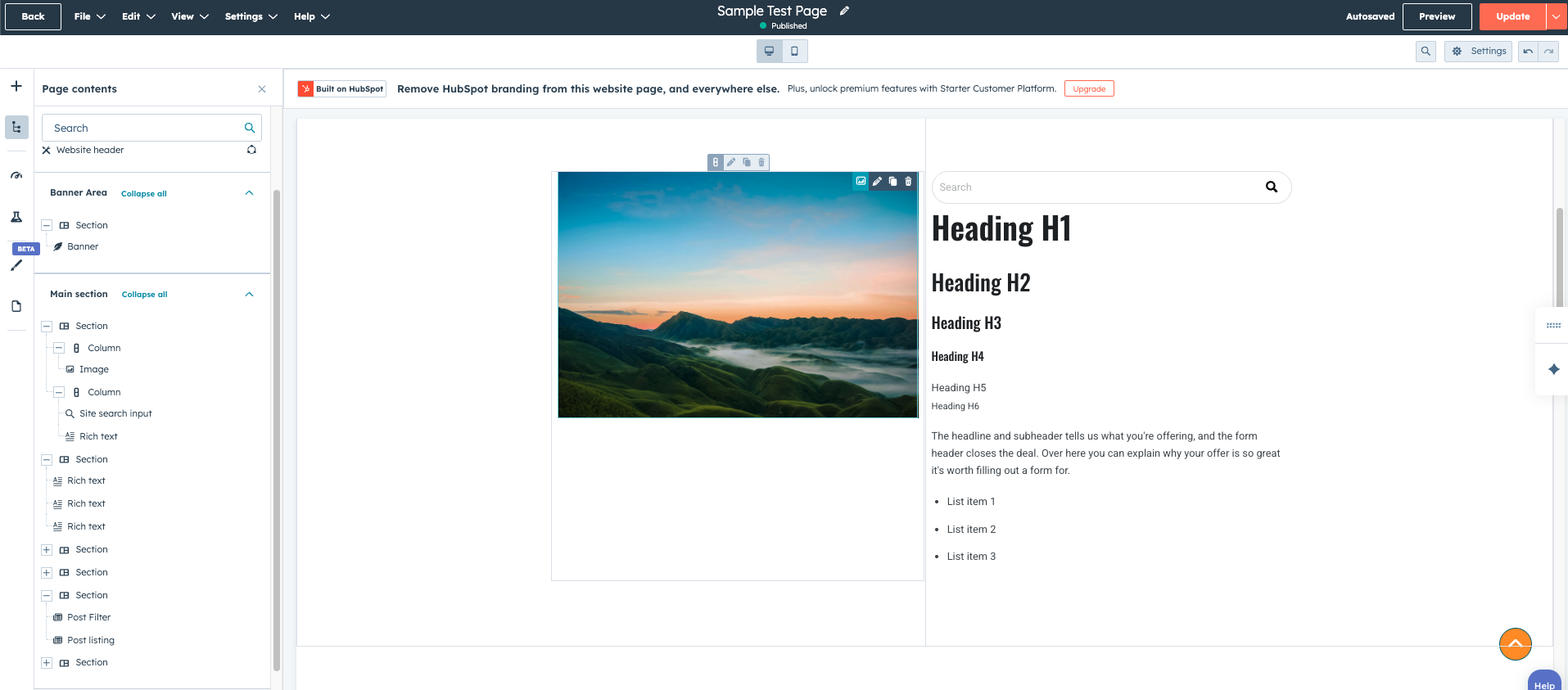
Why This Structure Is Useful
The separation between pages, templates, and modules helps maintain consistency across your website.
Benefits include:
- Pages follow consistent layouts
- Editors can update content safely
- Developers can control design standards
- Reusable modules save time when creating new pages
This structure is one of the reasons HubSpot Content Hub works well for teams with both developers and marketing staff.
Final Thoughts
Pages, templates, and modules are the core components that power every HubSpot Content Hub website.
Once you understand how these three pieces fit together, it becomes much easier to build, edit, and manage content within the platform.
Related Post

How Does HubSpot Content Hub Blog Management Work?
Blogging is an important part of many content marketing strategies. HubSpot Content Hub includes a built-in blogging system that allows businesses to create, publish, and manage blog content directly within the platform.
How Do HubSpot Content Hub A/B Testing and Page Experiments Work?
When optimizing website performance, it is often helpful to test different versions of a page to see which one performs better. HubSpot Content Hub includes A/B testing tools hat allow teams to compare variations of pages and measure their...

How Do HubSpot Content Hub Website Navigation Menus Work?
Website navigation plays an important role in helping visitors find information quickly. HubSpot Content Hub provides navigation menu tools that allow teams to create and manage the structure of their website menus.
Have a Project in Mind?
Let’s talk about what you need and how we can make it happen.

Leave a reply