


.png)
.png)



Website navigation plays an important role in helping visitors find information quickly. HubSpot Content Hub provides navigation menu tools that allow teams to create and manage the structure of their website menus.
Navigation menus are usually displayed in the header or footer of a website and guide visitors to important pages such as services, blog articles, resources, or contact pages.
Understanding how HubSpot Content Hub website navigation menus work helps teams organize their website structure and improve the user experience.
What Is a Navigation Menu?
A navigation menu is a list of links that help visitors move through a website.
Common navigation links include:
- Home
- About
- Services
- Blog
- Resources
- Contact
These links typically appear in the website header so visitors can easily access different sections of the site.
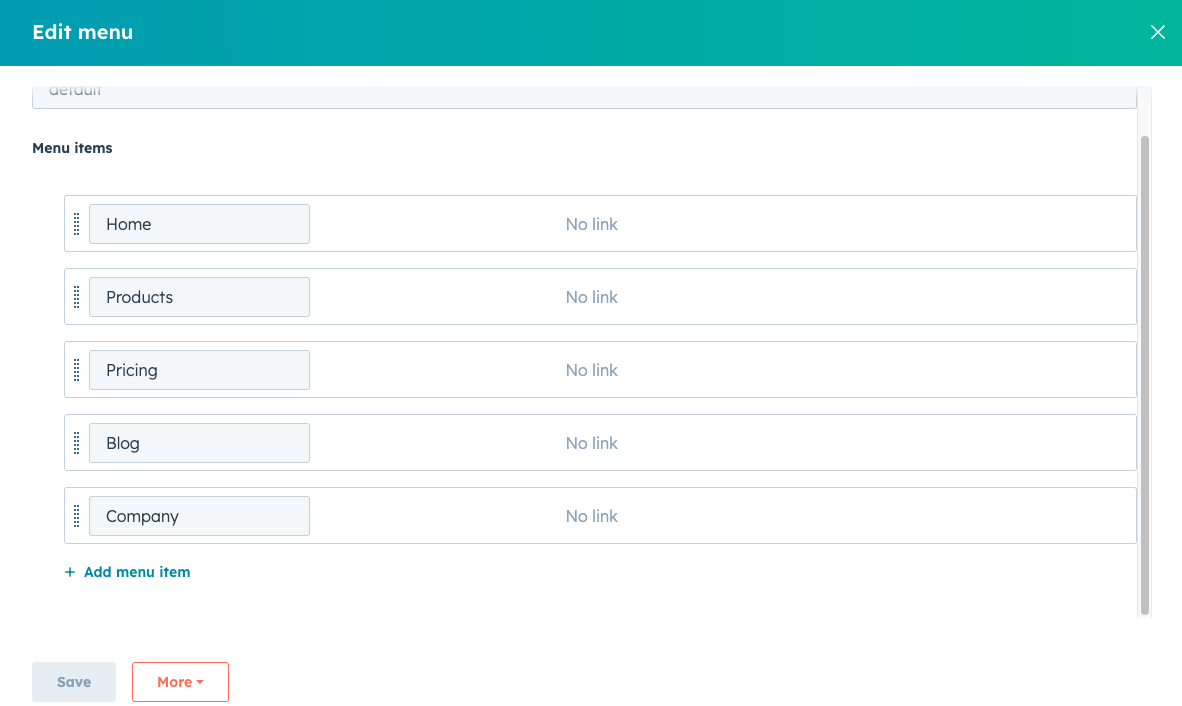
Where Navigation Menus Are Managed
Navigation menus in HubSpot Content Hub are usually managed through the settings area.
To manage menus:
Settings → Website → Navigation
From this section, users can create, edit, and organize navigation links.
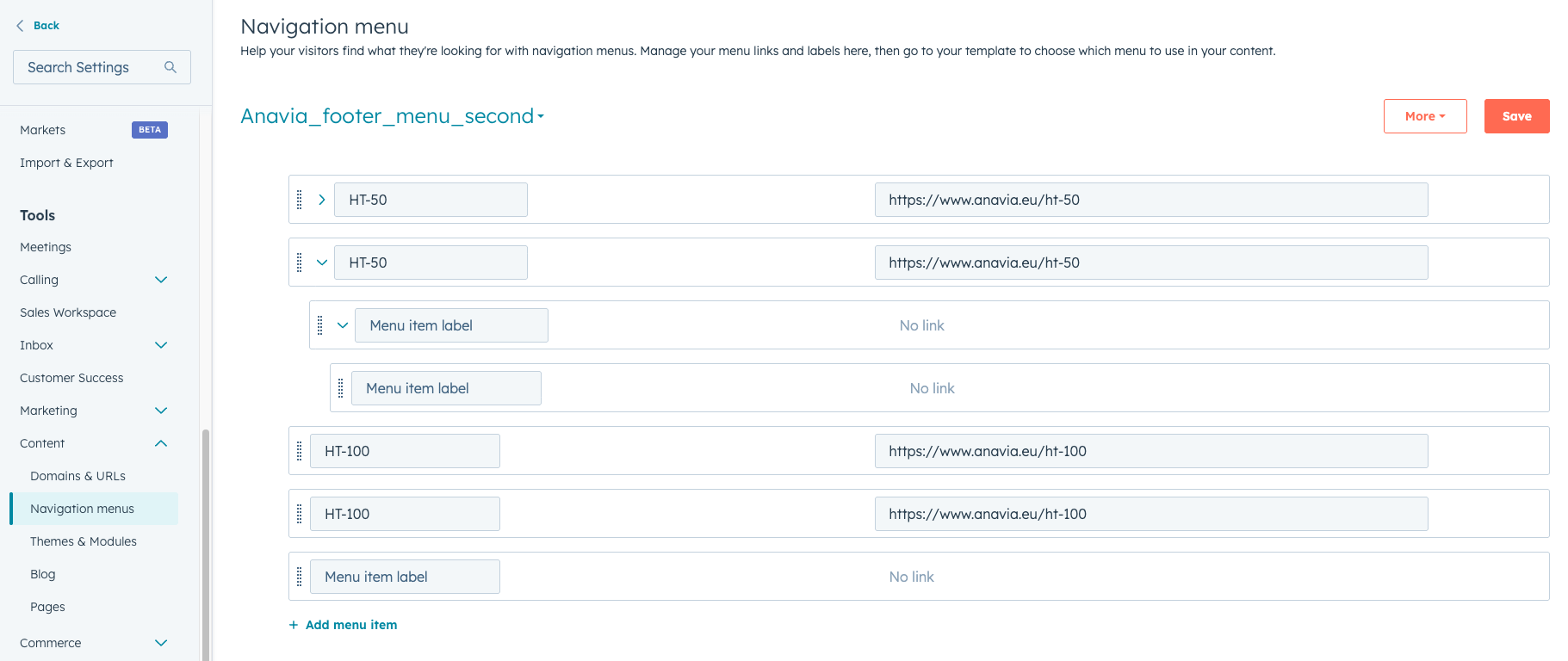
Creating a Navigation Menu
To create a navigation menu:
- Navigate to the Navigation settings
- Click Create Menu
- Add menu items and links
- Arrange the menu structure
- Save the menu
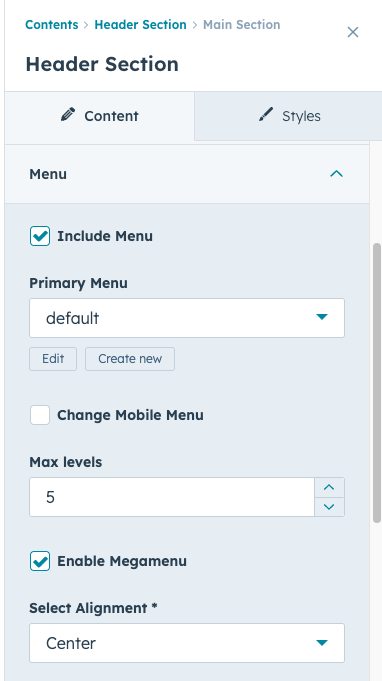
Once created, the menu can be connected to website templates.
Types of Menu Links
Navigation menus can include several types of links.
Common link types include:
- Links to website pages
- Links to blog sections
- Links to external websites
- Links to downloadable resources
This flexibility allows navigation menus to guide visitors to different types of content.
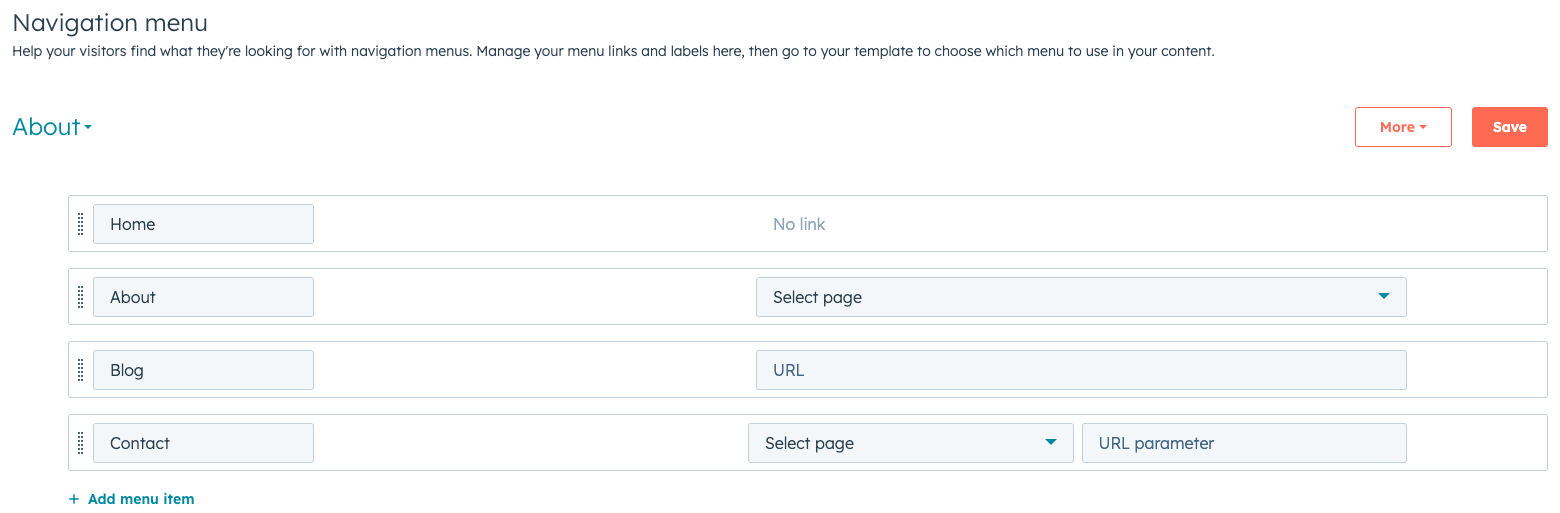
Creating Dropdown Menus
Many websites use dropdown menus to organize multiple links under a single menu item.
For example:
Services
- Web Development
- Marketing Automation
- CRM Consulting
Dropdown menus help keep the navigation menu organized while still providing access to many pages.
Connecting Menus to Templates
Developers usually connect navigation menus to header templates in HubSpot themes.
Once connected, the same menu can appear across multiple pages of the website.
This ensures consistent navigation throughout the site.
Key Takeaway
HubSpot Content Hub navigation menu tools allow teams to organize website links and guide visitors through different sections of the site. By managing menus centrally and connecting them to templates, businesses can maintain consistent and user-friendly navigation across their website.
Have a Project in Mind?
Let’s talk about what you need and how we can make it happen.

Leave a reply