


.png)
.png)


Blogging is an important part of many content marketing strategies. HubSpot Content Hub includes a built-in blogging system that allows businesses to create, publish, and manage blog content directly within the platform.
The blogging tools inside HubSpot Content Hub are designed to help marketing teams publish articles consistently while also tracking performance and optimizing content for search engines.
Understanding how HubSpot Content Hub blog management works can help businesses organize their content strategy and grow website traffic over time.
What Is the HubSpot Content Hub Blog Tool?
The HubSpot Content Hub blog tool allows users to create and manage blog posts directly within their HubSpot portal.
Instead of relying on a separate blogging platform, everything is integrated into the same system that manages your website pages, landing pages, and CRM data.
This integration makes it easier to connect blog content with marketing campaigns and lead generation strategies.
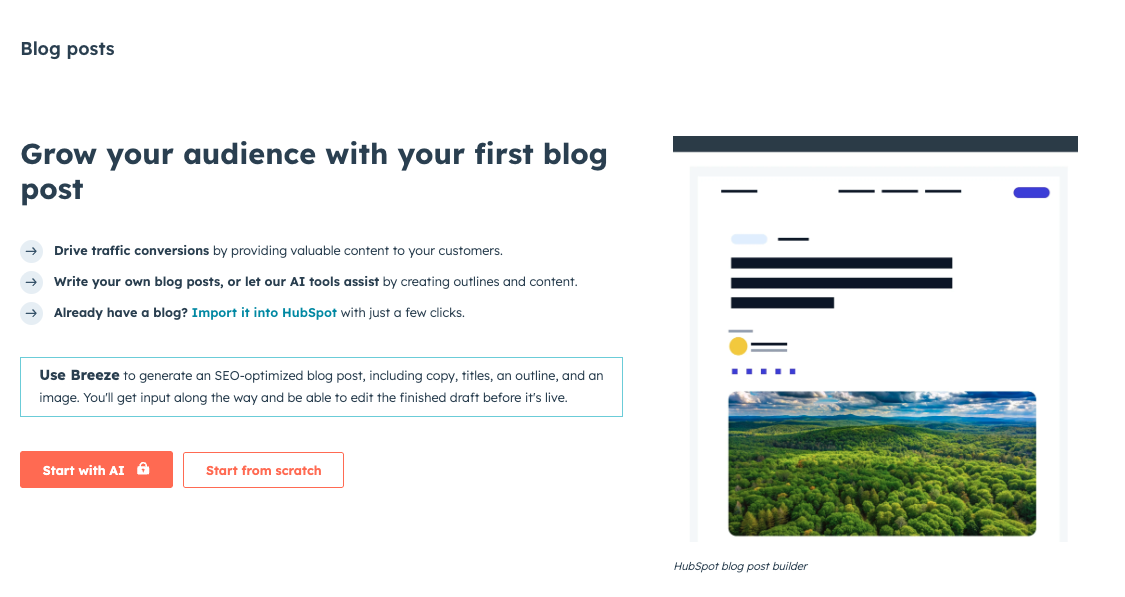
Creating a Blog Post
Creating a blog post in HubSpot Content Hub follows a process similar to creating a website page.
To create a new post, navigate to:
Content → Blog
Then click Create Blog Post.
You will be able to choose a blog template and open the editor to begin writing your content.
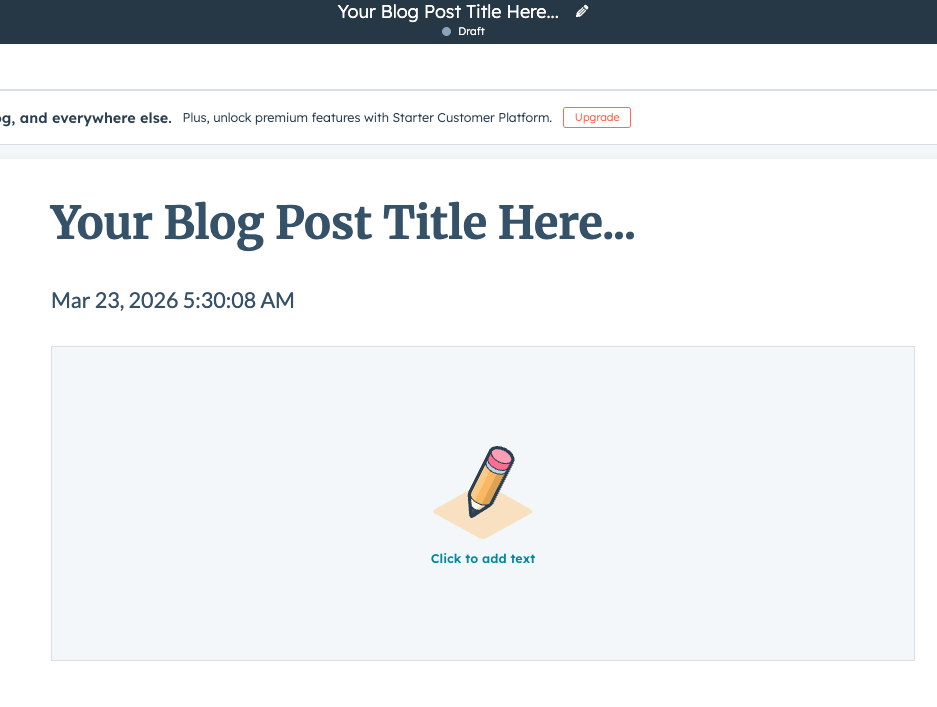
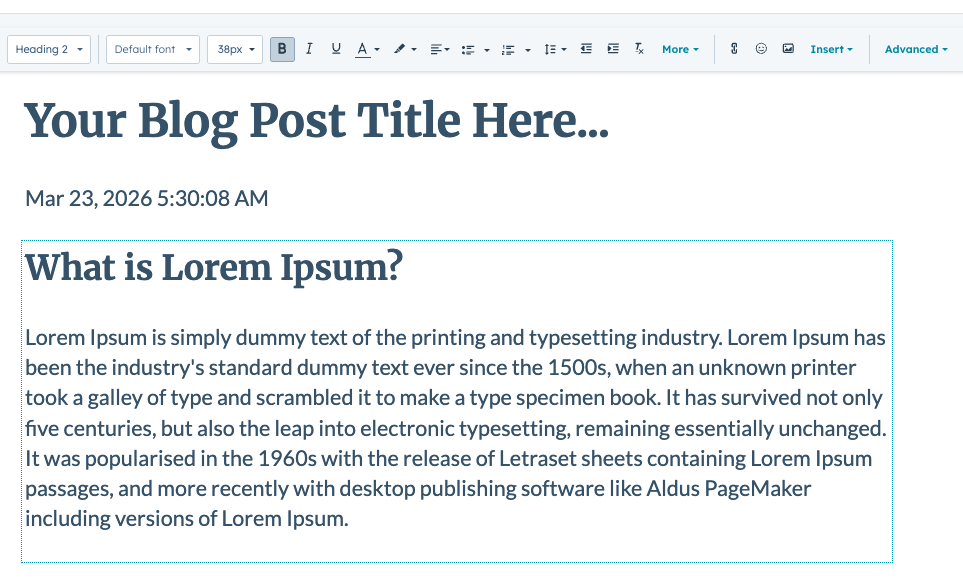
Editing Blog Content
Inside the blog editor, users can add and modify different content elements such as:
- Headlines and text sections
- Images and graphics
- Videos
- Calls-to-action (CTAs)
- Internal links
HubSpot uses a visual editing interface that allows writers to format content without needing technical knowledge.
Organizing Blog Content
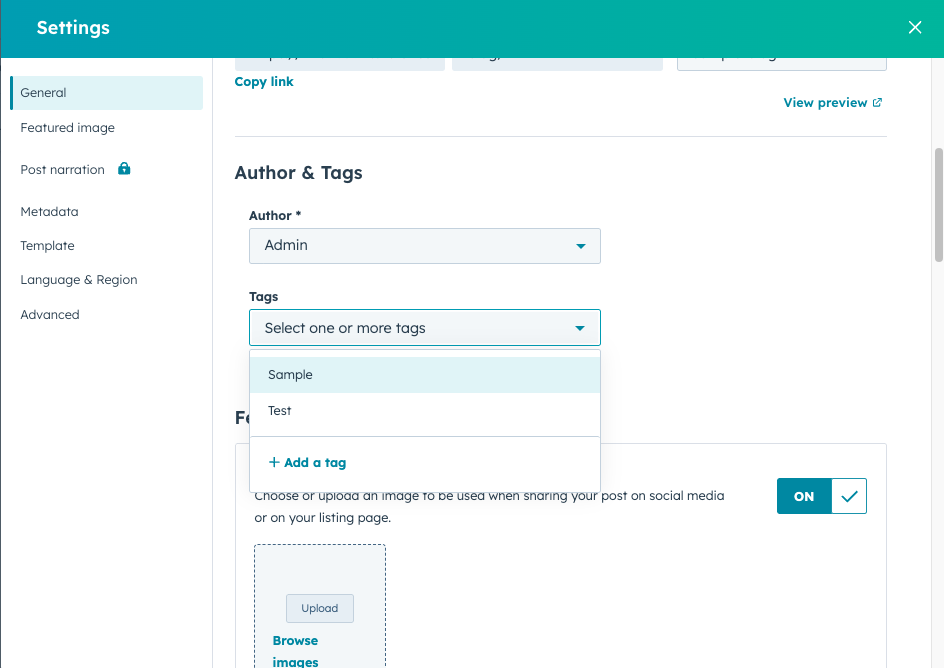
HubSpot Content Hub also provides tools to organize blog posts effectively.
Blog posts can be categorized using:
- Tags
- Authors
- Publication dates
These options make it easier for readers to browse related content and for teams to manage large blog libraries.
SEO Optimization for Blog Posts
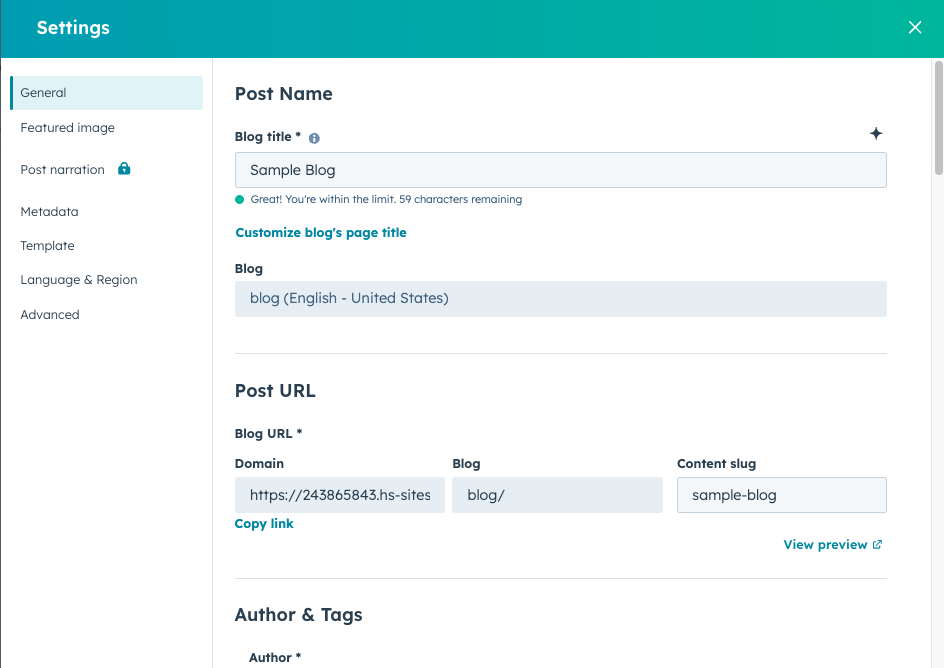
HubSpot includes built-in SEO tools that help optimize blog posts for search engines.
When writing a blog post, you can configure:
- Page title
- Meta description
- URL slug
- Featured image for social sharing
HubSpot also provides SEO recommendations that suggest improvements to help your content rank better in search results.
Scheduling and Publishing Blog Posts
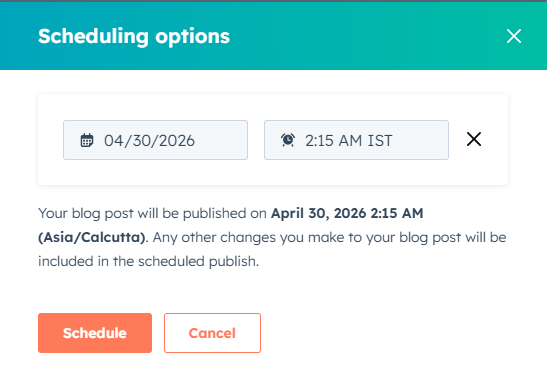
HubSpot Content Hub allows you to publish blog posts immediately or schedule them for future publication.
Scheduling is useful for maintaining a consistent publishing calendar.
Once published, HubSpot automatically hosts the blog content and tracks its performance.
Tracking Blog Performance
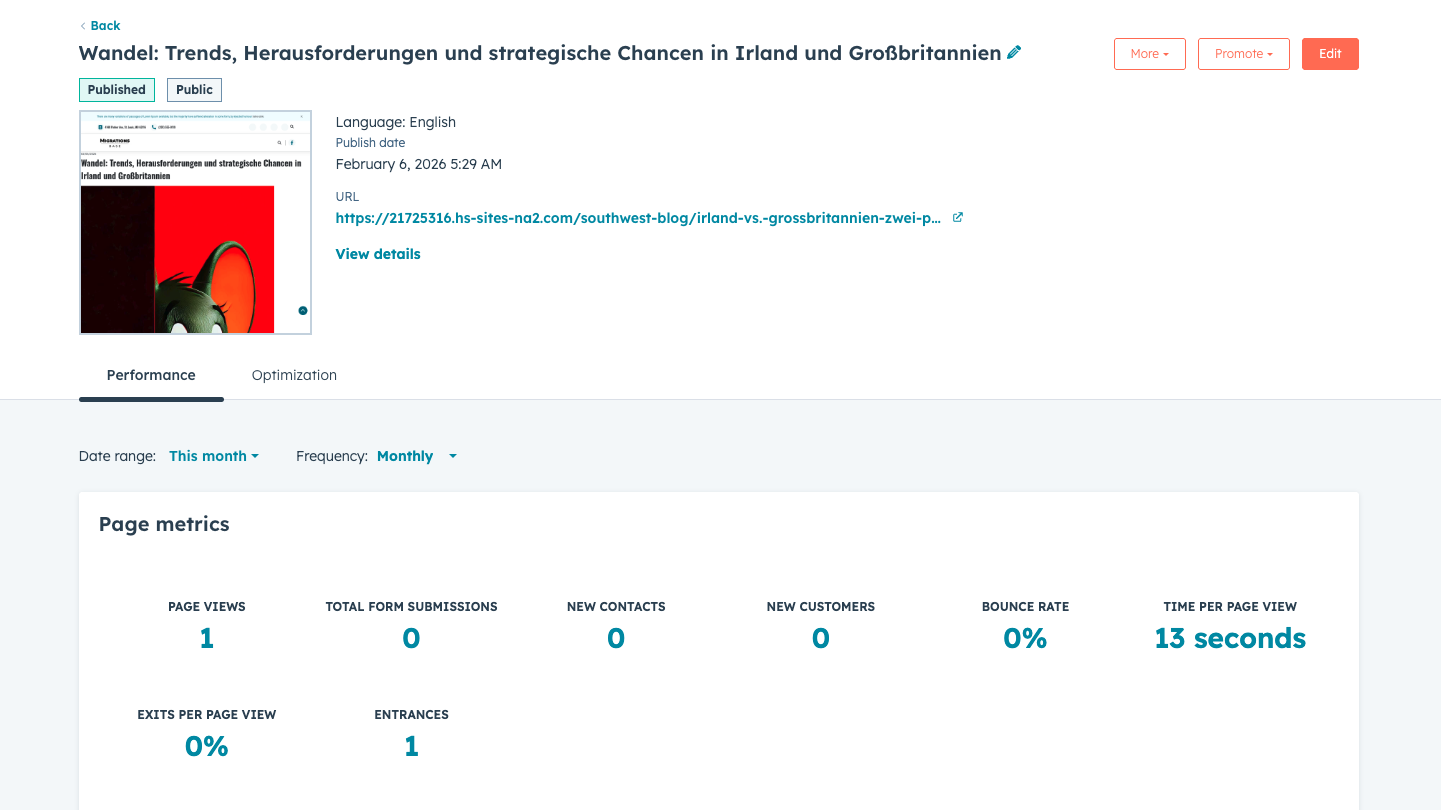
HubSpot provides built-in analytics to measure how blog posts perform.
Some key metrics include:
- Page views
- Time on page
- Traffic sources
- Conversion rates
These insights help marketers understand which topics attract the most engagement.
Final Thoughts
The HubSpot Content Hub blogging system provides a complete solution for creating and managing blog content. With built-in SEO tools, publishing features, and analytics, businesses can use their blog to attract visitors, educate audiences, and generate leads.
For companies focused on content marketing, the blogging tools inside HubSpot Content Hub can play a major role in driving long-term website growth.
Related Post
Pages, Templates, and Modules in HubSpot Content Hub Explained
When working with HubSpot Content Hub, three concepts appear again and again: pages, templates, and modules. Understanding how these pieces work together is essential for building and managing websites on the platform.
How Do HubSpot Content Hub A/B Testing and Page Experiments Work?
When optimizing website performance, it is often helpful to test different versions of a page to see which one performs better. HubSpot Content Hub includes A/B testing tools hat allow teams to compare variations of pages and measure their...
How Do HubSpot Content Hub Templates Work?
Templates are one of the core building blocks of websites created in HubSpot Content Hub. A template defines the layout and structure of a page, ensuring that pages follow a consistent design while still allowing editors to update content easily.
Have a Project in Mind?
Let’s talk about what you need and how we can make it happen.

Leave a reply