


.png)
.png)


Templates are one of the core building blocks of websites created in HubSpot Content Hub. A template defines the layout and structure of a page, ensuring that pages follow a consistent design while still allowing editors to update content easily.
Instead of designing every page manually, templates allow developers to create reusable layouts that marketing teams can use to publish pages quickly.
Understanding how HubSpot Content Hub templates work helps both developers and content teams manage websites more efficiently.
What Is a Template in HubSpot Content Hub?
A HubSpot Content Hub template defines the layout of a page.
It controls where different content elements appear, such as:
- Header navigation
- Hero sections
- Content areas
- Sidebar sections
- Footer
Templates provide the structure, while the actual content is added later using modules inside the editor.
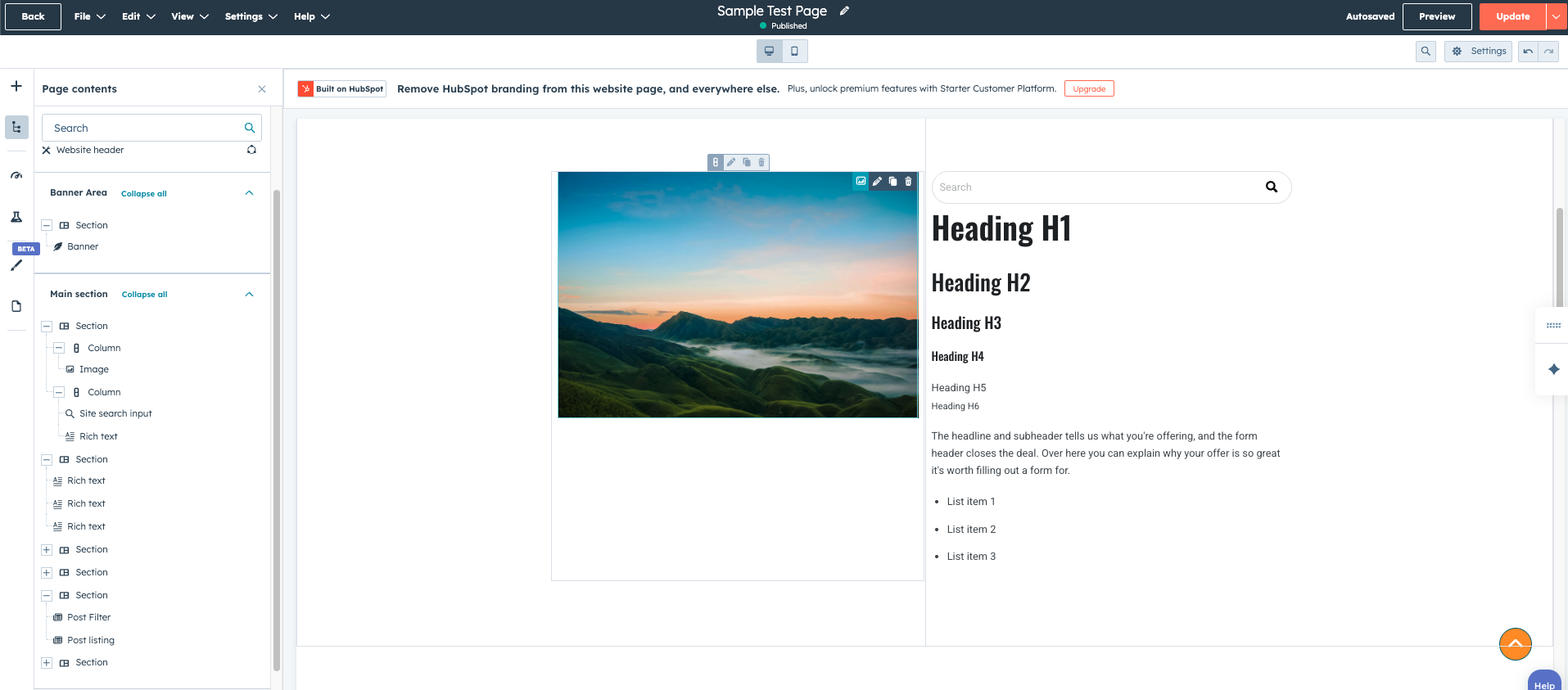
Where Templates Are Used
Templates are used in several parts of HubSpot Content Hub, including:
- Website pages
- Landing pages
- Blog posts
- Blog listing pages
- System pages (such as error pages)
Each type of page typically uses a specific template designed for that purpose.
For example, a landing page template may focus heavily on conversion elements like forms and call-to-action buttons.
Templates and Modules
Templates in HubSpot Content Hub are built using modules, which are reusable content components.
Common modules inside templates include:
- Rich text modules
- Image modules
- Forms
- Buttons
- Call-to-action modules
- Video sections
Modules allow editors to update content without modifying the page structure.
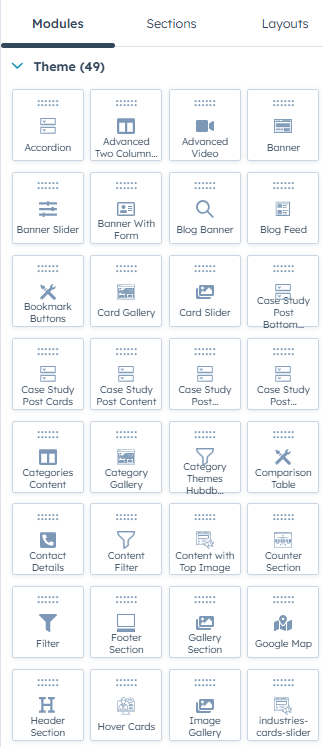
Drag-and-Drop Templates
Many templates in HubSpot Content Hub support drag-and-drop editing.
This means editors can:
- Add new modules
- Rearrange sections
- Duplicate content blocks
- Customize page layouts
Drag-and-drop templates provide flexibility while still maintaining the design system defined by the theme.
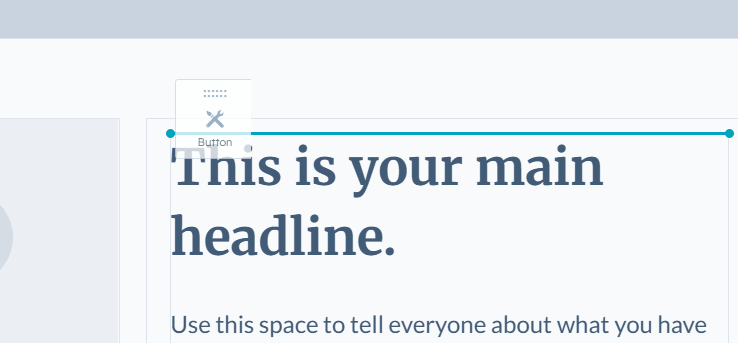
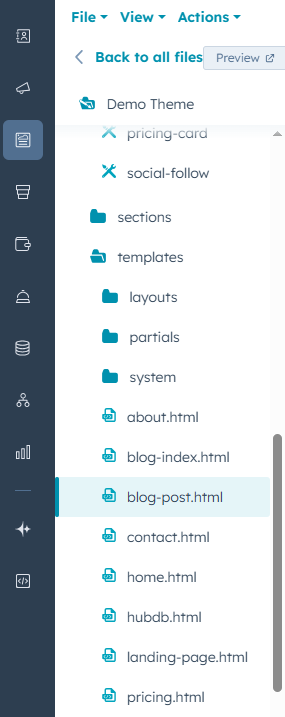
Creating Templates in Design Manager
Templates are typically created by developers using the HubSpot Design Manager.
Developers can build templates using:
- HubL (HubSpot templating language)
- HTML and CSS
- Custom modules
- Theme settings
Once created, these templates become available when creating new pages.
Reusing Templates Across Pages
One major advantage of templates is that they can be reused across multiple pages.
For example, a company might create templates for:
- Service pages
- Case study pages
- Landing pages
- Resource pages
Reusing templates helps maintain consistency across the website and speeds up page creation.
In Summary
HubSpot Content Hub templates provide the structure that allows websites to be built efficiently and consistently. By separating layout from content, templates make it easier for marketing teams to create and update pages while developers maintain control over the design framework.
Related Post
How Do HubSpot Content Hub Templates Work?
Templates are a key part of how websites are built inside HubSpot Content Hub. A template defines the structure and layout of a page, determining where elements such as headers, content areas, and footers appear.
What Is Design Manager in HubSpot Content Hub?
Design Manager is the development workspace inside HubSpot Content Hub where themes, templates, modules, and website assets are created and managed.
How Do HubSpot Content Hub Modules Work?
Modules are one of the most important building blocks in HubSpot Content Hub. They allow you to add and manage content elements such as text, images, forms, and buttons within your website pages.
Have a Project in Mind?
Let’s talk about what you need and how we can make it happen.

Leave a reply