


.png)
.png)


HubSpot Content Hub is available in different tiers, each designed for different levels of website complexity and business needs. The three main options are CMS Hub Starter, CMS Hub Professional (Pro), and CMS Hub Enterprise.
While all three versions allow you to build and manage websites within HubSpot, the features and flexibility increase significantly as you move up the tiers.
This guide explains the main differences so you can understand which option might fit your needs.
HubSpot Content Hub Starter
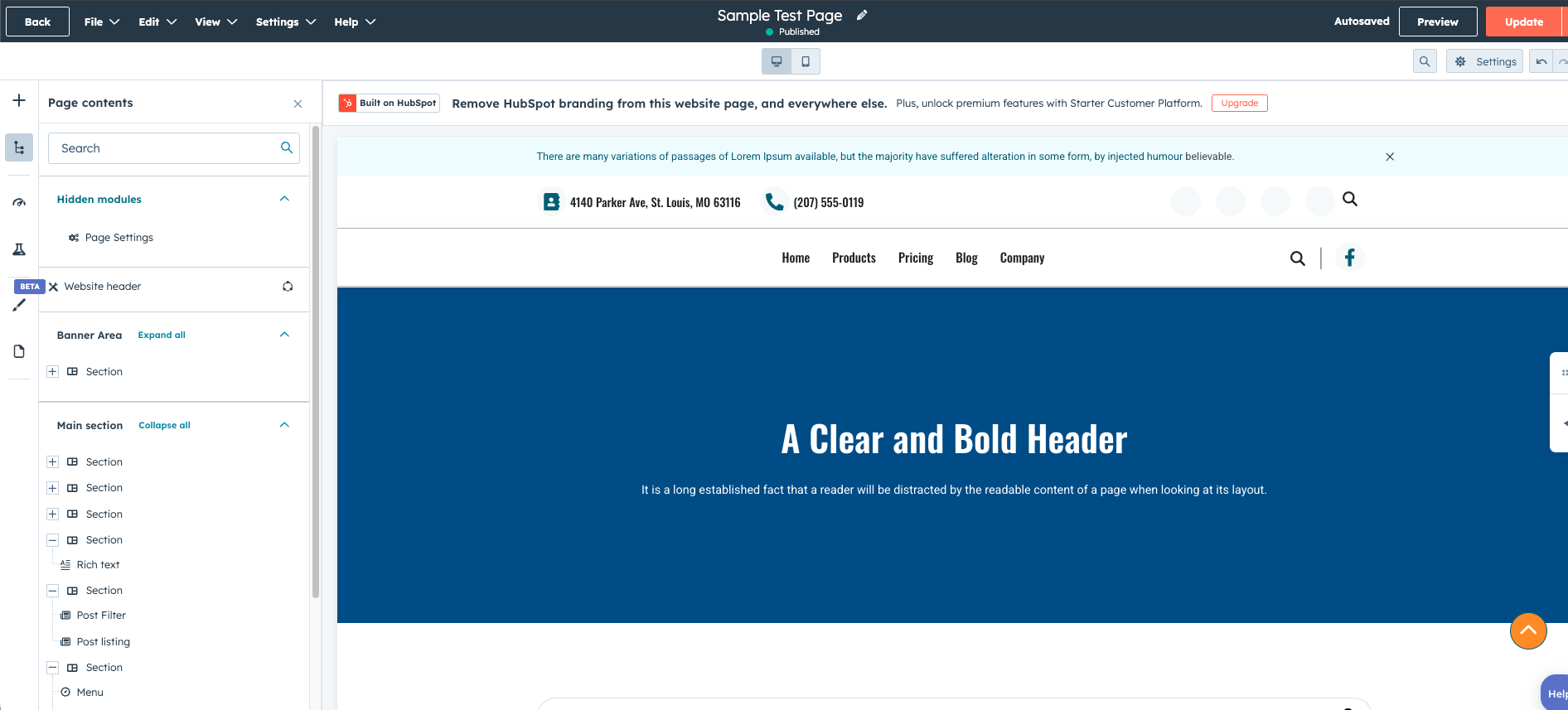
CMS Hub Starter is the entry-level option. It is designed for businesses that want a simple website connected to HubSpot tools without needing advanced customization.
With CMS Starter, you can:
- Create website pages and landing pages
- Use HubSpot’s drag-and-drop editor
- Connect forms to the HubSpot CRM
- Manage basic website content
- Use standard themes and templates
However, the ability to customize the site structure is more limited compared to higher tiers.
Starter works well for:
- Small businesses
- Simple marketing websites
- Teams just beginning with HubSpot
HubSpot Content Hub Professional (Pro)
CMS Hub Professional is the most commonly used tier. It adds powerful features that help businesses build more structured and scalable websites.
Key features in CMS Pro include:
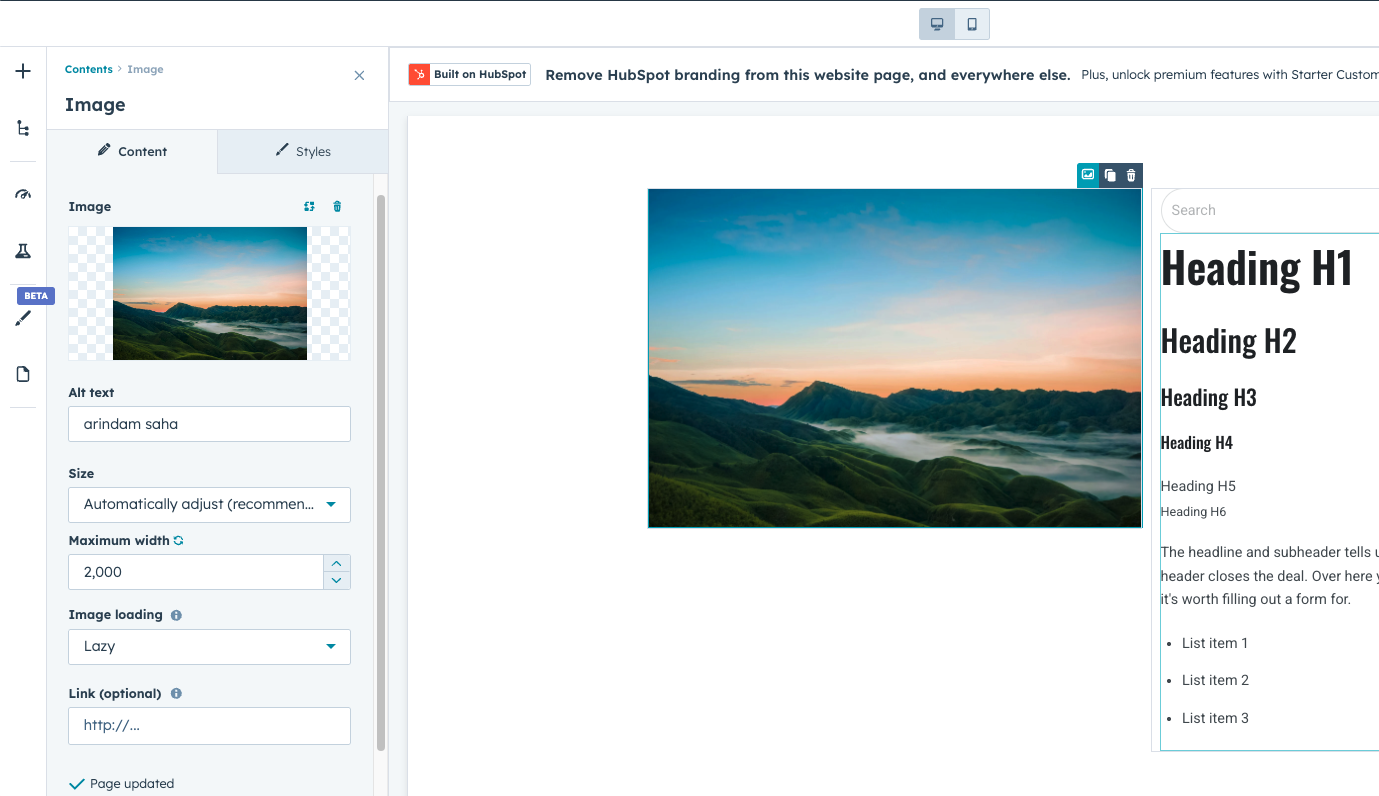
- Custom modules and themes
- Dynamic content and personalization
- HubDB for dynamic pages
- Advanced SEO tools
- A/B testing for pages
- Content staging for website updates
These tools allow teams to create more advanced websites while still using HubSpot’s visual editing tools.
CMS Pro is often used by:
- SaaS companies
- Marketing-driven businesses
- Agencies managing multiple websites
HubSpot Content Hub Enterprise
CMS Hub Enterprise is designed for organizations that need greater control, scalability, and governance.
It includes all features from the Professional tier, along with additional capabilities such as:
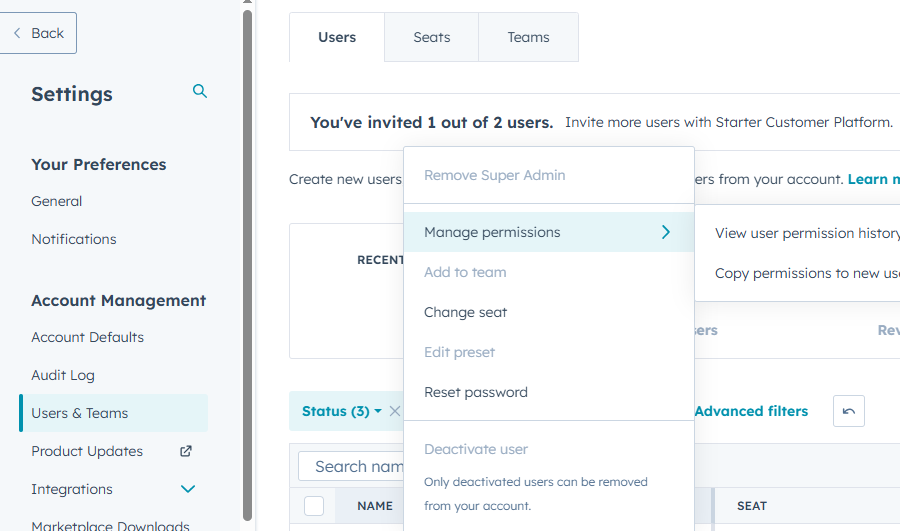
- Advanced permissions and governance controls
- Content partitioning for large teams
- Serverless functions
- Activity logging
- More complex site architecture support
Enterprise plans are typically used by:
- Large companies
- Organizations with multiple teams managing content
- Businesses with strict security or compliance requirements
Final Thoughts
HubSpot Content Hub grows with your business. Many companies begin with simpler setups and later move to more advanced tiers as their website and marketing operations expand.
Understanding these tiers helps you choose the level of flexibility and control that best matches your team’s needs.
Related Post
How Do HubSpot Content Hub A/B Testing and Page Experiments Work?
When optimizing website performance, it is often helpful to test different versions of a page to see which one performs better. HubSpot Content Hub includes A/B testing tools hat allow teams to compare variations of pages and measure their...
Pages, Templates, and Modules in HubSpot Content Hub Explained
When working with HubSpot Content Hub, three concepts appear again and again: pages, templates, and modules. Understanding how these pieces work together is essential for building and managing websites on the platform.
How Do HubSpot Content Hub Navigation Menus Work?
Navigation menus play an important role in helping visitors explore a website. In HubSpot Content Hub, navigation menus allow you to organize links to important pages such as services, resources, blog posts, or contact pages.
Have a Project in Mind?
Let’s talk about what you need and how we can make it happen.

Leave a reply