


.png)
.png)


When making major changes to a website, it is often risky to test those changes directly on the live site. To help avoid this problem, HubSpot Content Hub provides a staging environment where developers and teams can test updates before publishing them publicly.
A staging environment acts as a safe workspace where website updates can be previewed and verified without affecting the live website.
Understanding how HubSpot Content Hub staging and testing environments work helps teams update websites confidently while reducing the risk of errors.
What Is a Staging Environment?
A staging environment is a separate version of your website where changes can be tested before they go live.
It allows developers and marketers to:
- Test new templates
- Review design updates
- Check layout changes
- Verify functionality
Once everything is confirmed to work properly, the changes can be pushed to the live website.
Why Use Staging in HubSpot Content Hub?
Staging environments help prevent mistakes from appearing on the live website.
They are useful when making changes such as:
- Updating templates
- Redesigning sections of the website
- Testing new modules
- Reorganizing navigation
By testing these updates first, teams can avoid disrupting the visitor experience.
How to Access the Staging Environment
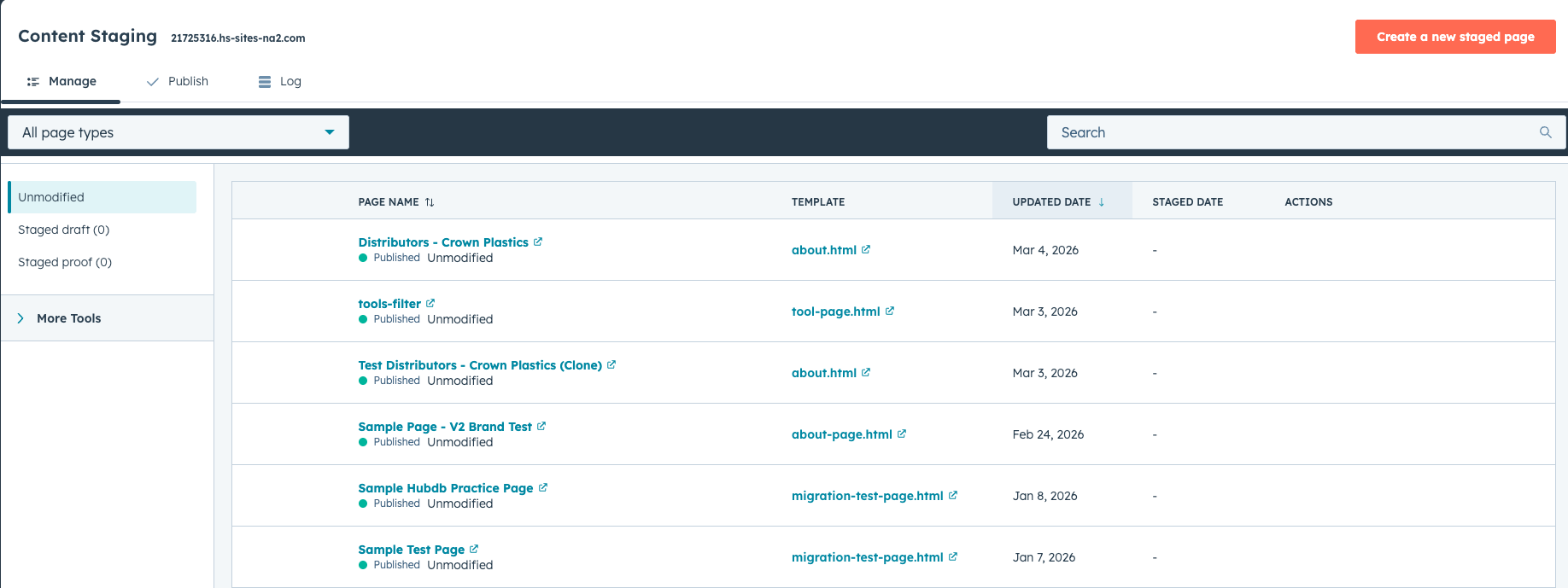
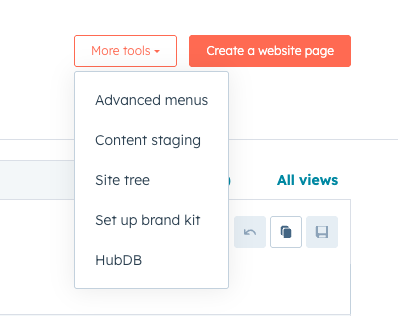
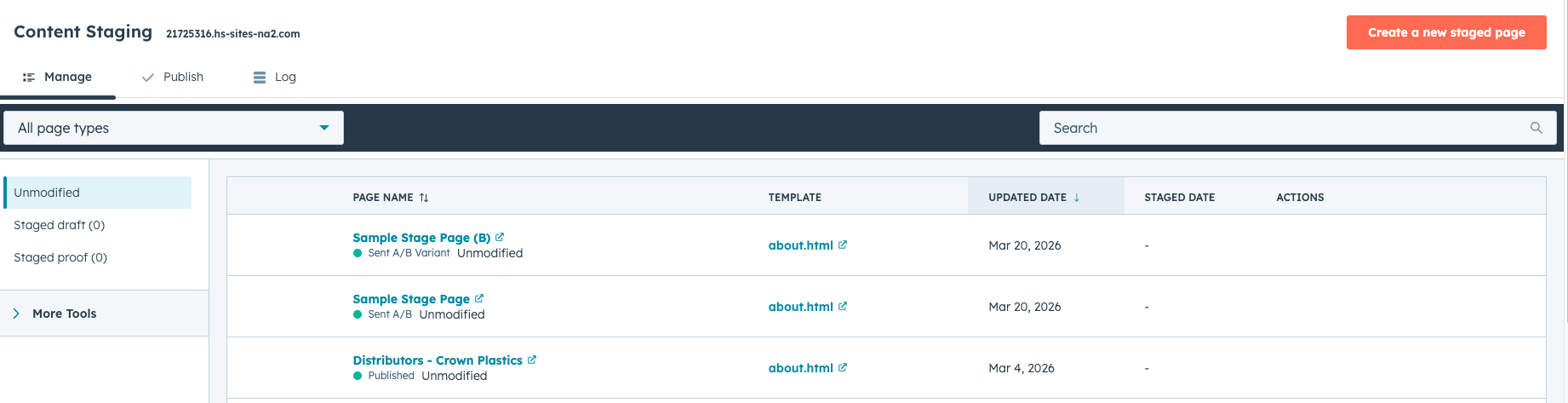
To use staging in HubSpot Content Hub, navigate to:
Content → Staging
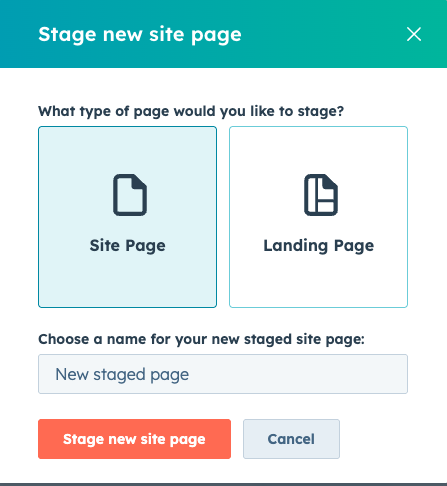
This section allows you to create a staging version of your website where changes can be developed and tested.
Creating a Staging Copy of Your Website
HubSpot allows you to generate a staging version of your site by copying existing pages.
This staging version mirrors the structure of the live website, allowing teams to safely experiment with changes.
Typical staging activities include:
- Updating page layouts
- Testing template updates
- Reviewing design changes
Once changes are complete, they can be published to the live site.
Testing Changes Before Publishing
After changes are made in the staging environment, teams can review them before publishing.
This review process may include:
- Checking page layout and design
- Verifying navigation links
- Testing responsiveness on different devices
- Confirming forms and interactive elements work correctly
This helps ensure the website functions properly when changes are released.
Publishing Staging Changes to Live Site
Once testing is complete, HubSpot allows you to push the changes from staging to the live website.
This process updates the live pages with the approved changes.
Because staging changes are reviewed beforehand, this reduces the chance of unexpected issues.
Who Typically Uses Staging
Staging environments are commonly used by:
- Developers updating templates or modules
- Designers testing layout changes
- Marketing teams preparing large content updates
This collaborative workflow allows teams to safely improve the website without affecting visitors.
Key Takeaway
HubSpot Content Hub staging environments provide a safe space to test website changes before publishing them live. By reviewing updates in staging first, teams can ensure their website remains stable while still allowing continuous improvements.
Related Post
How Do HubSpot Content Hub Page Templates and Layout Sections Work?
When building pages in HubSpot Content Hub, the structure of a page is usually defined by a template. Within that template, the page is divided into layout sections that organize how content appears on the page.
How Do HubSpot Content Hub Templates Work?
Templates are a key part of how websites are built inside HubSpot Content Hub. A template defines the structure and layout of a page, determining where elements such as headers, content areas, and footers appear.

How Do You Delete a Page in HubSpot Content Hub?
At times, you may need to remove pages from your website. This can happen when content becomes outdated, a campaign ends, or the website structure is being reorganized.HubSpot Content Hub provides a simple way to delete pages directly from the page...
Have a Project in Mind?
Let’s talk about what you need and how we can make it happen.

Leave a reply