


.png)
.png)



Blogs are one of the most effective ways to publish educational content, attract search traffic, and support inbound marketing strategies. HubSpot Content Hub includes built-in blog tools that allow businesses to create, manage, and publish blog posts directly within the platform.
These blogging tools are designed to work closely with HubSpot’s CRM, analytics, and marketing automation features.
Understanding how HubSpot Content Hub blog features and publishing tools work helps businesses build consistent content strategies that support both SEO and lead generation.
What Is the Blog Tool in HubSpot Content Hub?
The blog tool in HubSpot allows teams to create and manage blog content within the website.
With the blogging system, businesses can:
- Publish blog articles
- Organize posts by topics or tags
- Manage authors
- Track blog performance
Blog posts become part of the website and can attract visitors through search engines and social media.
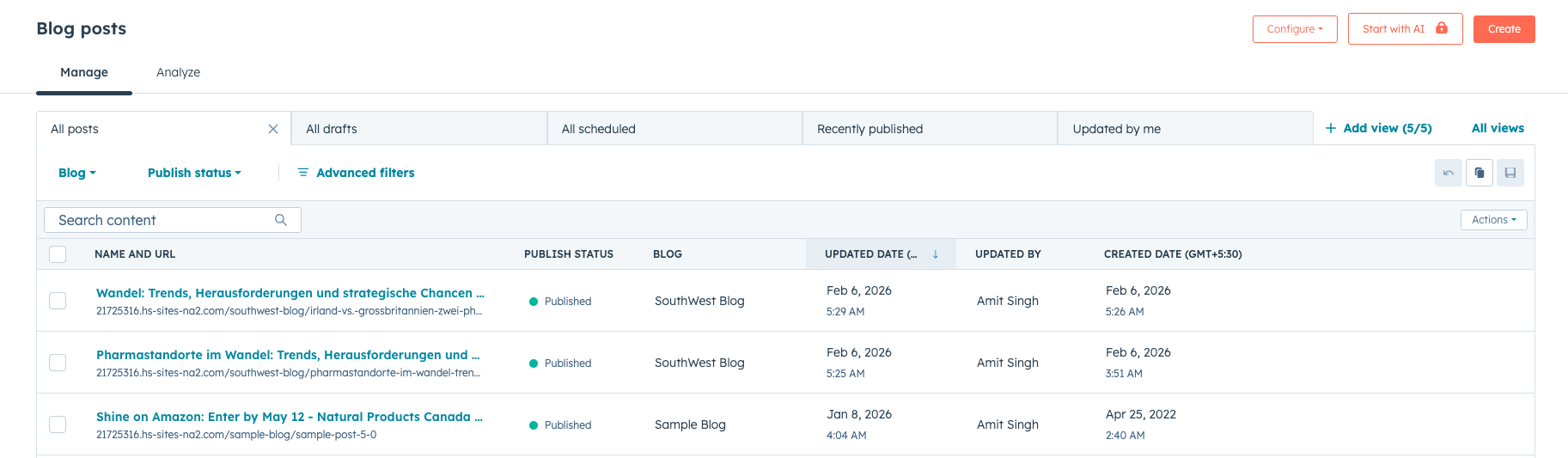
Creating a Blog Post
Creating a blog post in HubSpot Content Hub is similar to creating a regular website page.
To publish a blog post:
- Navigate to Content → Blog
- Click Create Blog Post
- Add the blog title and content
- Select tags and categories
- Set the publish date
The blog editor allows teams to add text, images, videos, and other content elements.
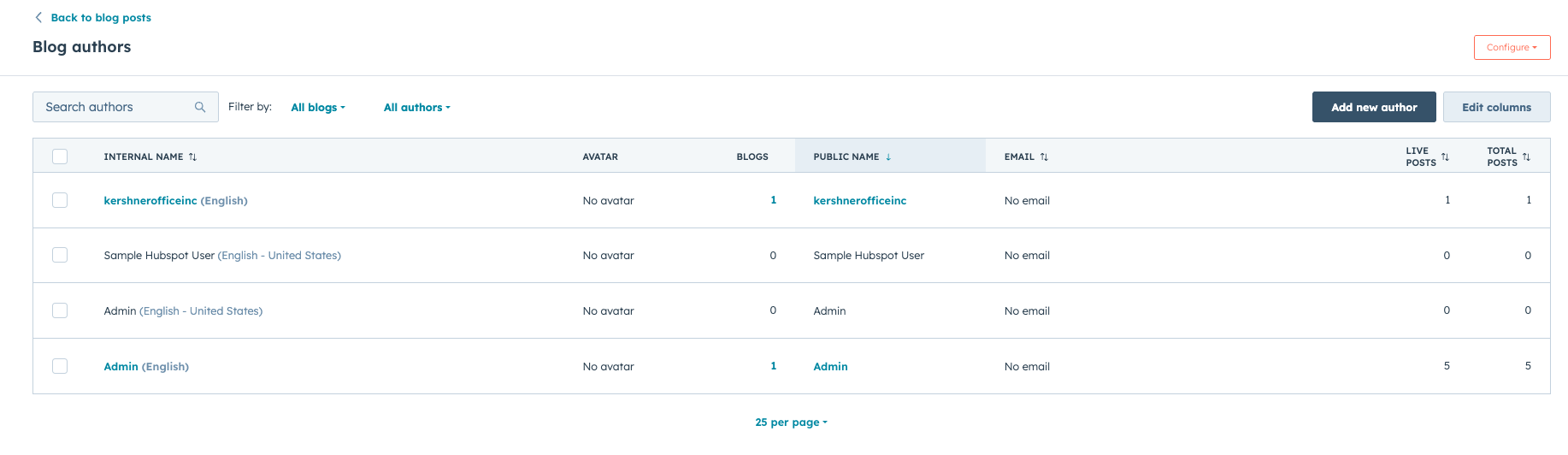
Managing Blog Authors
HubSpot allows businesses to assign authors to blog posts.
Author profiles can include:
- Name
- Bio
- Profile image
- Links to other posts by the author
This helps readers understand who wrote the content and can improve the credibility of the blog.
Organizing Blog Content with Tags and Topics
Blog posts can be organized using tags and topics.
Tags help group related posts together.
For example:
- HubSpot Content Hub tutorials
- Marketing automation guides
- CRM best practices
Visitors can browse blog content by topic to find related articles.
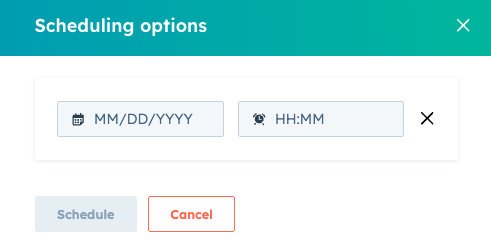
Scheduling Blog Posts
HubSpot allows teams to schedule blog posts to publish at a future date.
This feature helps marketing teams plan content calendars and maintain a consistent publishing schedule.
Scheduled publishing is useful for:
- Weekly blog series
- Campaign-related content
- Seasonal marketing posts
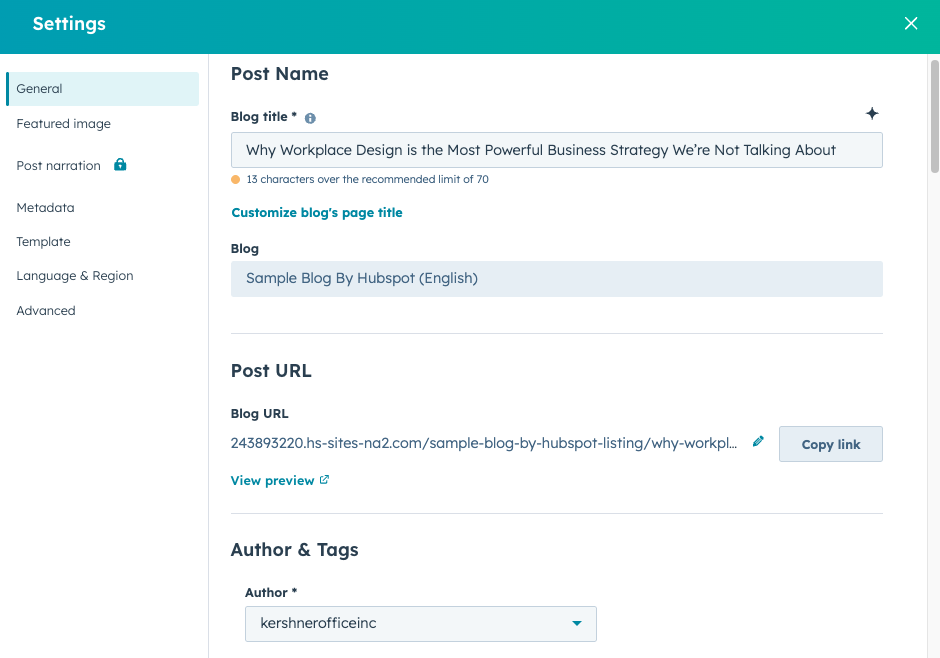
Blog SEO Optimization
HubSpot includes built-in SEO tools that help optimize blog posts for search engines.
When creating a blog post, editors can configure:
- Page title
- Meta description
- URL slug
- Featured image
These settings help improve the blog’s visibility in search results.
Blog Analytics and Performance Tracking
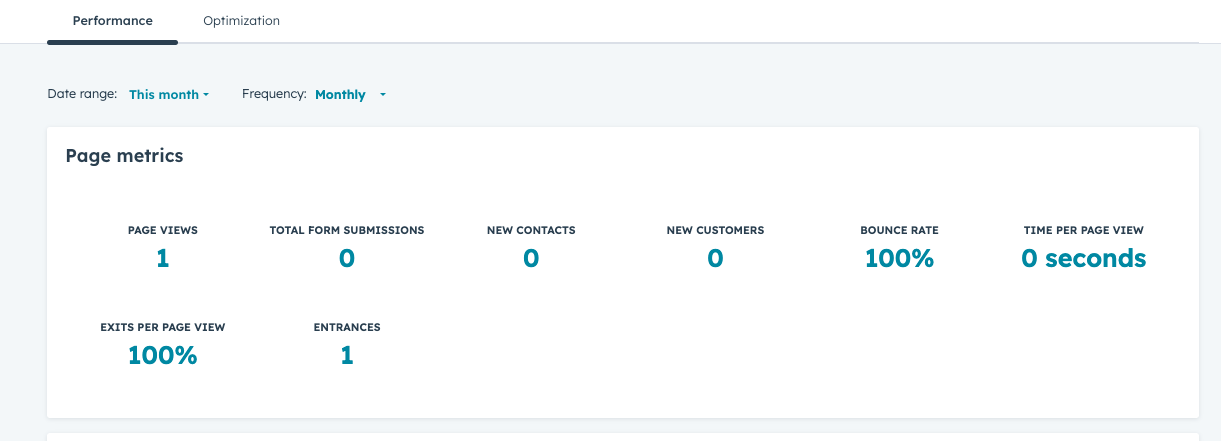
HubSpot analytics tools allow teams to monitor blog performance.
Blog analytics typically include:
- Page views
- Visitor engagement
- Traffic sources
- Conversion metrics
These insights help businesses understand which blog topics attract the most visitors.
Key Takeaway
HubSpot Content Hub blog tools allow businesses to publish, manage, and optimize blog content directly within the platform. By combining blogging features with SEO tools and analytics, businesses can build effective content strategies that attract traffic and support long-term growth.
Related Post

Can HubSpot Content Hub Handle Large Websites?
Yes, HubSpot Content Hub can handle large websites, including sites with hundreds or even thousands of pages. The platform is designed to support businesses that rely heavily on their website for marketing, content publishing, and lead generation.

How Do HubSpot Content Hub Dynamic Pages and HubDB Work?
As websites grow, manually creating hundreds of pages can become difficult to manage. HubSpot Content Hub provides dynamic page functionality using HubDB, which allows teams to generate multiple pages from a structured data table.
How Do HubSpot Content Hub Analytics Dashboards and Reporting Work?
Understanding how visitors interact with your website is essential for improving marketing performance. HubSpot Content Hub includes built-in analytics dashboards and reporting tools that allow teams to monitor traffic, engagement, and conversions...
Have a Project in Mind?
Let’s talk about what you need and how we can make it happen.

Leave a reply