


.png)
.png)


If you are new to HubSpot Content Hub, some of the terminology can feel confusing at first. Words like themes, templates, modules, and sections are used frequently, and understanding what they mean makes the platform much easier to work with.
This guide explains some of the most common HubSpot Content Hub terms in simple language so you can navigate the platform with confidence.
Portal
A HubSpot portal is your main HubSpot account environment.
Everything you create inside HubSpot — including pages, blogs, contacts, workflows, and reports — exists inside a portal.
When someone refers to “your HubSpot portal,” they are simply referring to your HubSpot account workspace.
Pages
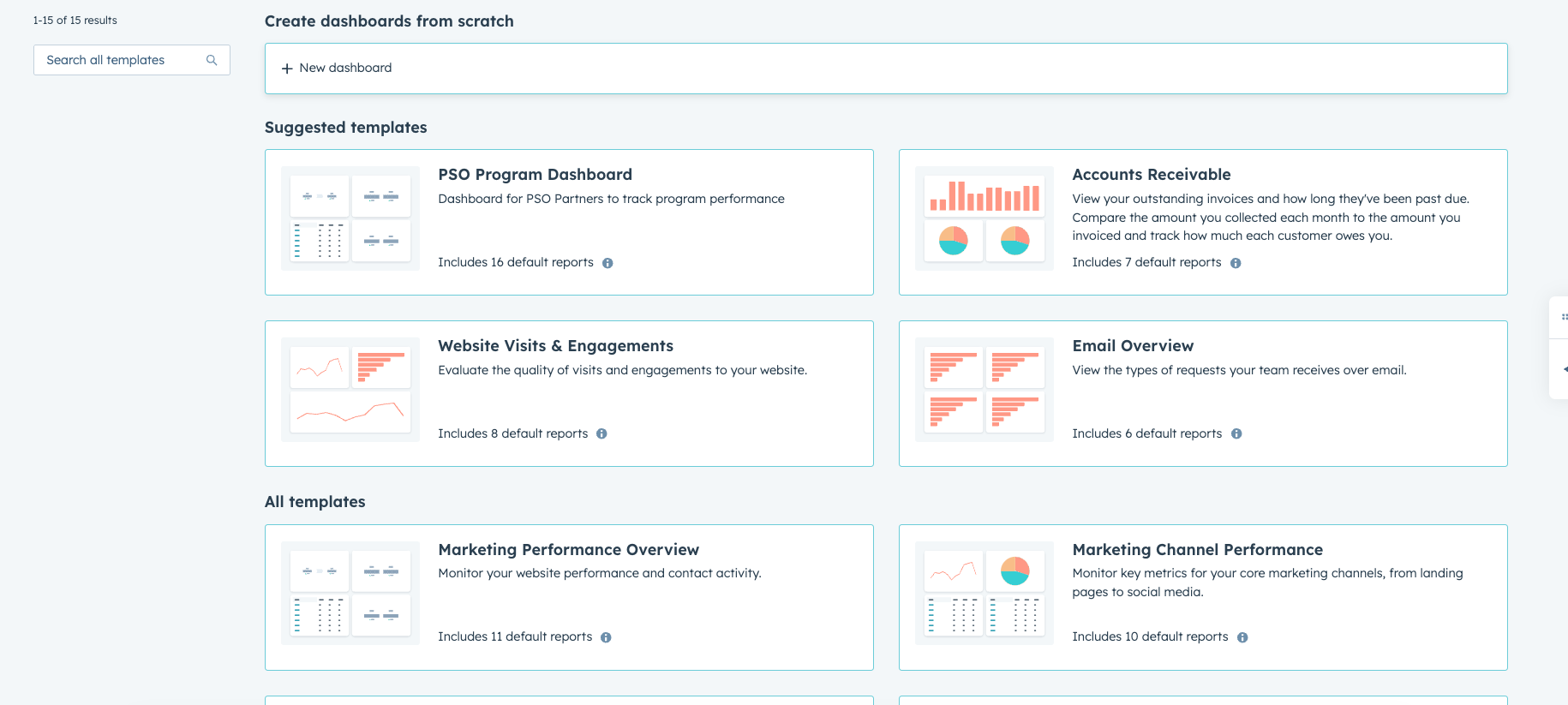
Pages are the actual web pages on your website.
In HubSpot Content Hub, you can create different types of pages such as:
- Website pages
- Landing pages
- Thank-you pages
Each page is created using templates, sections, and modules.
Themes
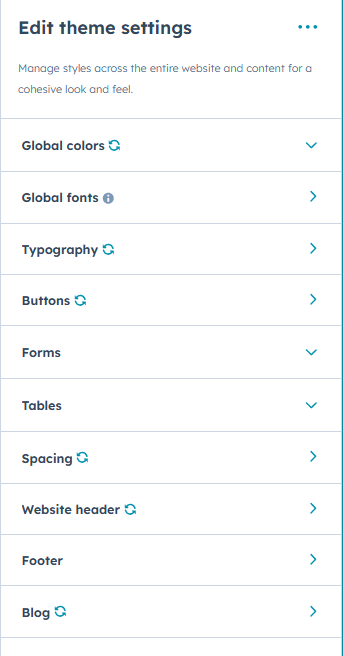
A theme controls the overall design system of your website.
Themes define things like:
- Colors
- Fonts
- Layout styles
- Header and footer structure
Using themes ensures that your website maintains a consistent look and feel across all pages.
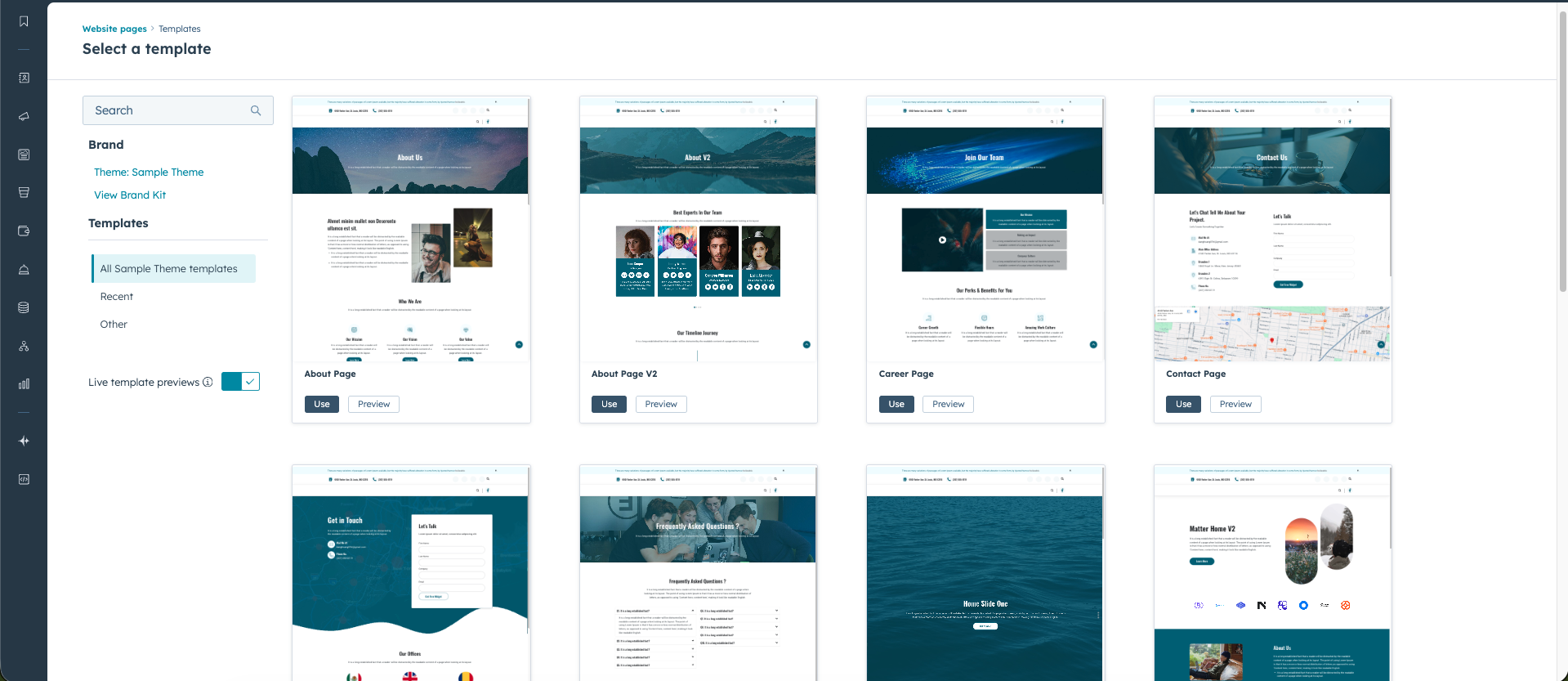
Templates
Templates determine the layout structure of a page.
For example, a template might define where the header appears, where the main content goes, and where the footer is placed.
When creating a new page in HubSpot, you usually choose a template first, and then add your content inside it.
Sections
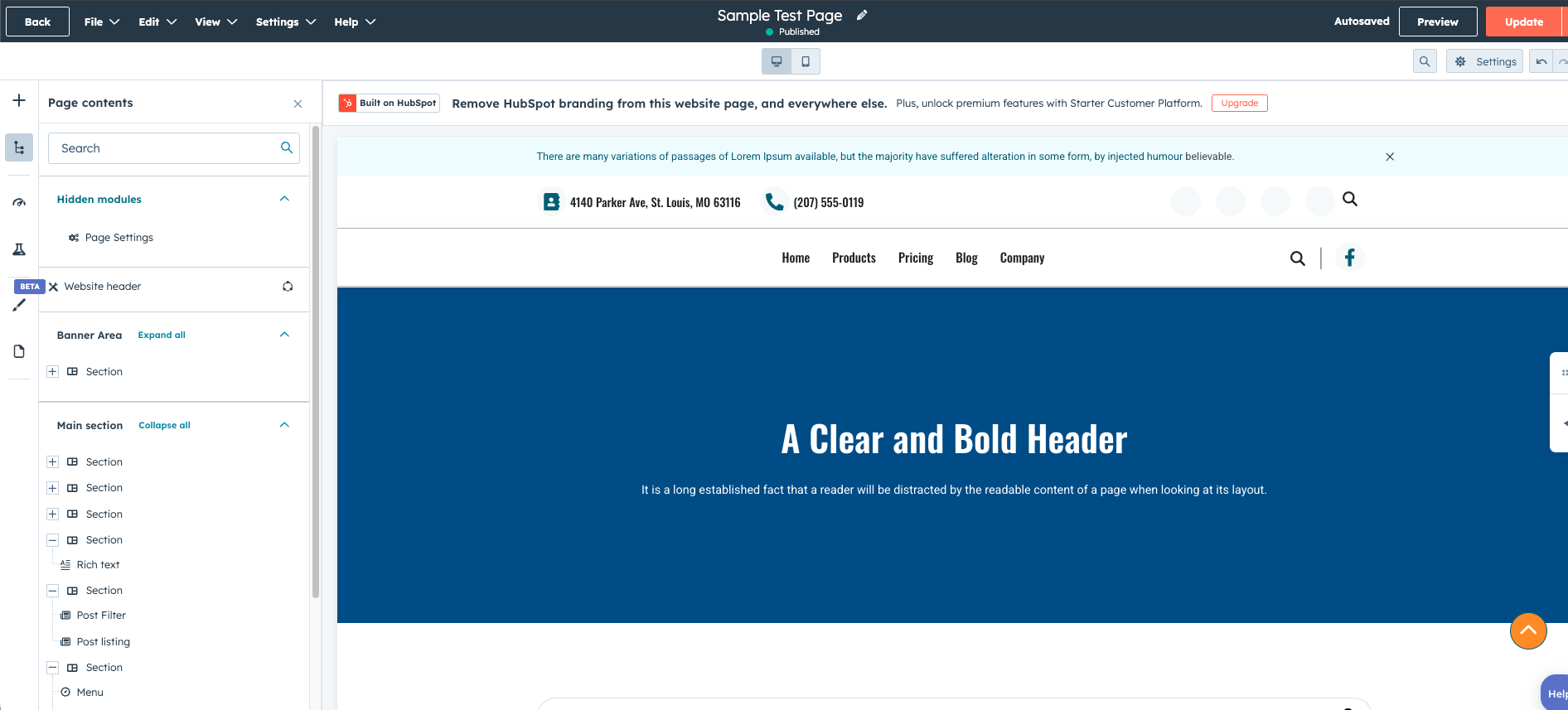
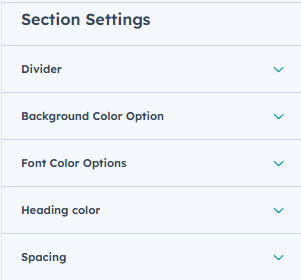
Sections are large content blocks that divide a page into different areas.
For example, a page might have sections such as:
- Hero banner
- Features section
- Testimonials section
- Call-to-action section
Sections help organize content and make it easier to structure pages visually.
Modules
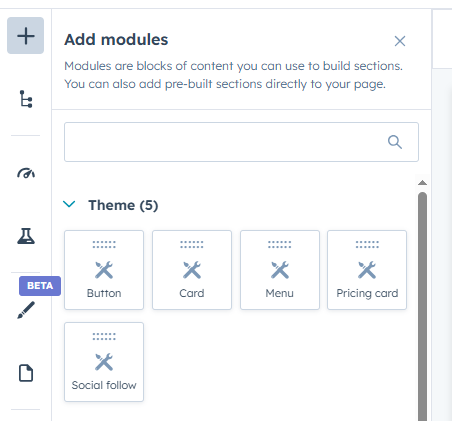
Modules are individual content components placed inside sections
Common modules include:
- Text blocks
- Images
- Buttons
- Forms
- Videos
HubSpot also allows developers to create custom modules, which can be reused across multiple pages.
Drag-and-Drop Editor
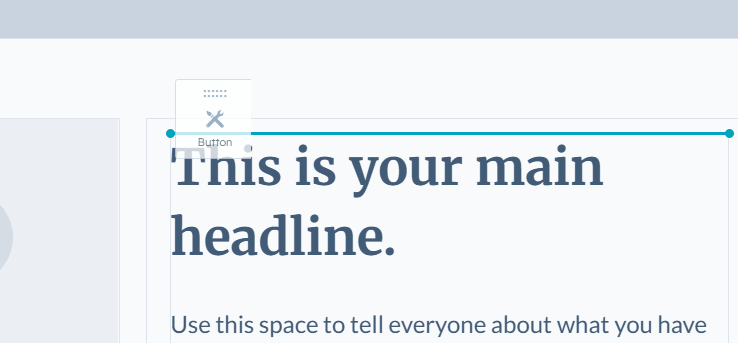
The drag-and-drop editor is where most users build and edit pages.
Using this editor, you can:
- Add sections
- Insert modules
- Rearrange page layouts
- Edit text and images
This visual interface makes it possible for non-developers to manage website content easily.
Design Manager
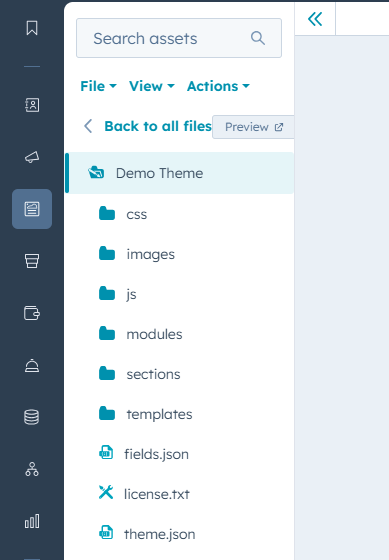
Design Manager is the developer workspace inside HubSpot Content Hub.
Developers use it to create:
- Themes
- Templates
- Custom modules
- CSS and JavaScript files
While most editors never need to use Design Manager, it plays an important role in how websites are structured.
Final Thoughts
Learning the basic terminology of HubSpot Content Hub helps you understand how the platform is organized.
Once you become familiar with concepts like themes, templates, sections, and modules, building and editing pages becomes much more intuitive.
Related Post
How Do HubSpot Content Hub Navigation Menus Work?
Navigation menus play an important role in helping visitors explore a website. In HubSpot Content Hub, navigation menus allow you to organize links to important pages such as services, resources, blog posts, or contact pages.
How Do HubSpot Content Hub Modules Work?
Modules are one of the most important building blocks in HubSpot Content Hub. They allow you to add and manage content elements such as text, images, forms, and buttons within your website pages.
Pages, Templates, and Modules in HubSpot Content Hub Explained
When working with HubSpot Content Hub, three concepts appear again and again: pages, templates, and modules. Understanding how these pieces work together is essential for building and managing websites on the platform.
Have a Project in Mind?
Let’s talk about what you need and how we can make it happen.

Leave a reply