


.png)
.png)



A HubSpot portal is the main environment where all your HubSpot tools and data are stored. It works as your company’s HubSpot account workspace.
Everything you create in HubSpot—such as contacts, marketing campaigns, workflows, and website pages—is saved and managed inside this portal.
If you use HubSpot Content Hub to build and manage a website, that website is also part of your HubSpot portal.
Think of a HubSpot Portal as your HubSpot workspace.
The easiest way to understand a portal is to think of it as a central dashboard that contains all your HubSpot tools.
Inside a portal, you can manage things like:
- Contacts and CRM data
- Marketing campaigns
- Sales pipelines
- Website pages and blogs
- Forms and landing pages
- Analytics and reporting
All of these tools work together inside the same environment.
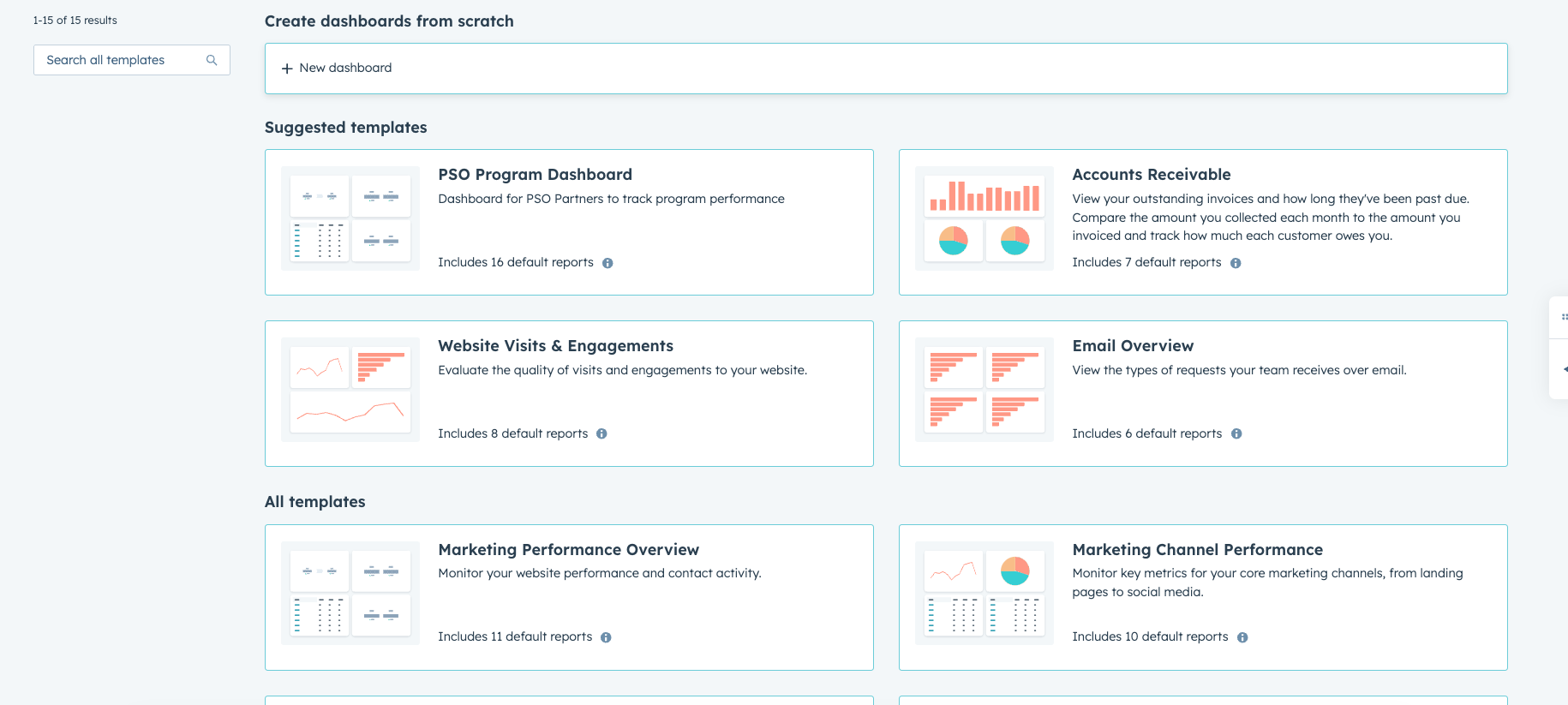
What Lives Inside a HubSpot Portal?
When you log into HubSpot, you are automatically entering a portal.
Within that portal you will find different sections of the platform, including:

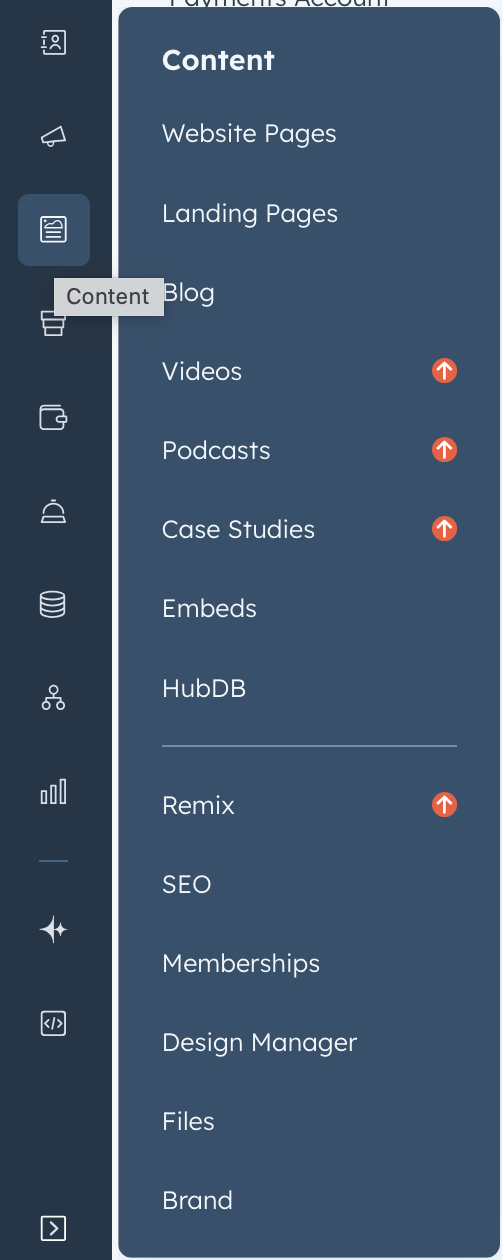
Why the Portal Concept Is Important
The portal structure is important because it allows all HubSpot tools to work together in one place.
For example:
- A visitor submits a form on your website
- The form creates a contact in the CRM
- A workflow automatically sends a follow-up email
- The sales team can see the contact’s activity history
All of this happens within the same portal.
This is one of the main reasons many businesses choose HubSpot.
Can a Company Have Multiple HubSpot Portals?
Yes. Some companies use multiple portals for different purposes, such as:
- Separate portals for different brands
- A testing or sandbox portal
- Separate portals for different regions
However, most businesses manage everything inside a single primary portal.
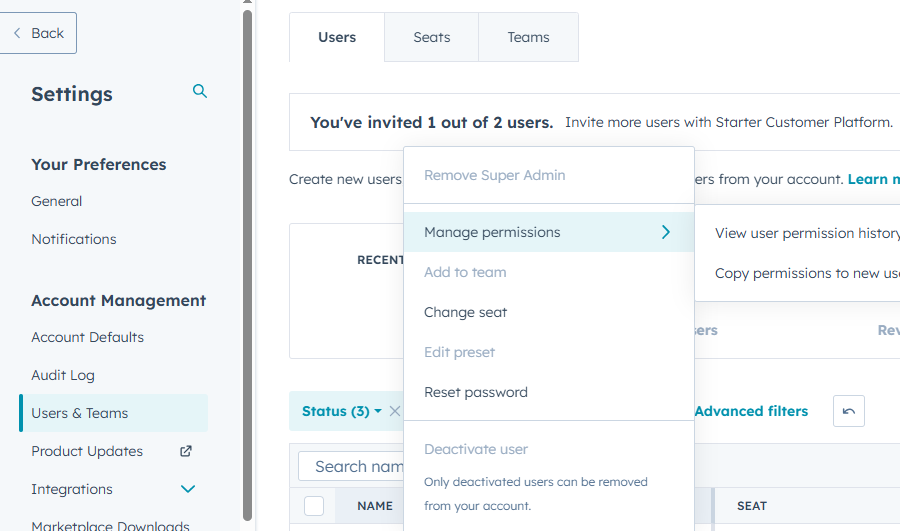
Portal Users and Permissions
Each portal can have multiple users with different access levels.
Administrators can control:
- Who can edit website pages
- Who can manage contacts
- Who can create workflows
- Who can access analytics and reports
This helps keep teams organized and prevents accidental changes.
Final Thoughts
A HubSpot portal is the central workspace where your website, CRM, marketing tools, and analytics all come together.
Instead of using separate platforms for different tasks, HubSpot organizes everything inside one connected system.
Once you understand the portal concept, it becomes much easier to navigate the rest of the HubSpot platform.
Related Post
How Does the HubSpot Content Hub Drag-and-Drop Editor Work?
The HubSpot Content Hub drag-and-drop editor is the main tool used to create and edit pages within HubSpot. It allows users to build website pages visually by arranging sections, modules, and content elements without writing code.
How HubSpot Content Hub Works
HubSpot Content Hub works by combining drag-and-drop page building, predefined design systems, and fully managed infrastructure—all inside the HubSpot platform.
How Do You Edit an Existing Page in HubSpot Content Hub?
Editing an existing page in HubSpot Content Hub is simple and works through the same drag-and-drop editor used when creating new pages. Once a page has been published, you can return to it anytime to update text, images, sections, or other content...
Have a Project in Mind?
Let’s talk about what you need and how we can make it happen.

Leave a reply