


.png)
.png)



HubSpot Content Hub works by combining drag-and-drop page building, predefined design systems, and fully managed infrastructure—all inside the HubSpot platform.
Instead of thinking about servers, plugins, or deployments, you work with pages, themes, sections, and modules,while HubSpot handles everything running behind the scenes.
This post explains how HubSpot Content Hub actually works, step by step.
The Big Picture: How Everything Fits Together
At a high level, HubSpot Content Hub works like this:
- Themes define the design system
- Templates define page structure
- Pages are created using templates
- Sections and modules build page content
- HubSpot hosts, secures, and serves the site
You mostly interact with the editor—HubSpot takes care of the rest.
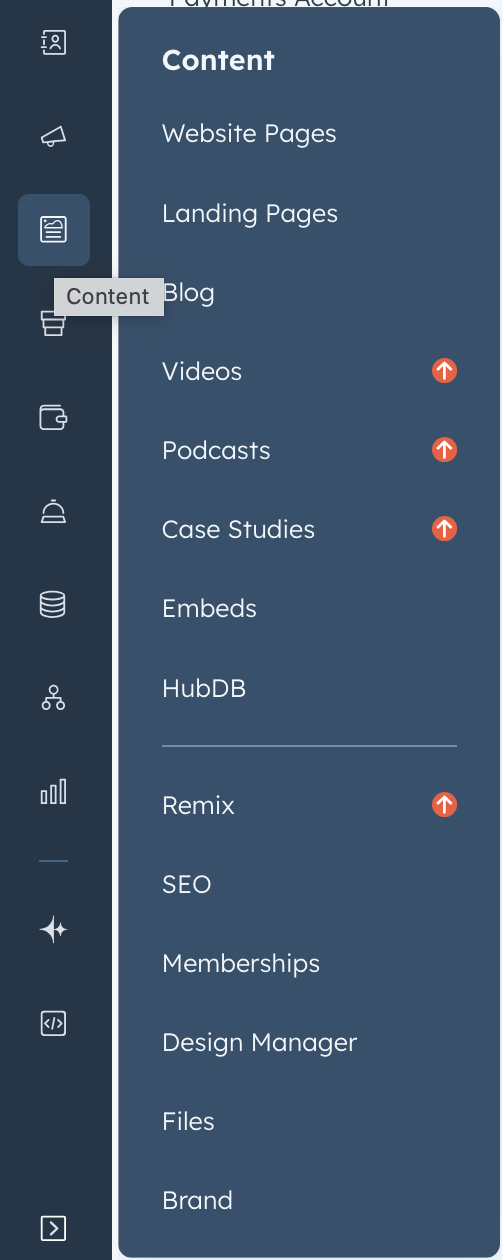
Step 1: Themes Set the Foundation
A HubSpot theme controls the overall look and feel of your website:
- Fonts
- Colors
- Spacing
- Header and Footer
- Default Layouts
Themes ensure consistency across pages so editors don’t accidentally break design standards.
Think of a theme as the design rulebook for your site.
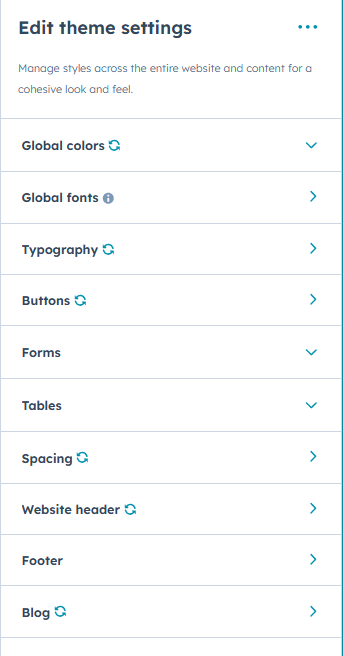
Step 2: Templates Define Page Structure
Templates decide how a page is laid out.
For example:
- A homepage template
- A landing page template
- A blog post template
Templates can be:
- Drag-and-drop templates (editor-friendly)
- Coded templates (developer-controlled)
When you create a new page, you choose a template first.
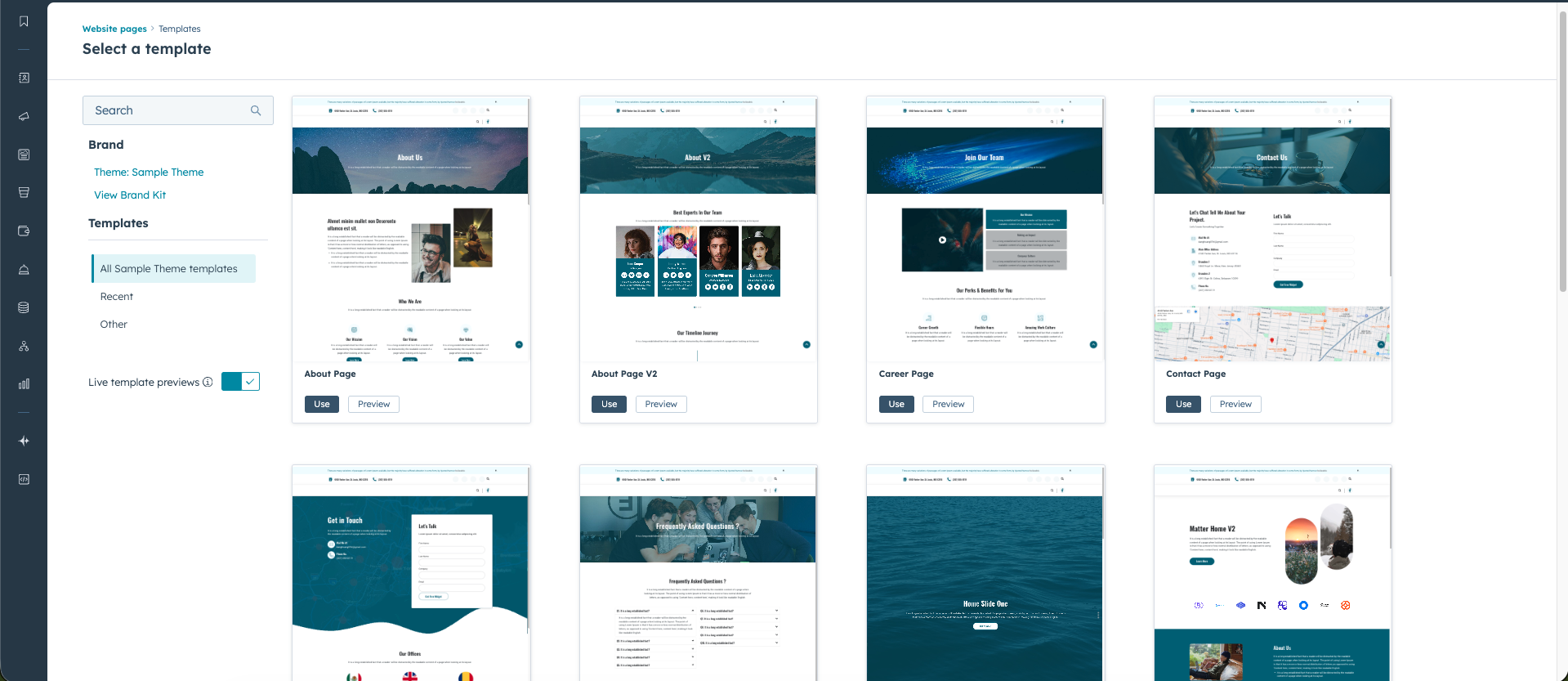
Step 3: Pages Are Built in the Editor
Once a page is created, most work happens in the page editor.
Here, you can:
- Add or remove sections
- Rearrange layouts
- Edit text and images
- Preview changes before publishing
Editors never touch code—everything is visual and controlled.
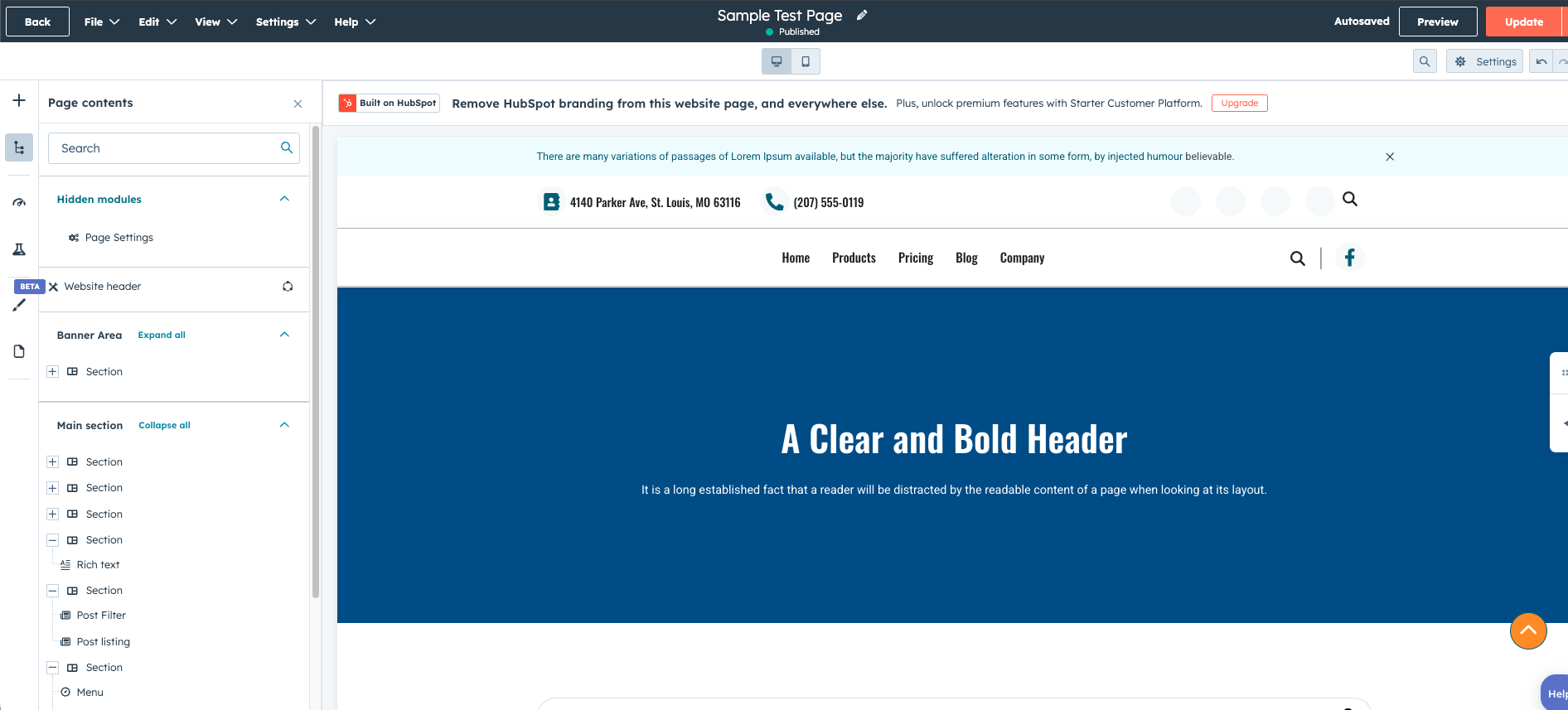
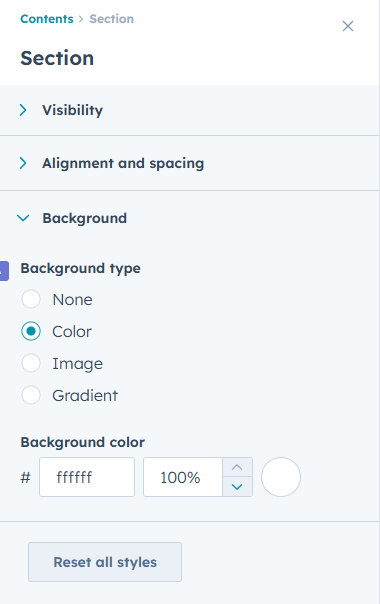
Step 4: Sections Organize the Page
Pages are divided into sections.
Each section can:
- Have its own background
- Contain multiple columns
- Be reused or saved
- Be locked for editors
Sections help structure content logically and visually.
Step 5: Modules Add Content
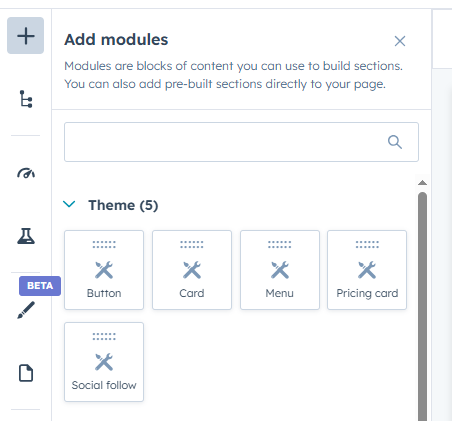
Inside sections, you place modules.
Modules are content blocks such as:
- Text
- Images
- Forms
- Buttons
- Custom-built components
HubSpot provides default modules, and developers can create custom modules for more control and reuse.
This is what makes HubSpot Content Hub scalable for large websites.
Step 6: Publishing & Hosting Are Automatic
When you publish a page:
Modules are content blocks such as:
- HubSpot deploys it instantly
- CDN, caching, and SSL are handled automatically
- No manual deployment steps are needed
Servers
- Backups
- Updates
- Security patches
HubSpot Content Hub is fully managed.
How HubSpot Content Hub Connects to CRM & Marketing
Because the CMS is part of HubSpot, pages can easily connect to:
- Forms and lead capture
- CRM contact data
- Personalization rules
- Analytics and reporting
This connection is native—no plugins or external tools required.
Final Thoughts
HubSpot Content Hub works by separating design control, content editing, and infrastructure management—so each team can focus on what they do best.
Editors edit.
Developers build systems.
HubSpot runs the platform.
Related Post
How Do HubSpot Content Hub Themes Work?
Themes are an important part of how websites are designed and managed in HubSpot Content Hub. A theme defines the overall design system of a website, including layouts, styles, templates, and reusable modules.
How Do You Edit an Existing Page in HubSpot Content Hub?
Editing an existing page in HubSpot Content Hub is simple and works through the same drag-and-drop editor used when creating new pages. Once a page has been published, you can return to it anytime to update text, images, sections, or other content...
How Do HubSpot Content Hub Image Optimization and Image Settings Work?
Images are an important part of modern websites. They help improve visual appeal, communicate ideas quickly, and make content easier to read. However, large or poorly optimized images can slow down page loading times.
Have a Project in Mind?
Let’s talk about what you need and how we can make it happen.

Leave a reply