


.png)
.png)



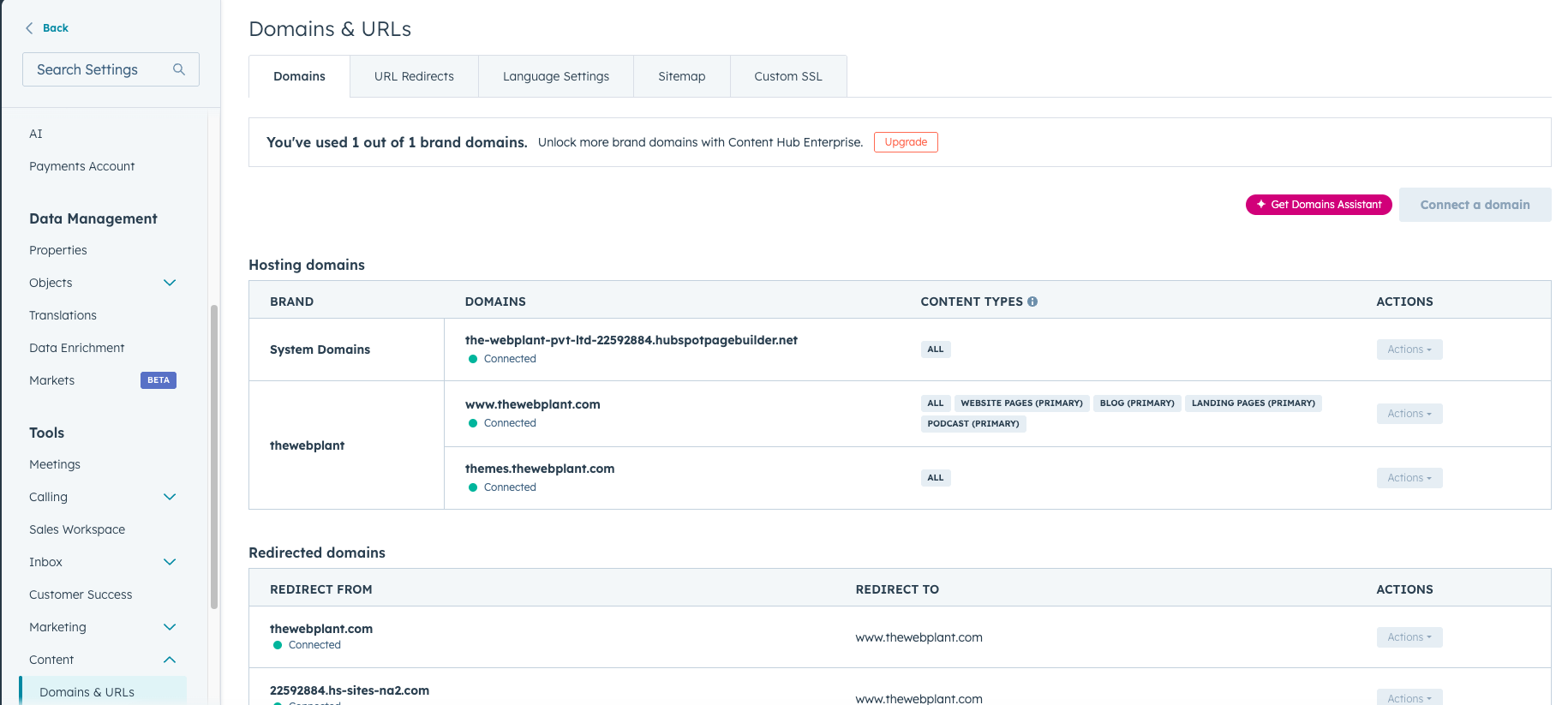
HubSpot Content Hub is more than just a tool for building web pages. It is part of the larger HubSpot platform, which means many important website features are already built into the system.
Unlike traditional CMS platforms that require multiple plugins and external services, HubSpot Content Hub provides hosting, security, editing tools, and integrations in one place.
This makes it easier for teams to build and manage websites without needing to maintain a complex technical setup.
Website Hosting and Infrastructure
One of the biggest things included with HubSpot Content Hub is fully managed hosting.
This means you do not need to set up or manage:
- Web servers
- Content delivery networks (CDN)
- SSL certificates
- Security patches
- Backups
HubSpot automatically handles all of these behind the scenes.
When you publish a page, it is instantly served through HubSpot’s global infrastructure, helping ensure good performance and reliability.
Drag-and-Drop Page Editor
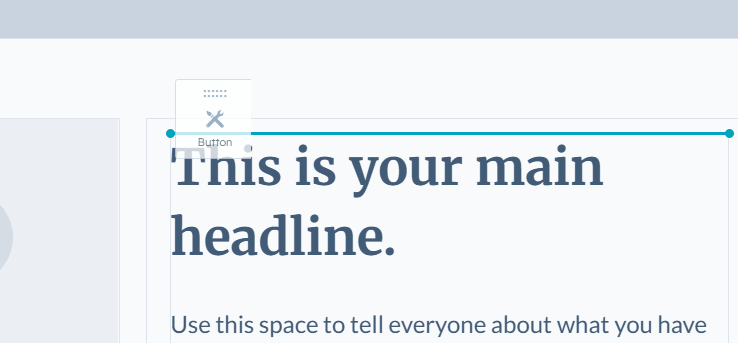
HubSpot Content Hub includes a visual page editor that allows users to create and modify pages without writing code.
Using the editor, you can:
- Add and rearrange sections
- Insert modules such as images, text, or forms
- Adjust layouts and spacing
- Preview changes before publishing
This makes it possible for marketing teams to update the website quickly without relying on developers for small changes.
Themes, Templates, and Modules
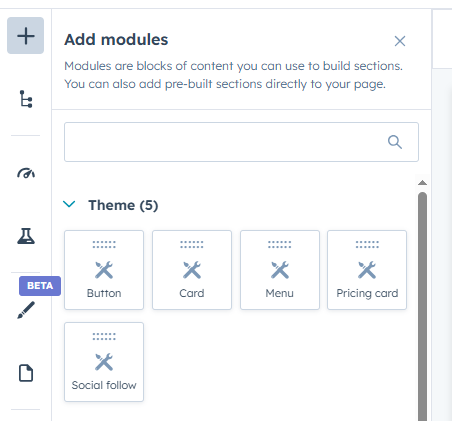
HubSpot Content Hub organizes websites using a structured design system.
Three key components are included:
Developers can also create custom modules to give editors more flexibility while maintaining consistent design.
Built-In SEO Tools
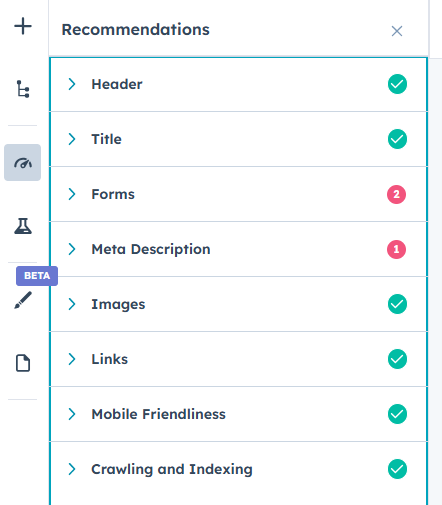
HubSpot Content Hub includes several tools that help improve search visibility.
These include:
- SEO recommendations while editing pages
- Meta title and description settings
- Canonical URL support
- Sitemap generation
- Page performance insights
Because these tools are integrated into the CMS, you don’t need to install separate SEO plugins.
CRM and Marketing Integration
One of the biggest advantages of HubSpot Content Hub is that it connects directly with HubSpot’s CRM and marketing tools.
This allows your website to easily interact with:
- Contact records
- Lead capture forms
- Marketing automation workflows
- Email campaigns
- Visitor analytics
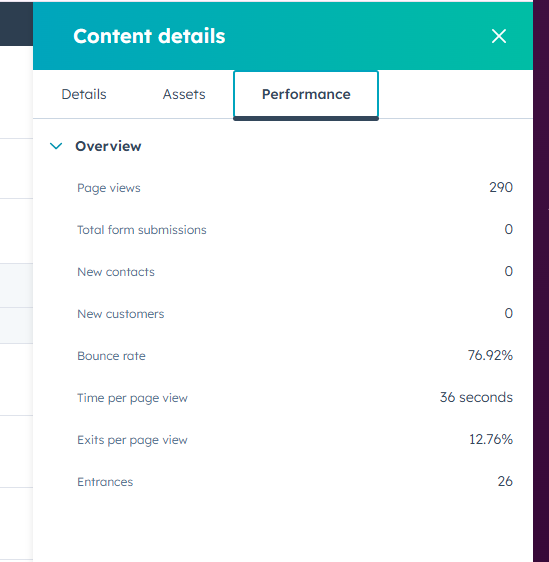
For example, you can track which pages a visitor viewed before they submitted a form.
Security and Platform Updates
Security is built into the platform.
HubSpot handles:
- SSL encryption
- Web application firewall protection
- Platform updates
- Threat monitoring
This removes the need for manual security updates that many CMS platforms require.
Final Thoughts
HubSpot Content Hub combines website building tools, hosting, security, and marketing integrations into a single platform.
For teams that want a reliable website without managing technical infrastructure, this all-in-one approach can significantly simplify website management.
Related Post
How Do HubSpot Content Hub Themes Work?
Themes are one of the most important parts of building websites in HubSpot Content Hub. A theme controls the overall design system of your website, including layouts, colors, fonts, and reusable page structures.

How Do You Create a Page in HubSpot Content Hub?
Creating a page in HubSpot Content Hub is a straightforward process. The platform provides a visual page editor that allows marketers and content teams to build pages without writing code.
How Do HubSpot Content Hub System Pages Work?
Every website needs certain system pages that handle situations such as errors, login access, or confirmation messages. HubSpot Content Hub provides system pages that control how these scenarios appear to visitors.
Have a Project in Mind?
Let’s talk about what you need and how we can make it happen.

Leave a reply