


.png)
.png)



Every website needs certain system pages that handle situations such as errors, login access, or confirmation messages. HubSpot Content Hub provides system pages that control how these scenarios appear to visitors.
These pages ensure that even when something unexpected happens—such as a broken link or login request—the visitor still sees a well-designed page that matches the rest of the website.
Understanding how HubSpot Content Hub system pages work helps teams manage these important pages and maintain a consistent website experience.
What Are System Pages?
System pages are special pages used by the website to handle specific situations automatically.
Unlike normal pages, these pages are triggered by system events.
Common system pages include:
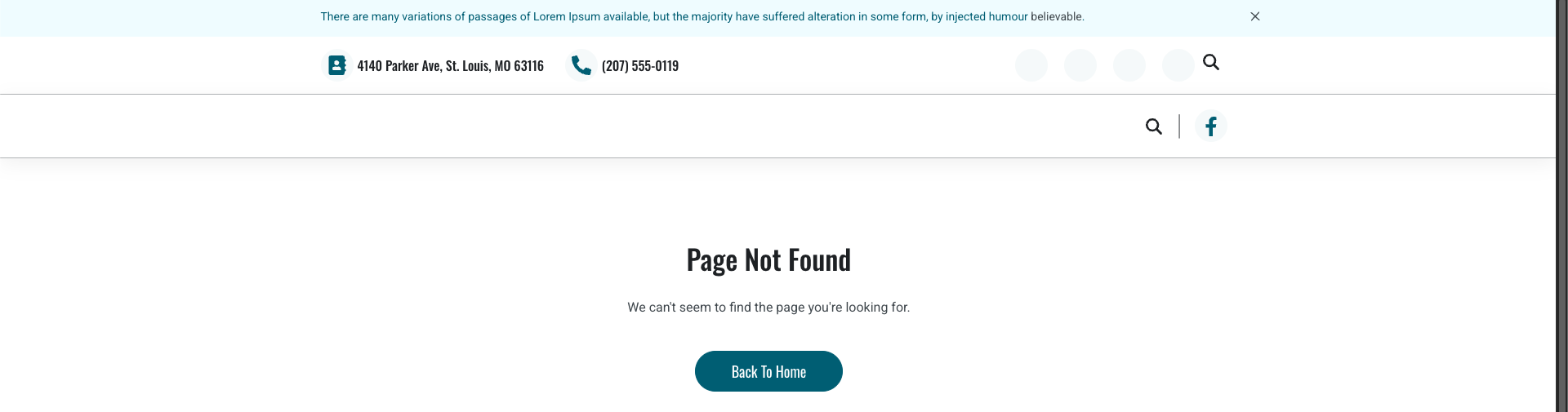
- 404 error page (page not found)
- 500 error page (server error)
- Password request pages
- Subscription preference pages
- Email subscription confirmation pages
These pages help manage important website interactions.
Where System Pages Are Managed
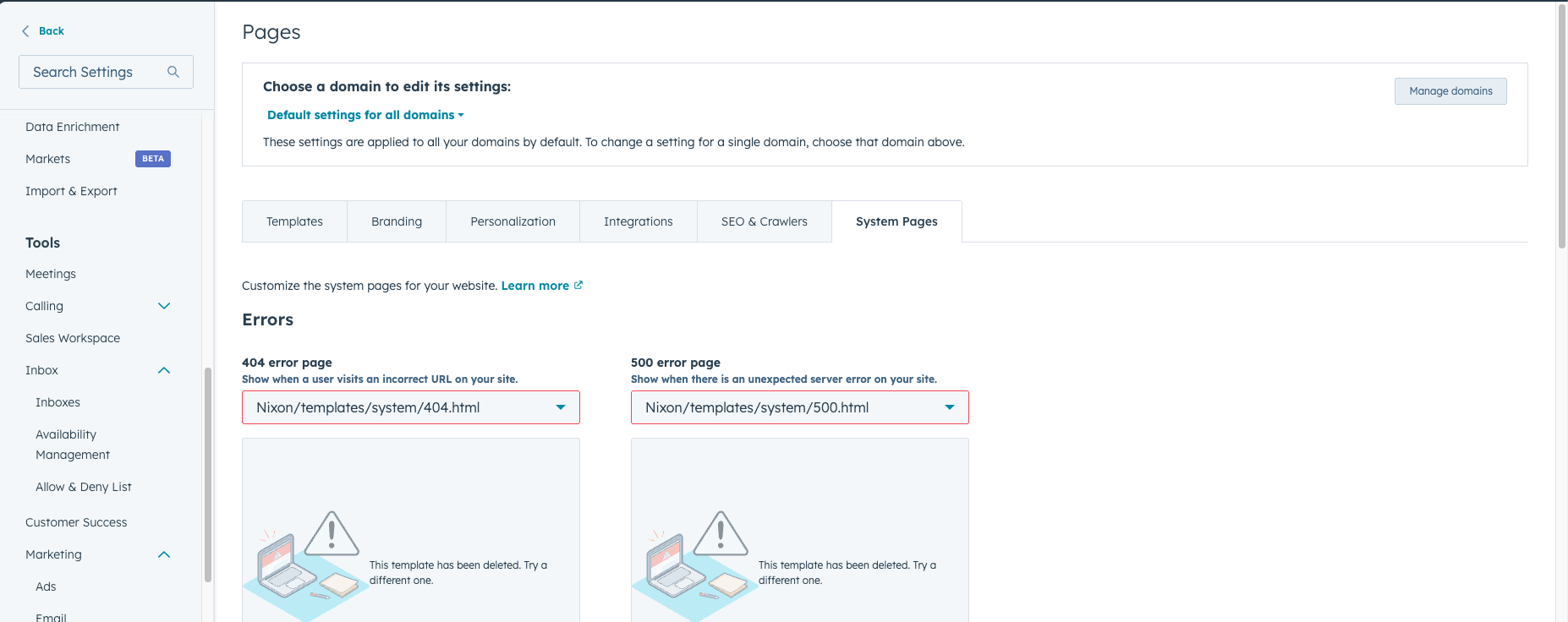
System pages can be managed in the website settings inside HubSpot.
To access them:
Settings → Website → Pages → System Pages
From here, you can view and customize the templates used for these pages.
Customizing Error Pages
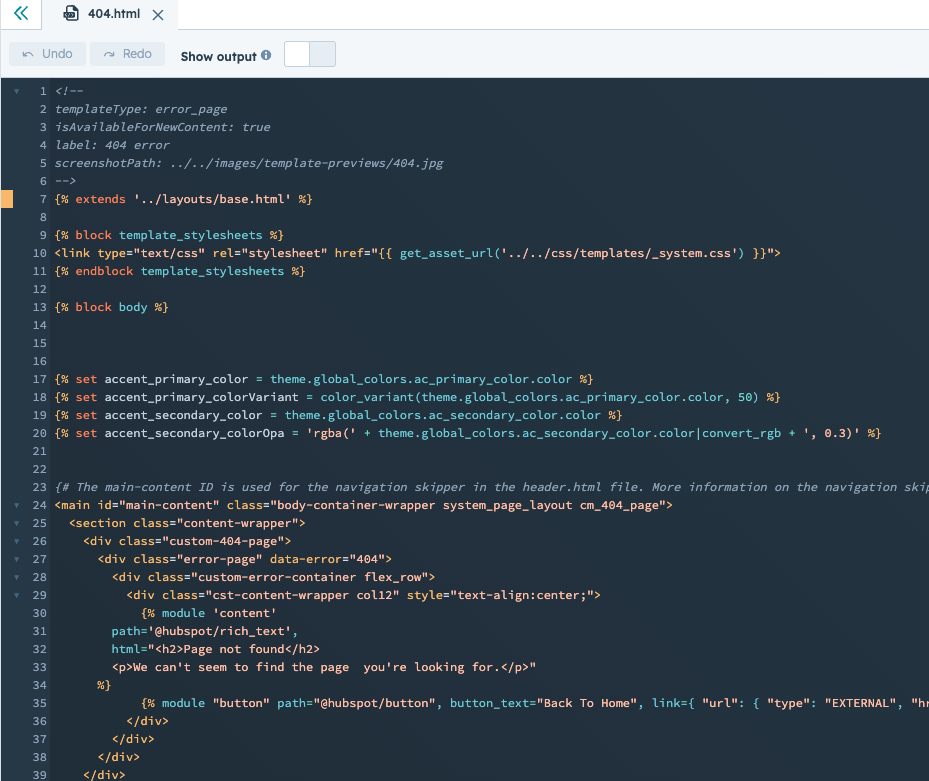
One of the most commonly customized system pages is the 404 error page.
A 404 page appears when visitors try to access a page that no longer exists.
Instead of showing a generic error message, many websites design custom 404 pages that include:
- Helpful navigation links
- Search functionality
- Links to popular content
- Branding and design elements
This helps visitors continue exploring the website even after encountering an error.
Password-Protected Pages
HubSpot also allows certain pages to be password protected.
If a visitor tries to access a protected page, they will be redirected to a password request page.
This feature is commonly used for:
- Private client portals
- Internal documentation
- Exclusive resources
The password request page is another type of system page that can be customized.
Subscription and Email Preference Pages
HubSpot also provides system pages related to email communication.
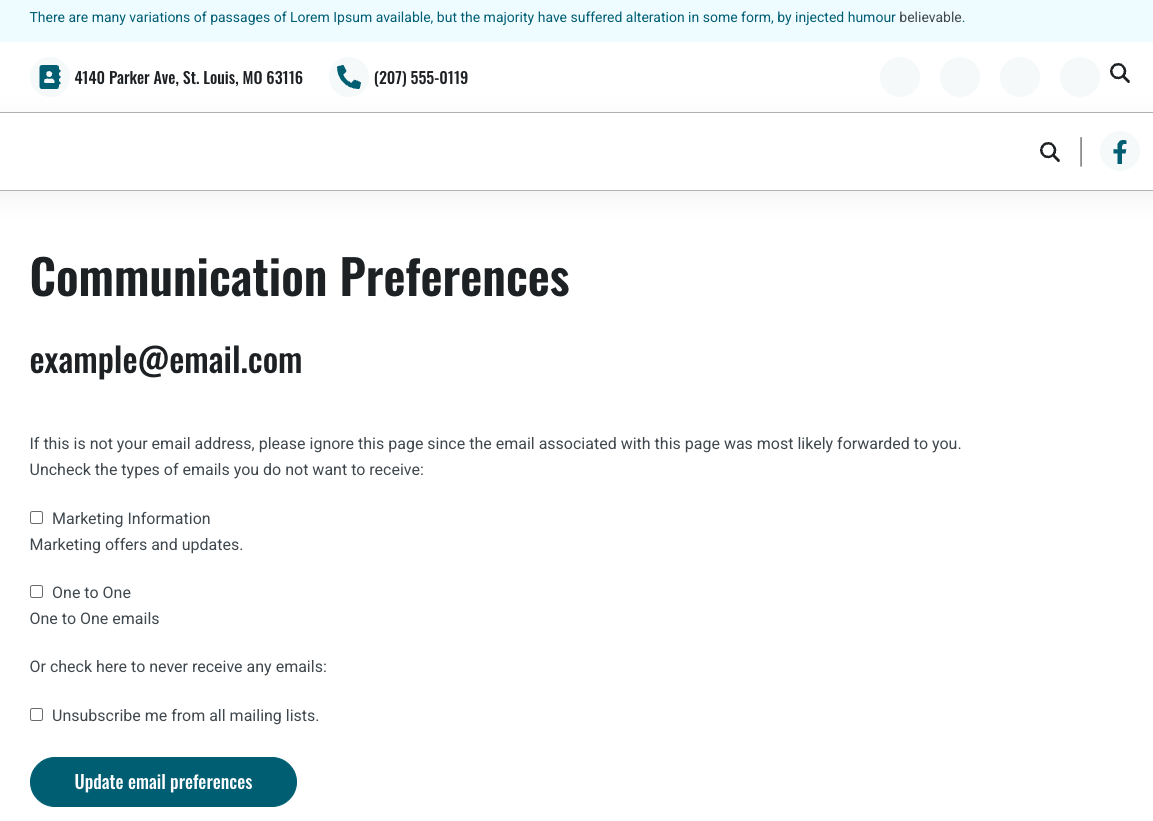
These pages allow contacts to manage their email preferences.
Examples include:
- Email subscription preference page
- Unsubscribe confirmation page
- Email subscription confirmation page
These pages are important for maintaining compliance with email marketing regulations.
Maintaining Consistent Design
Developers often customize system pages so that they match the design of the rest of the website.
For example, system pages may include:
- The same header and footer
- Brand colors and typography
- Navigation links
This helps ensure that even system-generated pages feel like part of the main website.
Key Takeaway
HubSpot Content Hub system pages handle important website scenarios such as errors, login requests, and subscription management. By customizing these pages, businesses can ensure that even system interactions provide a consistent and user-friendly experience.
Related Post

How Do You Create a Page in HubSpot Content Hub?
Creating a page in HubSpot Content Hub is a straightforward process. The platform provides a visual page editor that allows marketers and content teams to build pages without writing code.

How Do HubSpot Content Hub Themes Work?
Themes are one of the most important parts of building websites in HubSpot Content Hub. A theme controls the overall design system of your website, including layouts, colors, fonts, and reusable page structures.
What Comes Included with HubSpot Content Hub?
HubSpot Content Hub is more than just a tool for building web pages. It is part of the larger HubSpot platform, which means many important website features are already built into the system.
Have a Project in Mind?
Let’s talk about what you need and how we can make it happen.

Leave a reply