


.png)
.png)


Website speed plays an important role in both user experience and search engine rankings. Visitors expect pages to load quickly, and slow websites can lead to higher bounce rates and lower engagement.
HubSpot Content Hub includes several built-in performance optimization features that help websites load efficiently without requiring manual server management.
Understanding how HubSpot Content Hub website performance and page speed optimization work helps teams build fast, reliable websites that perform well for both visitors and search engines.
Why Website Speed Matters
Fast-loading websites provide several advantages.
Improved page speed can help:
- Improve visitor experience
- Reduce bounce rates
- Increase engagement
- Support better search engine rankings
Search engines like Google often consider page speed as a ranking factor, making performance optimization an important part of website management.
Content Delivery Network (CDN)
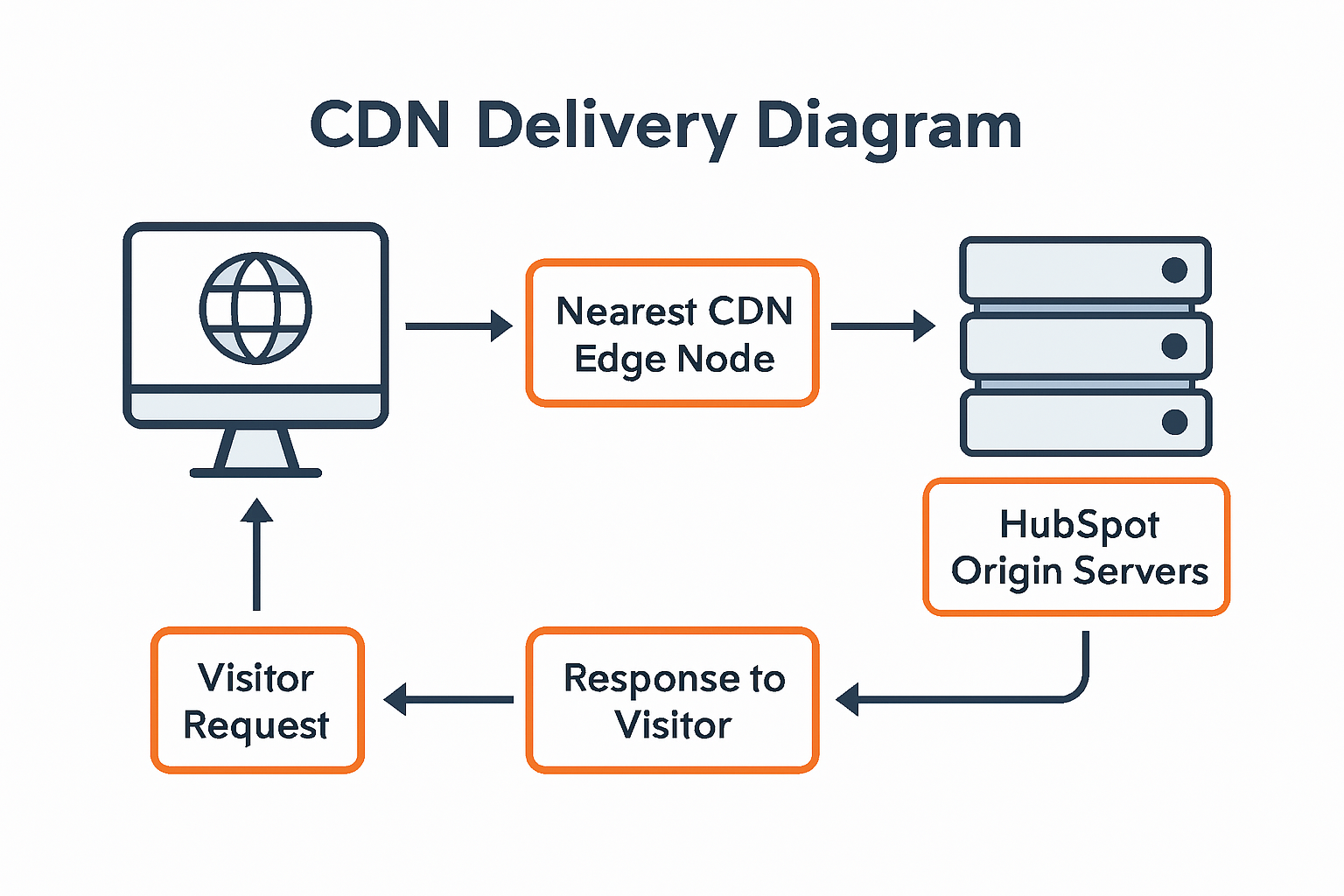
One of the key performance features of HubSpot Content Hub is its use of a Content Delivery Network (CDN).
A CDN distributes website content across multiple servers around the world.
When a visitor accesses a website, the CDN delivers the content from the server closest to the user’s location.
This helps reduce loading time and improves website performance globally.
Automatic Image Optimization
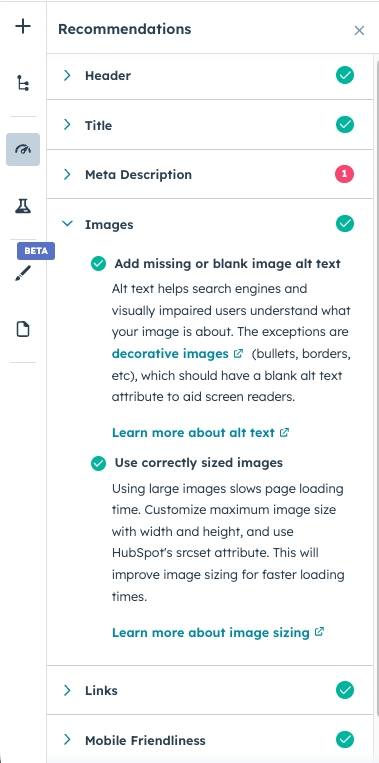
Images are often one of the largest elements on a webpage. HubSpot Content Hub automatically optimizes images to improve page performance.
Image optimization features include:
- Automatic compression
- Responsive image sizing
- Efficient delivery through the CDN
These features ensure images load quickly without compromising quality.
Caching for Faster Loading
Caching is another technique used to improve page speed.
When a page is cached, certain elements are stored temporarily so they do not need to be reloaded every time a visitor returns.
HubSpot automatically manages caching to help pages load faster for repeat visitors.
This reduces server load and improves overall performance.
Optimized Hosting Infrastructure
Because HubSpot Content Hub provides managed hosting, the platform handles infrastructure optimization automatically.
This includes:
- Performance monitoring
- Server optimization
- Resource management
- Traffic load balancing
These backend optimizations help ensure that websites remain responsive even during periods of high traffic.
Key Takeaway
HubSpot Content Hub includes built-in performance optimization features such as CDN delivery, image compression, caching, and managed hosting infrastructure. These tools help ensure that websites load quickly and provide a smooth experience for visitors across different devices and locations.
Related Post

How Do HubSpot Content Hub Blog Templates Work?
Blog templates play an important role in organizing and displaying blog content within HubSpot Content Hub. A blog template controls the design and structure of how blog posts and blog listing pages appear on your website.

How Do HubSpot Content Hub Header and Footer Management Work?
The header and footer are two of the most important sections of any website. The header typically contains the navigation menu, logo, and key links, while the footer usually includes contact information, secondary navigation, and legal links.

How Do HubSpot Content Hub Global Modules Work?
When managing a large website, some sections appear repeatedly across multiple pages. Examples include headers, footers, navigation bars, and promotional banners. HubSpot Content Hub global modules allow you to manage these shared elements from one...
Have a Project in Mind?
Let’s talk about what you need and how we can make it happen.

Leave a reply