


.png)
.png)



Before publishing a website, businesses need to connect their domain so visitors can access the site using a custom web address. HubSpot Content Hub allows users to connect domains and manage URL settings for their website pages, blogs, and landing pages.
Proper domain configuration ensures that website content is accessible through branded URLs and that search engines can correctly index pages.
Understanding how HubSpot Content Hub website domains and URL settings work helps teams manage website structure and maintain SEO-friendly URLs.
What Is a Website Domain?
A domain name is the address visitors use to access a website.
Examples include:
- www.example.com
- blog.example.com
- resources.example.com
Domains help visitors locate and identify a website on the internet.
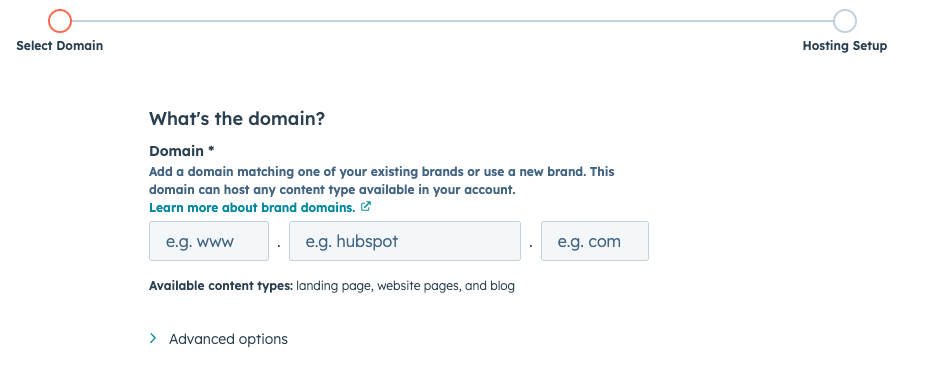
Connecting a Domain to HubSpot
To publish content in HubSpot Content Hub, businesses need to connect their domain to the platform.
To connect a domain:
- Navigate to Settings → Website → Domains & URLs
- Click Connect a Domain
- Choose the type of domain (website, blog, landing page, etc.)
- Update DNS settings with your domain provider
- Verify the connection
Once connected, HubSpot can host website pages under that domain.
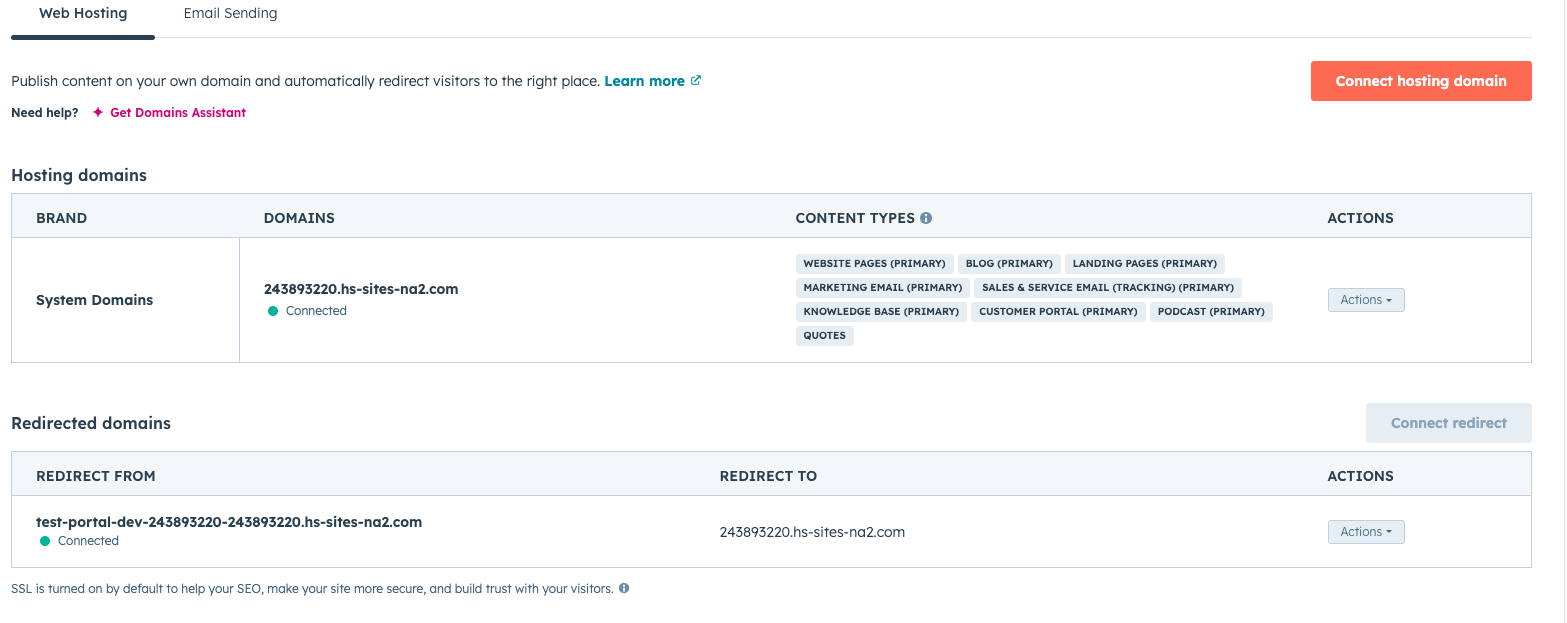
Types of Domains in HubSpot
HubSpot supports different types of domains depending on how content is organized.
Common domain types include:
- Primary domain – main domain used for the website
- Blog domain – domain used specifically for blog content
- Landing page domain –domain used for campaign pages
- Email domain – domain used for marketing email links
This structure allows teams to organize content across different subdomains if needed.
Managing URL Structure
HubSpot allows users to define the structure of URLs for different content types.
Examples include:
example.com/blog/article-name
example.com/resources/guide-title
example.com/events/webinar-name
A clear URL structure helps visitors understand the organization of the website.
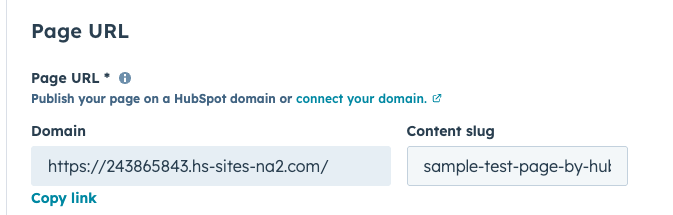
Editing Page URLs
Individual page URLs can also be customized in the page settings.
To modify a page URL:
- Open the page in the editor
- Navigate to Settings
- Update the URL slug
The slug is the part of the URL that appears after the domain.
Example:
example.com/blog/how-hubspot-content-hub-works
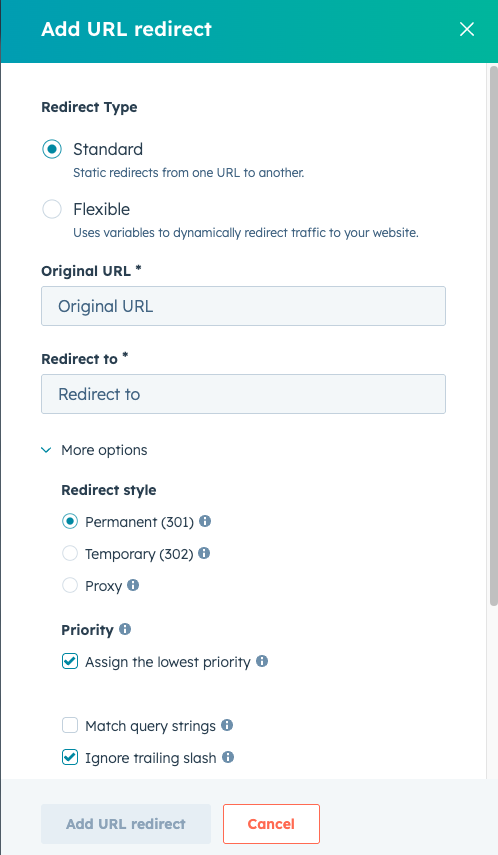
Managing URL Redirects
Sometimes page URLs change during website updates.
HubSpot allows users to create URL redirects so visitors who access old URLs are automatically redirected to new pages.
This helps maintain SEO value and prevent broken links.
SEO Considerations for URLs
Well-structured URLs can improve search engine visibility.
Best practices include:
- Keeping URLs short and descriptive
- Using keywords when appropriate
- Avoiding unnecessary parameters or numbers
Clean URLs help both visitors and search engines understand the content of the page.
Key Takeaway
HubSpot Content Hub domain and URL settings allow businesses to connect custom domains, organize website content, and maintain SEO-friendly URL structures. Proper domain configuration and URL management ensure that visitors and search engines can easily access website content.
Have a Project in Mind?
Let’s talk about what you need and how we can make it happen.

Leave a reply