


.png)
.png)



Website accessibility ensures that digital content can be used by everyone, including people with disabilities. Accessible websites allow visitors using screen readers, keyboard navigation, or other assistive technologies to interact with content effectively.
HubSpot Content Hub supports accessibility best practices by providing tools and features that help teams create websites that are more inclusive and easier to navigate.
Understanding how HubSpot Content Hub website accessibility features work helps businesses improve user experience while meeting accessibility standards.
What Is Website Accessibility?
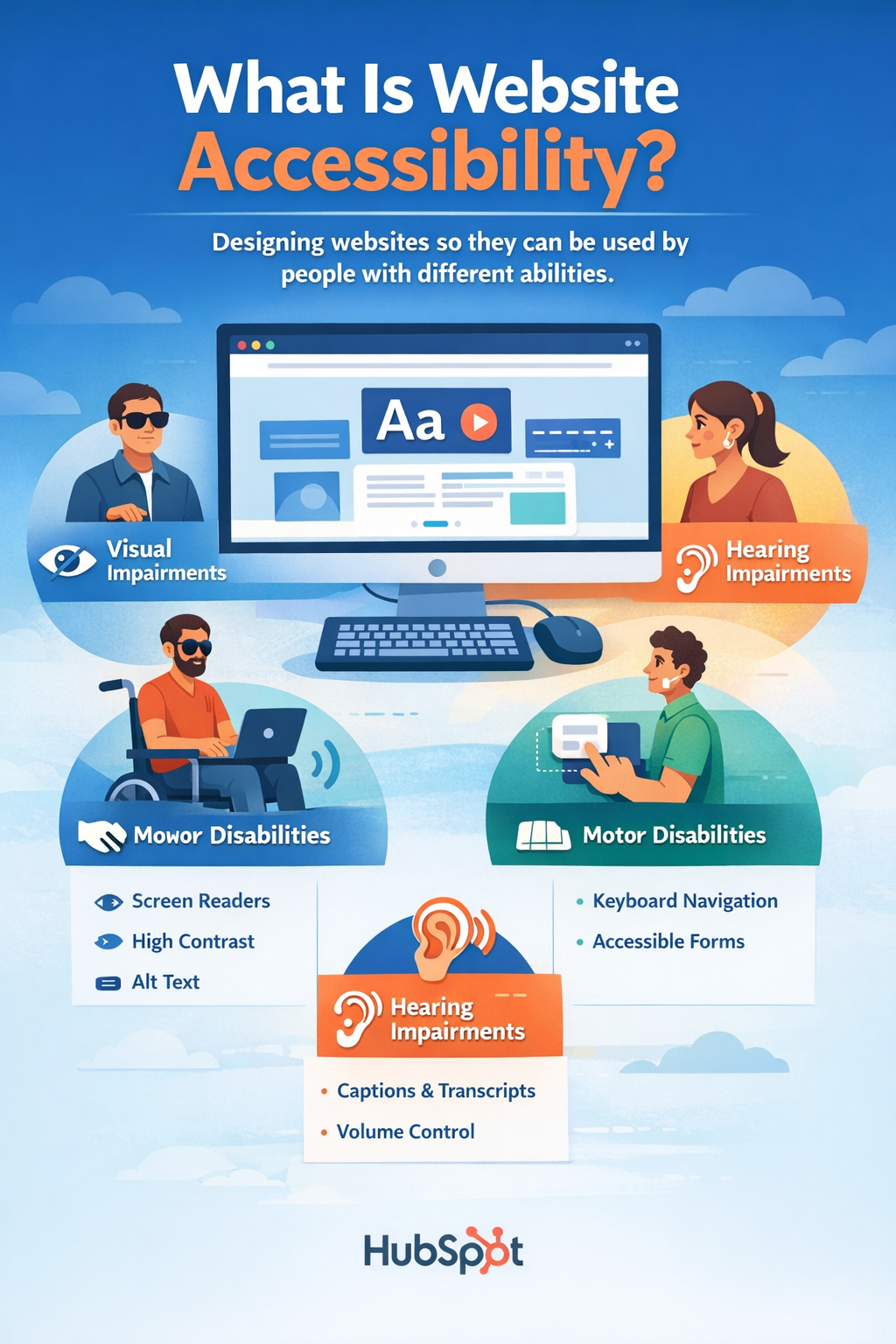
Website accessibility refers to designing websites so they can be used by people with different abilities.
Accessibility considerations include:
- Visual impairments
- Hearing impairments
- Motor disabilities
- Cognitive limitations
Accessible websites ensure that all users can access and interact with online content.
Accessibility Standards
Many organizations follow accessibility standards such as WCAG (Web Content Accessibility Guidelines).
These guidelines recommend practices such as:
- Providing alternative text for images
- Using proper heading structures
- Ensuring good color contrast
- Supporting keyboard navigation
HubSpot Content Hub allows teams to implement these practices when creating pages.
Using Alt Text for Images
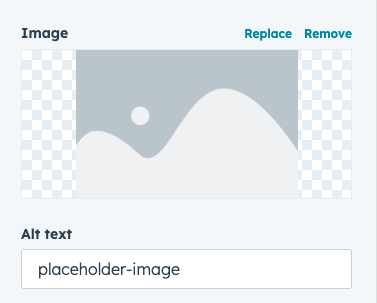
One of the simplest accessibility features is image alt text.
Alt text provides a description of the image that can be read by screen readers.
In HubSpot Content Hub, alt text can be added when uploading images or inserting images into pages.
Accessible Forms
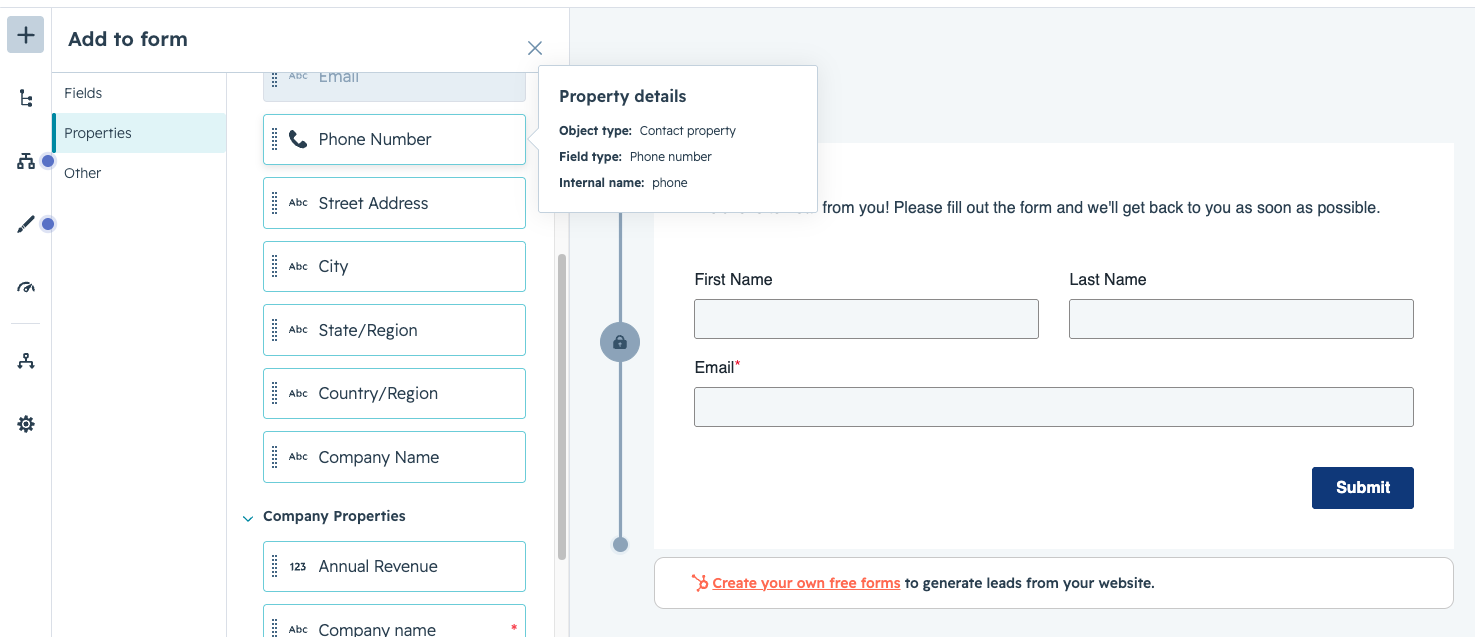
Forms should also follow accessibility best practices.
Accessible forms typically include:
- Clear field labels
- Helpful instructions
- Error messages that explain how to fix issues
HubSpot forms support structured field labels that help assistive technologies understand form elements.
Accessible Navigation and Page Structure
Navigation menus and page layouts should also be designed for accessibility.
This includes:
- Logical page structures
- Clear navigation links
- Consistent layout patterns
Accessible navigation helps visitors move through the website more easily.
Key Takeaway
HubSpot Content Hub supports accessibility best practices by providing tools that help teams create inclusive and user-friendly websites. By following accessibility guidelines such as proper alt text, structured headings, and readable design, businesses can ensure their websites are usable by a wider audience.
Have a Project in Mind?
Let’s talk about what you need and how we can make it happen.

Leave a reply