


.png)
.png)


Not all website content needs to be publicly accessible. Sometimes businesses want to restrict certain pages, resources, or knowledge bases so that only specific users can view them. HubSpot Content Hub provides membership and private content features that allow you to control access to certain parts of your website.
These features are useful for creating gated resources, customer portals, learning hubs, or exclusive content libraries.
Understanding how HubSpot Content Hub membership and private content features work helps businesses manage restricted content while still maintaining a smooth user experience.
What Is Private Content in HubSpot Content Hub?
Private content refers to website pages that are only accessible to logged-in users.
Visitors cannot view these pages unless they have been granted access.
Examples of private content include:
- Customer resource portals
- Partner documentation
- Premium content libraries
- Member-only downloads
- Online course materials
Private content allows businesses to provide exclusive information to specific audiences.
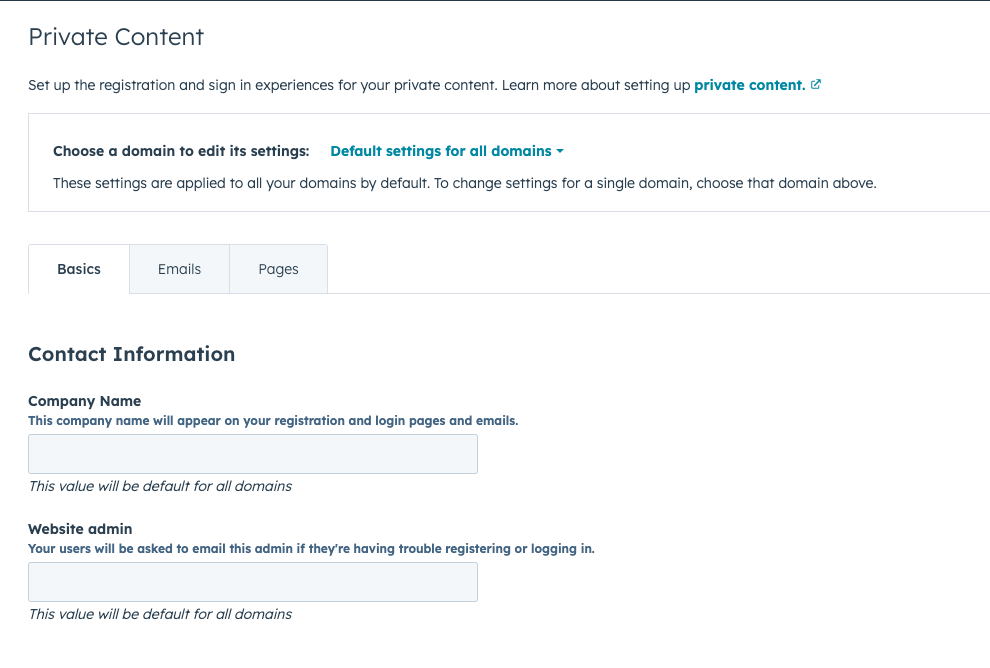
How Membership Access Works
To access private pages, visitors must first become registered users.
HubSpot handles this through its membership system.
The process typically works like this:
- A user receives an invitation email
- The user creates a password
- The user logs in to access restricted content
Once logged in, the user can view pages that are available to their membership group.
Restricting Access to Pages
When editing a page in HubSpot Content Hub, you can control who can view the page.
Inside the page settings, you can choose options such as:
- Public page (accessible to everyone)
- Private page requiring login
- Access restricted to specific membership groups
This allows you to control exactly who can see certain content.
Membership Lists and Access Groups
HubSpot allows you to organize members using lists or access groups.
For example, you might create groups such as:
- Customers
- Partners
- Premium members
- Internal team members
Pages can then be restricted to specific groups so only those users can access them.
This provides flexible control over content access.
Creating Member Login Pages
To support private content, websites usually include a login page where users enter their credentials.
HubSpot automatically handles the login process and allows developers to customize the login page design if needed.
Typical membership system pages include:
- Login page
- Registration page
- Password reset page
These pages help users securely access restricted content.
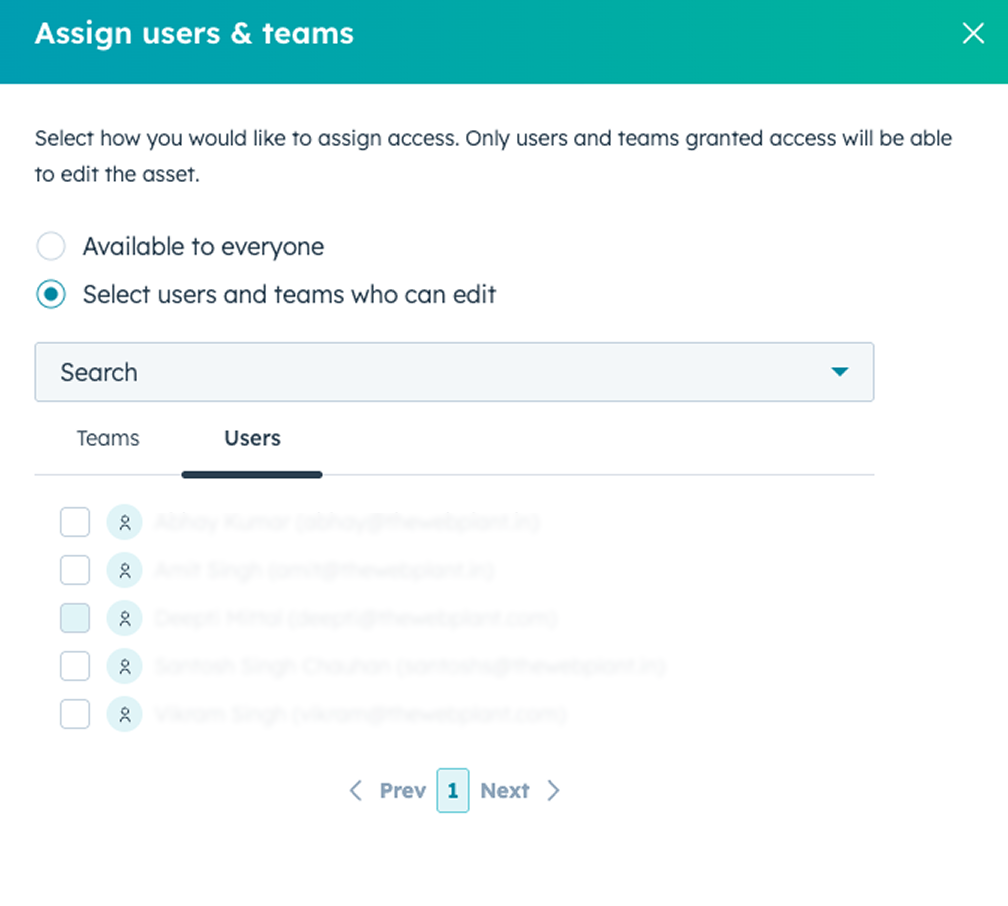
Managing Members
Administrators can manage members directly inside HubSpot.
They can:
- Add new members
- Remove access
- Reset passwords
- Assign users to specific access groups
This helps ensure that only authorized users can view private content.
Key Takeaway
HubSpot Content Hub membership features allow businesses to restrict access to specific pages and resources on their website. By using login systems and access groups, organizations can create secure areas for customers, partners, or members while keeping the rest of the website public.
Related Post
How Does HubSpot Content Hub Design Manager Work?
The Design Manager is the primary development environment within HubSpot Content Hub. It is where developers create and manage the files that control how a website looks and functions.
How Do HubSpot Content Hub Theme Files and Folder Structures Work?
Themes play an important role in how websites are built and managed in HubSpot Content Hub. A theme defines the overall design system of a website, including templates, styles, modules, and layout structures.
How Does HubSpot Content Hub HubL Work?
When building custom websites in HubSpot Content Hub, developers often use HubL, which is HubSpot’s templating language. HubL allows developers to create dynamic templates, pull data from HubSpot objects, and control how content appears on pages.
Have a Project in Mind?
Let’s talk about what you need and how we can make it happen.

Leave a reply