


.png)
.png)



When building websites in HubSpot Content Hub, page templates provide the foundation for how pages are structured and displayed. Templates define the layout of a page and determine where content modules appear.
Instead of designing each page individually, templates allow developers to create reusable layouts that editors can use to build pages quickly.
Understanding how HubSpot Content Hub page templates work helps teams create consistent and scalable website designs.
What Is a Page Template?
A page template defines the structure of a webpage.
Templates typically control elements such as:
- Page layout
- Header and footer placement
- Module positions
- Content sections
Editors use templates when creating pages so they can focus on adding content rather than designing layouts.
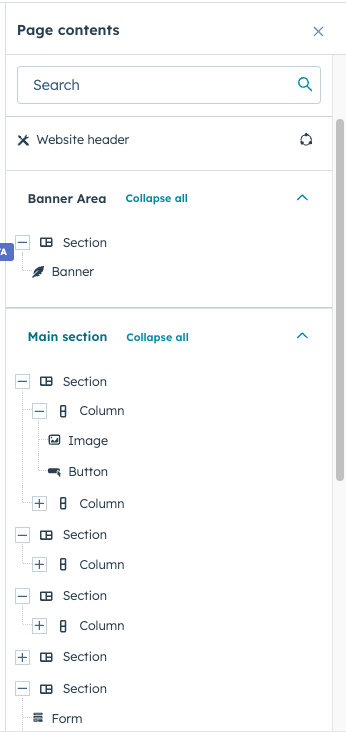
Where Templates Are Managed
Templates are usually created and managed inside the HubSpot Design Manager.
To access templates:
Content → Design Manager
Developers can build templates using HTML, HubL, and module structures.
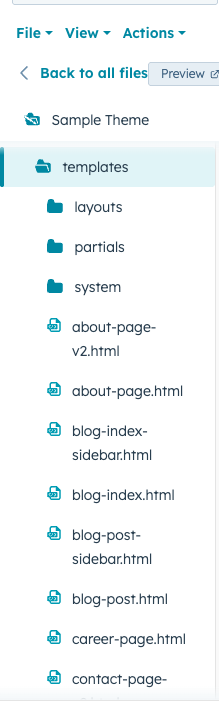
Types of Templates in HubSpot
HubSpot supports several types of templates used for different kinds of content.
Common template types include:
- Website page templates
- Landing page templates
- Blog post templates
- Blog listing templates
- System page templates
Each template type is designed for a specific type of content.
Creating a Page Using a Template
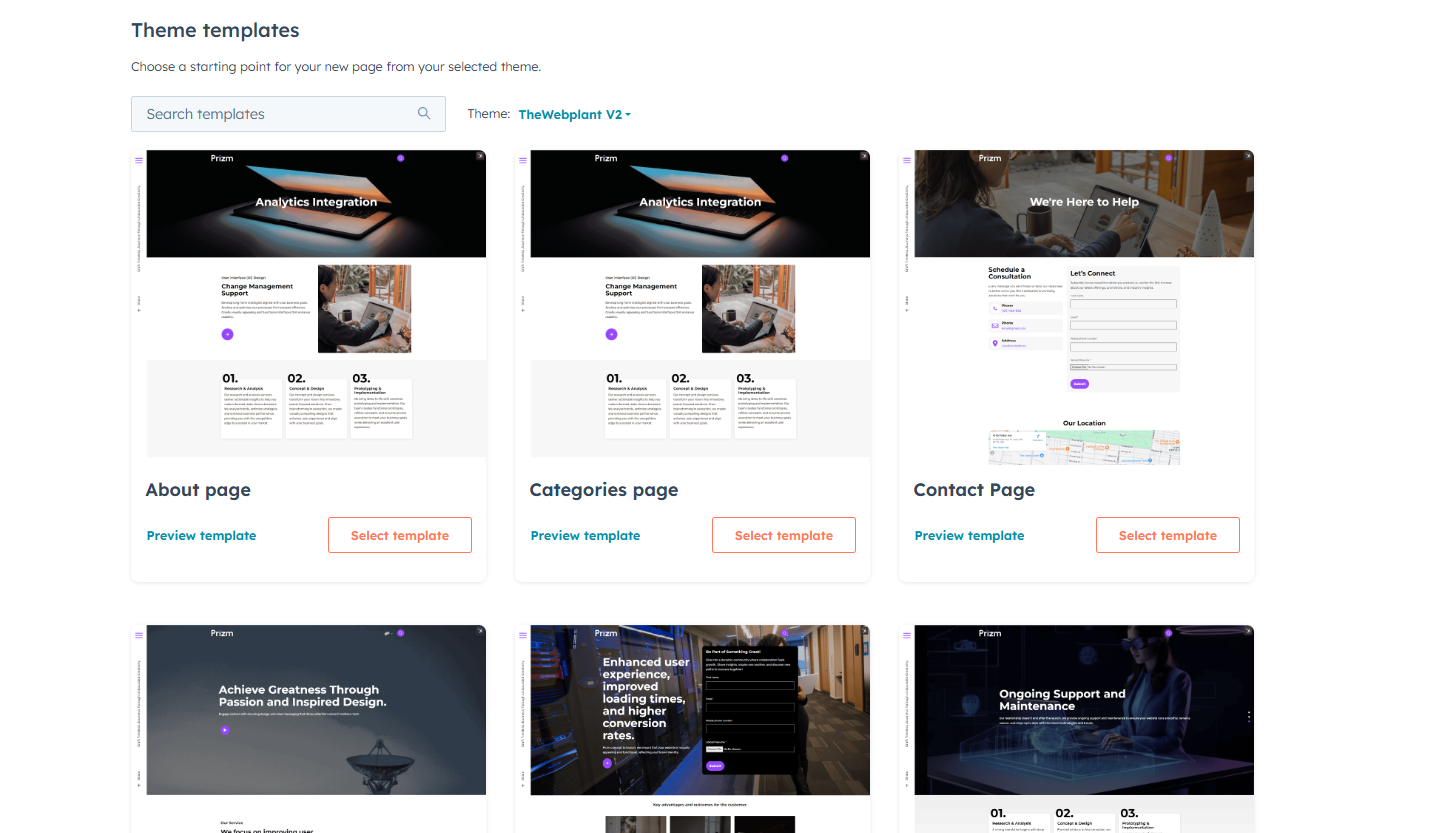
When creating a page in HubSpot Content Hub, the user selects a template first.
To create a page:
- Navigate to Content → Website Pages
- Click Create Page
- Select the desired template
- Add content using modules
This process ensures all pages follow a consistent design structure.
Templates and Modules
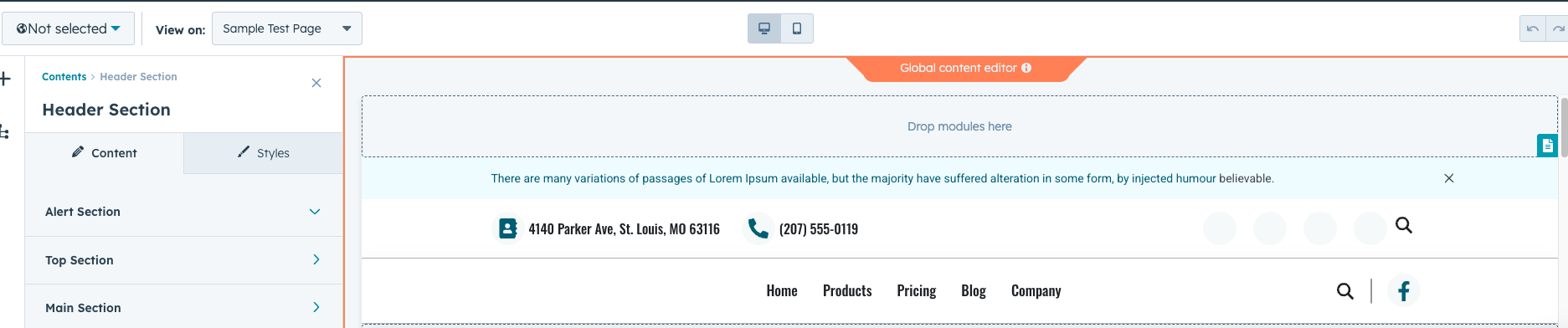
Templates often include modules, which are reusable content components.
Examples of modules include:
- Hero sections
- Feature blocks
- Image galleries
- Call-to-action sections
Editors can update module content without changing the template structure.
Updating Templates
When developers update a template, the change can affect all pages using that template.
Because of this, template updates should be tested carefully.
Many teams use staging environments to test template changes before applying them to the live website.
Benefits of Using Templates
Templates offer several advantages for website management.
They help teams:
- Maintain consistent page designs
- Build pages faster
- Ensure brand consistency
- Simplify website maintenance
Templates are an essential part of scalable website design.
Key Takeaway
HubSpot Content Hub page templates define the layout and structure of website pages. By using templates and reusable modules, teams can maintain consistent designs while allowing editors to easily create and manage website content.
Related Post
How Does HubSpot Content Hub HubL Work?
When building custom websites in HubSpot Content Hub, developers often use HubL, which is HubSpot’s templating language. HubL allows developers to create dynamic templates, pull data from HubSpot objects, and control how content appears on pages.
How Does HubSpot Content Hub Design Manager Work?
The Design Manager is the primary development environment within HubSpot Content Hub. It is where developers create and manage the files that control how a website looks and functions.
How Do HubSpot Content Hub Dynamic Pages and HubDB Work?
As websites grow, manually creating hundreds of pages can become difficult to manage. HubSpot Content Hub provides dynamic page functionality using HubDB, which allows teams to generate multiple pages from a structured data table.
Have a Project in Mind?
Let’s talk about what you need and how we can make it happen.

Leave a reply