


.png)
.png)



When managing a large website, some sections appear repeatedly across multiple pages. Examples include headers, footers, navigation bars, and promotional banners. HubSpot Content Hub global modules allow you to manage these shared elements from one central location.
Instead of updating each page individually, global modules allow changes to be made once and automatically applied everywhere the module is used.
Understanding how HubSpot Content Hub global modules work helps teams manage large websites more efficiently and maintain consistent design across pages.
What Is a Global Module in HubSpot Content Hub?
A global module is a reusable component that appears across multiple pages and can be edited centrally.
Common examples include:
- Website headers and navigation menus
- Footers with company information
- Announcement bars
- Promotional banners
- Signup sections that appear across multiple pages
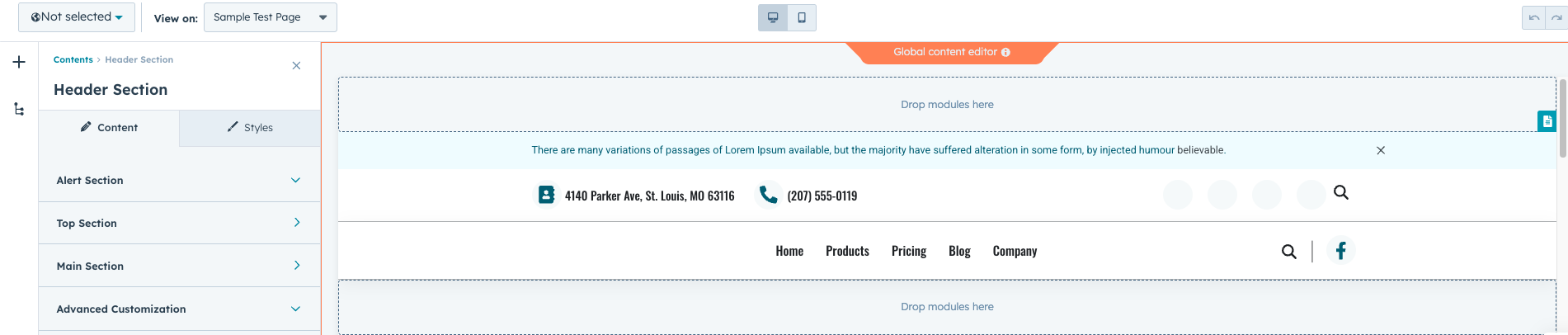
When a global module is updated, the changes automatically appear on every page where that module is used.
Why Use Global Modules?
Global modules are particularly useful for sections that appear consistently across many pages.
They help teams:
- Maintain consistent design across the website
- Save time when updating common sections
- Reduce the risk of inconsistent content
- Manage large websites more easily
For example, if your website footer contains contact information, updating the footer in a global module ensures that the change appears across the entire website instantly.
Creating Global Modules
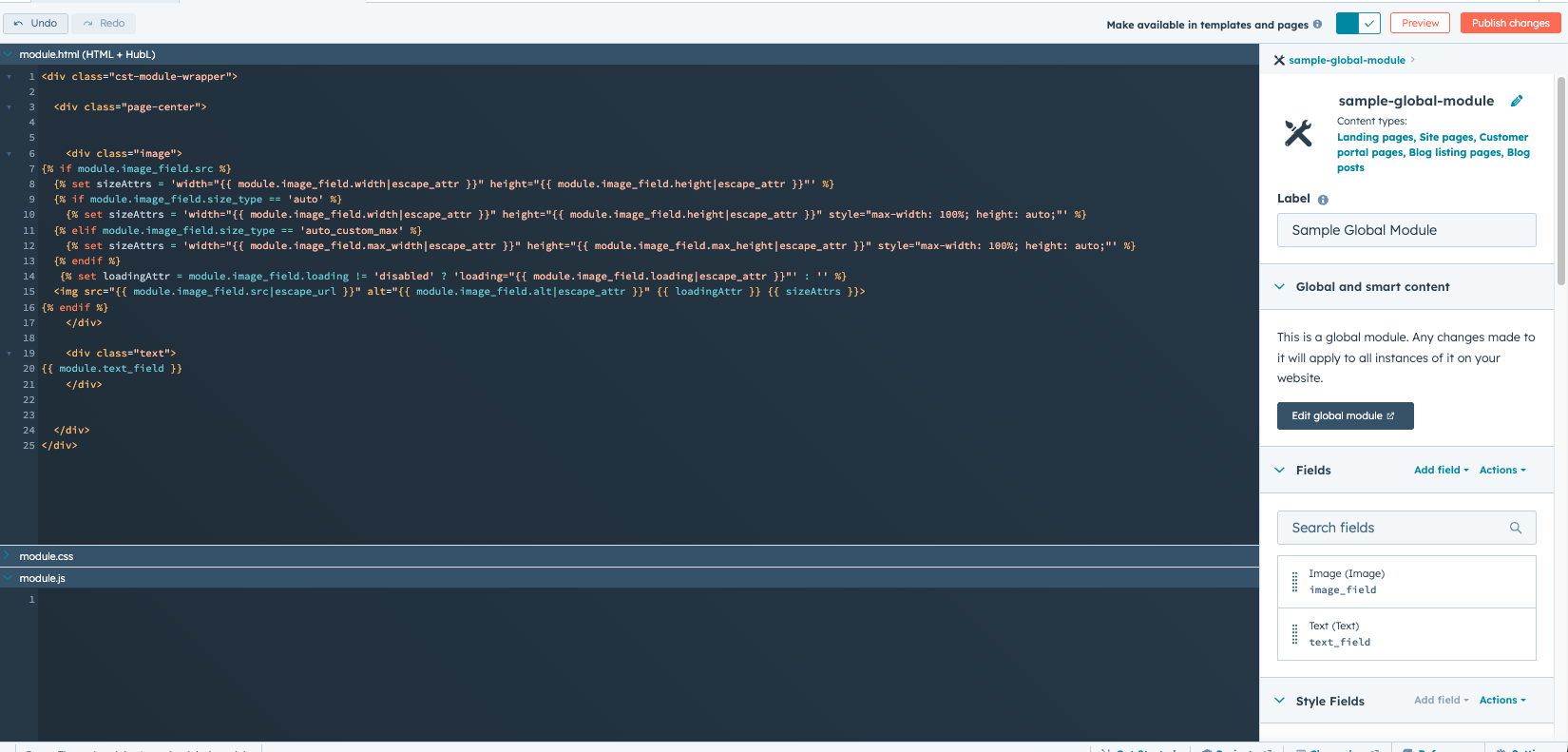
Developers typically create global modules using the HubSpot Design Manager.
To create a global module:
- Open Design Manager
- Create or edit an existing module
- Convert the module into a global module
- Save the module for reuse across templates and pages
Once created, the module becomes available for use in page templates.
Editing Global Modules
Global modules can be edited in two different ways:
- Through the page editor, where the global module appears
- Directly inside the global content editor
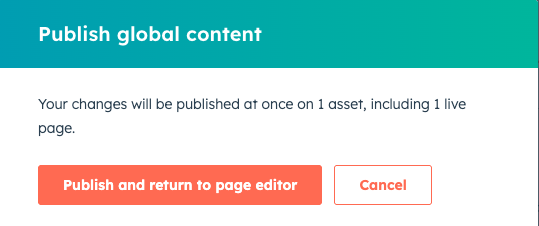
When editing a global module, HubSpot typically shows a notification that the changes will affect multiple pages.
In Summary
HubSpot Content Hub global modules allow teams to manage shared website sections from a single location.. By updating common elements centrally, businesses can maintain consistent design and save significant time when managing large websites.
Related Post
How Do HubSpot Content Hub Blog Templates Work?
Blog templates play an important role in organizing and displaying blog content within HubSpot Content Hub. A blog template controls the design and structure of how blog posts and blog listing pages appear on your website.

How Do You Create Landing Pages in HubSpot Content Hub?
Landing pages are an important part of digital marketing. They are designed to capture leads, promote offers, or drive specific actions from visitors. HubSpot Content Hub includes built-in tools that make it easy to create and manage landing pages...

How Does HubSpot Content Hub Website Performance and Page Speed Optimization Work?
Website speed plays an important role in both user experience and search engine rankings. Visitors expect pages to load quickly, and slow websites can lead to higher bounce rates and lower engagement.
Have a Project in Mind?
Let’s talk about what you need and how we can make it happen.

Leave a reply