


.png)
.png)


Calls-to-action (CTAs) are designed to guide visitors toward taking a specific action on your website. In HubSpot Content Hub, CTAs play a key role in turning website traffic into leads, subscribers, or customers.
HubSpot also provides built-in conversion tracking, allowing businesses to measure how well their CTAs perform and which pages generate the most conversions.
Understanding how HubSpot Content Hub CTAs and conversion tracking work helps teams improve their marketing performance and optimize website content.
What Is a CTA in HubSpot Content Hub?
A Call-to-Action (CTA) s a clickable element that encourages visitors to perform a specific action.
Examples of common CTAs include:
- Download a guide
- Book a demo
- Register for a webinar
- Contact the sales team
- Subscribe to a newsletter
CTAs are typically displayed as buttons, banners, or interactive sections on website pages.

Creating CTAs in HubSpot
HubSpot provides a dedicated CTA tool where marketing teams can create and manage calls-to-action.
To create a CTA:
- Navigate to Marketing → Lead Capture → CTAs
- Create Create CTA
- Choose the design and layout
- Define the destination link or action
Once created, the CTA can be inserted into pages within HubSpot Content Hub.
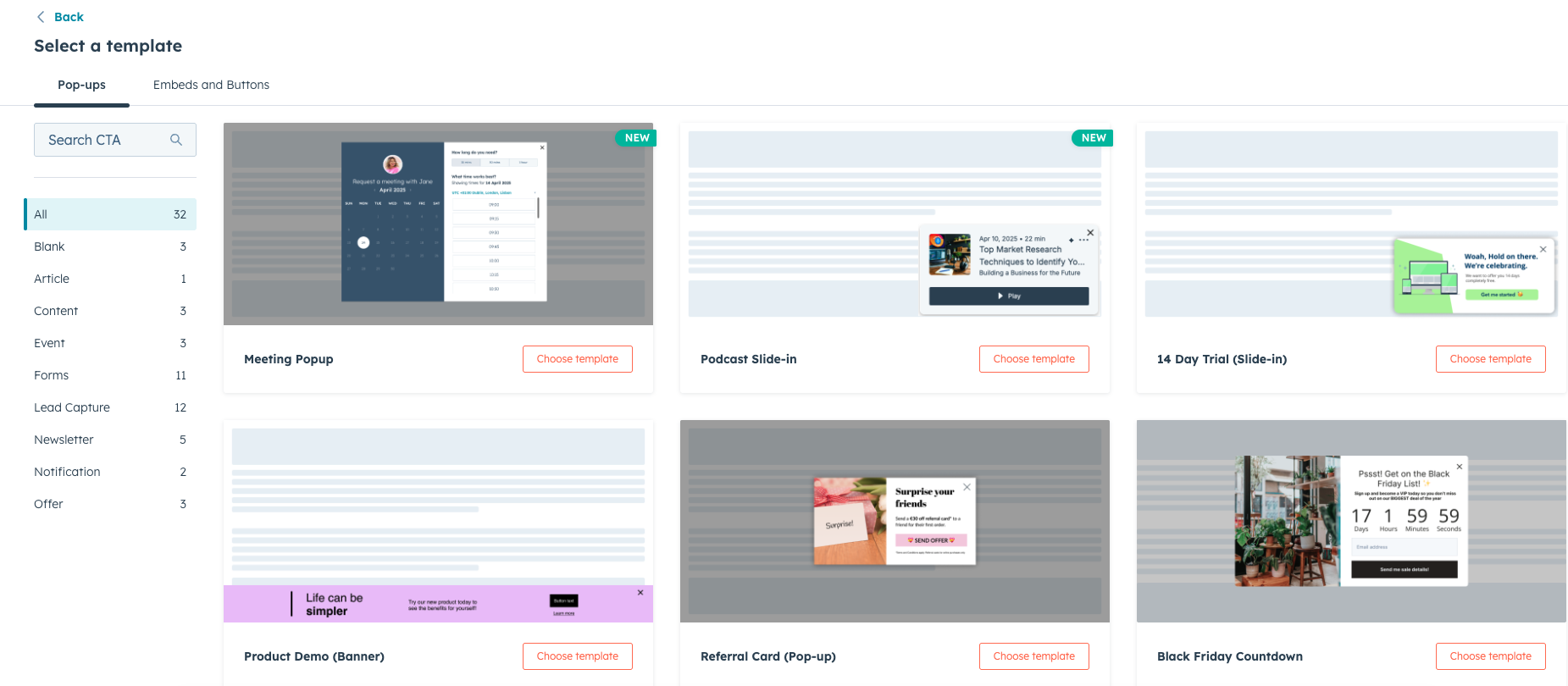
Adding CTAs to Pages
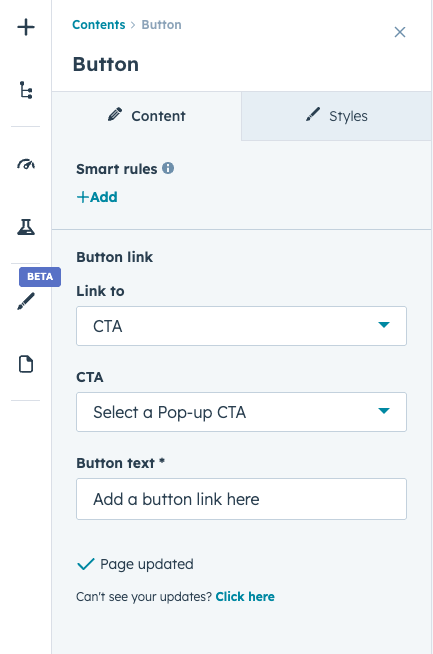
CTAs can be added to pages using modules within the HubSpot page editor.
Common placements include:
- At the end of blog posts
- Inside landing pages
- Within feature sections on website pages
- In sidebars or promotional banners
Strategic placement of CTAs can significantly influence conversion rates.

What Is Conversion Tracking?
Conversion tracking measures when visitors complete a desired action on your website.
Examples of conversions include:
- Submitting a form
- Clicking a CTA
- Downloading a resource
- Signing up for an event
HubSpot tracks these interactions and records them within the platform’s analytics system.
Viewing CTA Performance
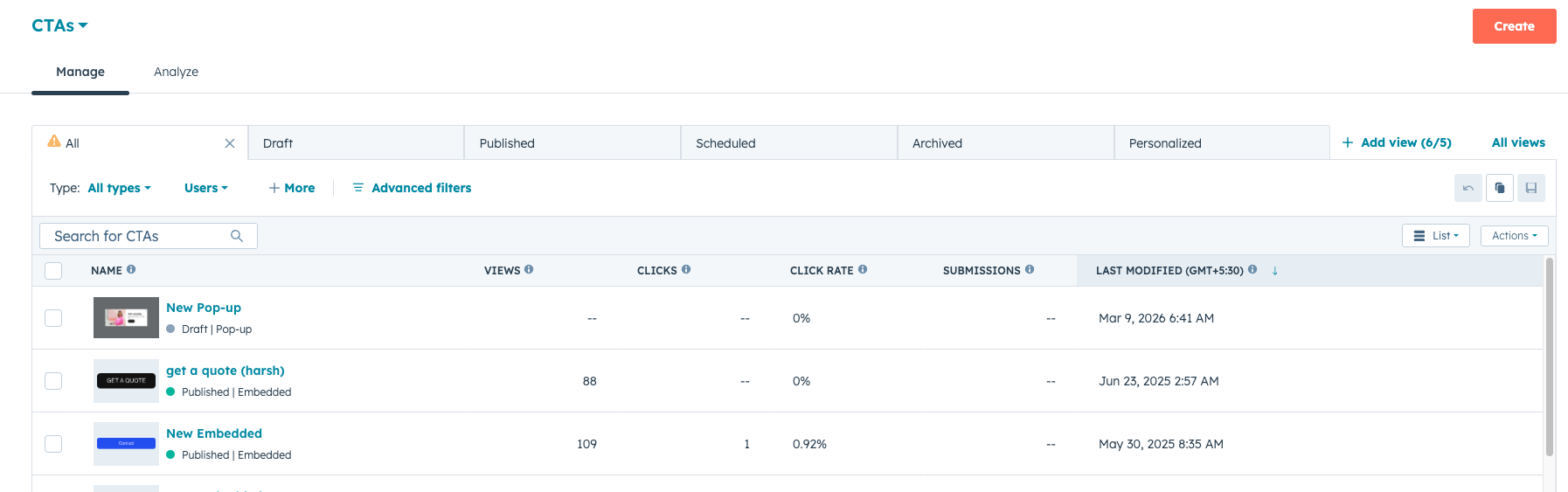
HubSpot provides analytics that allow teams to measure the performance of each CTA.
Important metrics include:
- Number of views
- Number of clicks
- Click-through rate (CTR)
- Conversion rate
These insights help marketers understand which CTAs are most effective.
Key Takeaway
HubSpot Content Hub CTAs and conversion tracking tools help businesses measure how website visitors interact with key calls-to-action. By analyzing CTA performance and optimizing placements, teams can improve lead generation and increase overall website conversions.
Related Post

How Do HubSpot Content Hub Smart Content and Personalization Rules Work?
Not every visitor to your website is the same. Some may be new visitors, while others may already be customers or returning leads. HubSpot Content Hub includes Smart Content features that allow businesses to display different content to different...

How Do HubSpot Content Hub Custom Modules and Reusable Components Work?
One of the most powerful features of HubSpot Content Hub s the ability to create custom modules. Custom modules allow developers to build reusable content blocks that editors can easily add to pages without writing code.

How Do HubSpot Content Hub Personalization Tokens Work?
Personalization is an important feature in modern marketing. Instead of showing the same content to every visitor, businesses can tailor messages based on user information. HubSpot Content Hub supports personalization tokens which allow dynamic...
Have a Project in Mind?
Let’s talk about what you need and how we can make it happen.

Leave a reply