


.png)
.png)



In addition to standard forms, HubSpot Content Hub includes lead capture tools such as pop-ups, slide-ins, and banners that help businesses capture visitor attention and generate leads.
These tools allow marketers to display targeted messages or forms based on visitor behavior, helping convert website visitors into leads more effectively.
Understanding how HubSpot Content Hub pop-ups, slide-ins, and lead capture tools work helps teams create more engaging and conversion-focused websites.
What Are Lead Capture Pop-ups?
Lead capture pop-ups are interactive elements that appear on a webpage to encourage visitors to take an action.
These pop-ups may include:
- Newsletter signup forms
- Resource download offers
- Event registration prompts
- Promotional announcements
Pop-ups are designed to attract attention and encourage visitors to interact with the website.
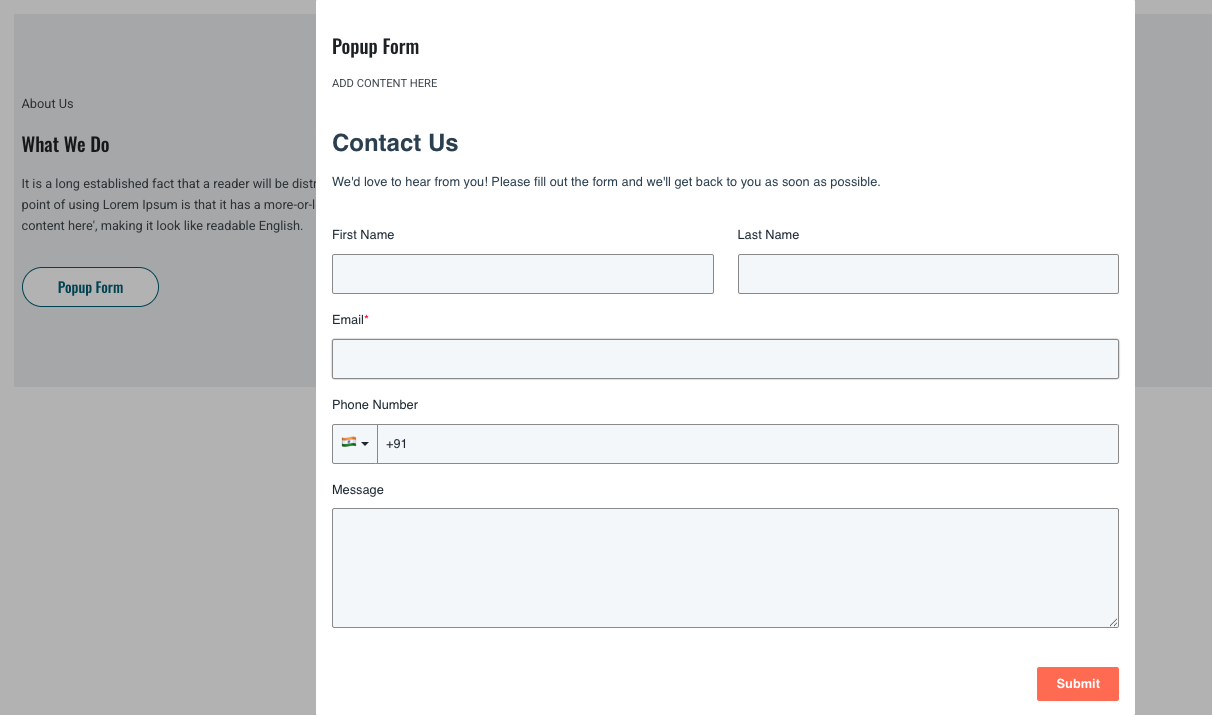
Types of Lead Capture Tools in HubSpot
HubSpot provides several types of lead capture tools that can appear on website pages.
Common formats include:
Pop-up Forms
Pop-ups appear in the center of the screen and typically require user interaction.
Slide-in Forms
Slide-ins appear in the corner of the page and slide into view while the visitor is browsing.
Banner Forms
Banner forms appear as a bar at the top or bottom of the page.
These banners usually promote offers or announcements.
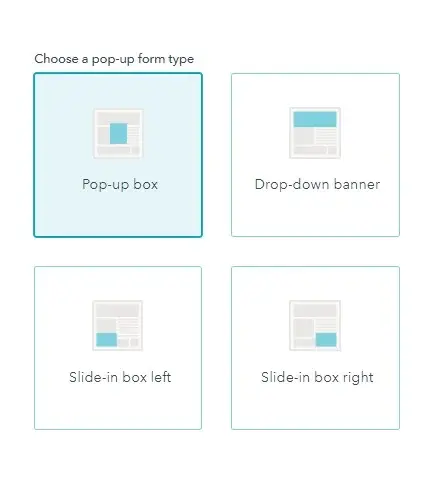
Creating a Pop-up Form
To create a pop-up form in HubSpot Content Hub:
- Navigate to Marketing → Lead Capture → Forms
- Choose the Pop-up form option
- Select the pop-up type (pop-up, slide-in, or banner)
- Add form fields and messaging
- Choose where the pop-up should appear
Once published, the form will appear on the selected pages.
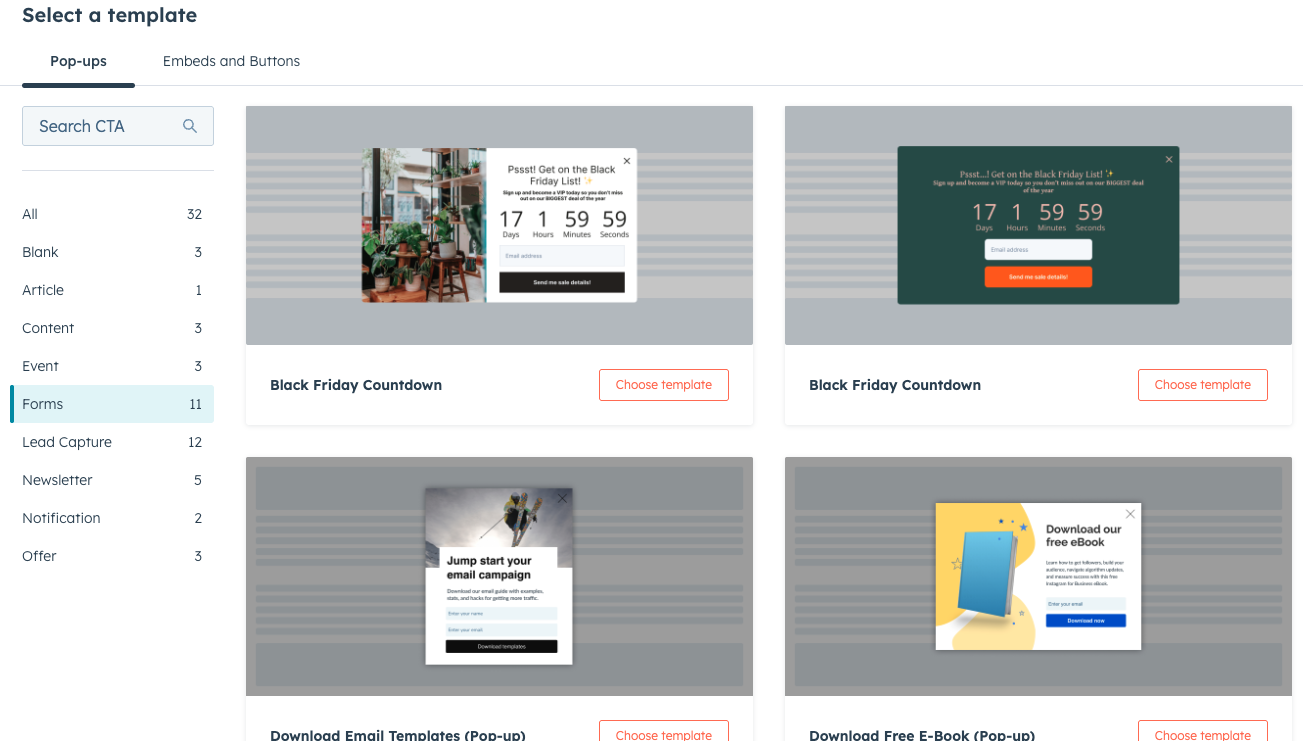
Targeting Rules for Pop-ups
HubSpot allows pop-ups to appear based on specific targeting rules.
For example, pop-ups may appear based on:
- Time spent on the page
- Scroll percentage
- Exit intent
- Specific page URLs
These targeting options help ensure pop-ups appear at the right moment.
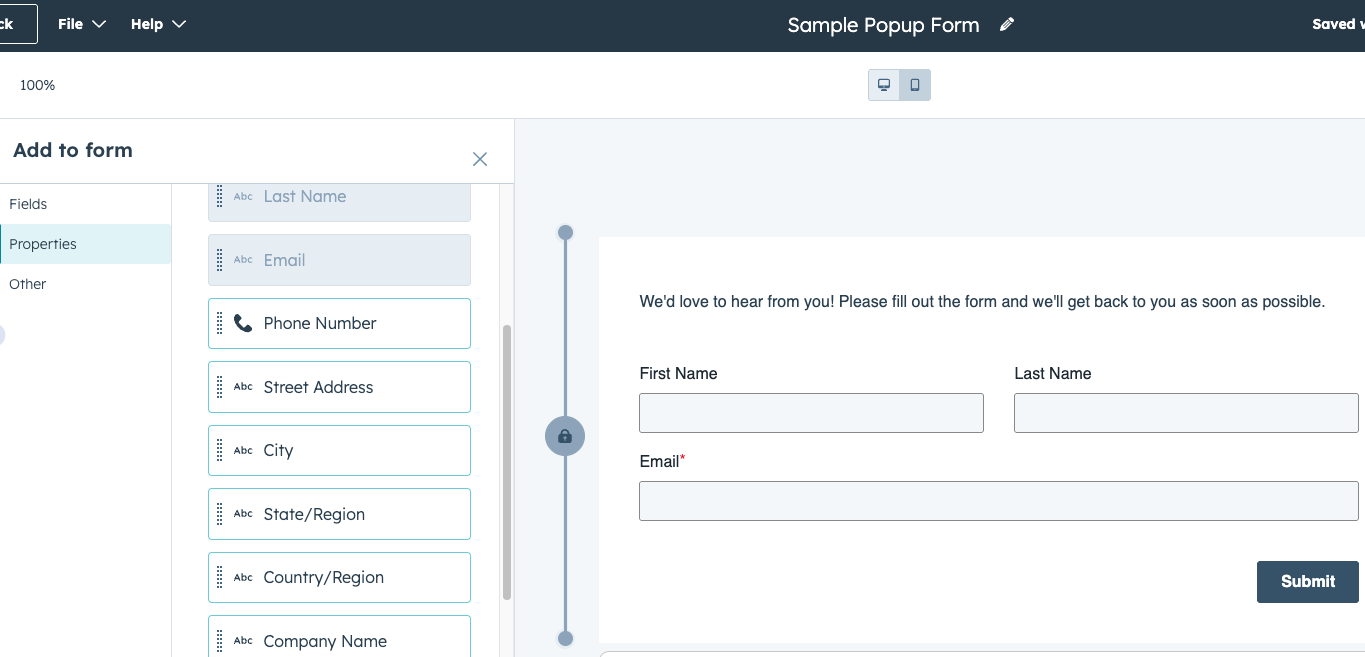
Personalizing Lead Capture Forms
Pop-ups can also be personalized using HubSpot data.
For example:
- Returning visitors may see a different offer
- Known contacts may see personalized messaging
- Visitors from specific regions may see localized promotions
Personalized pop-ups can increase engagement and conversion rates.
Managing Pop-up Performance
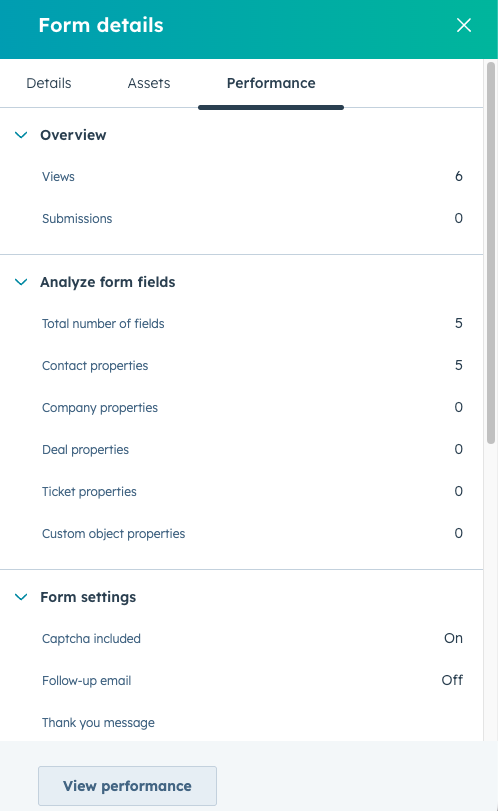
HubSpot provides analytics that allow teams to measure how well their pop-ups perform.
Metrics may include:
- Number of views
- Form submissions
- Conversion rates
These insights help marketers optimize lead capture strategies.
Best Practices for Using Pop-ups
While pop-ups can be effective, they should be used carefully to avoid disrupting the visitor experience.
Helpful practices include:
- Avoid displaying pop-ups immediately when a page loads
- Use clear and valuable offers
- Limit the number of pop-ups per session
- Ensure pop-ups are mobile-friendly
These practices help maintain a positive user experience.
Key Takeaway
HubSpot Content Hub pop-ups, slide-ins, and lead capture tools help businesses engage visitors and collect leads directly from website pages. By using targeted forms and behavior-based triggers, marketers can improve conversion rates while maintaining a smooth browsing experience.
Related Post
How Does HubSpot Content Hub Design Manager Work?
The Design Manager is the primary development environment within HubSpot Content Hub. It is where developers create and manage the files that control how a website looks and functions.
How Do HubSpot Content Hub Blog Templates Work?
Blog templates play an important role in organizing and displaying blog content within HubSpot Content Hub. A blog template controls the design and structure of how blog posts and blog listing pages appear on your website.
How Do HubSpot Content Hub Theme Files and Folder Structures Work?
Themes play an important role in how websites are built and managed in HubSpot Content Hub. A theme defines the overall design system of a website, including templates, styles, modules, and layout structures.
Have a Project in Mind?
Let’s talk about what you need and how we can make it happen.

Leave a reply