


.png)
.png)


Modern websites often rely on multiple tools and platforms to support marketing, analytics, customer engagement, and automation. HubSpot Content Hub allows businesses to connect with a wide range of external tools through integrations.
These integrations help extend the functionality of the website and allow HubSpot to work seamlessly with other systems used by the business.
Understanding how HubSpot Content Hub integrations and external tools work helps teams build a more connected and powerful digital ecosystem.
What Are Integrations in HubSpot Content Hub?
An integration allows HubSpot to connect with another software platform so that data and functionality can be shared between systems.
Integrations can enable features such as:
- Analytics tracking
- Customer support tools
- Marketing automation
- Payment processing
- Event tracking
By connecting external tools, businesses can create more advanced workflows and website functionality.
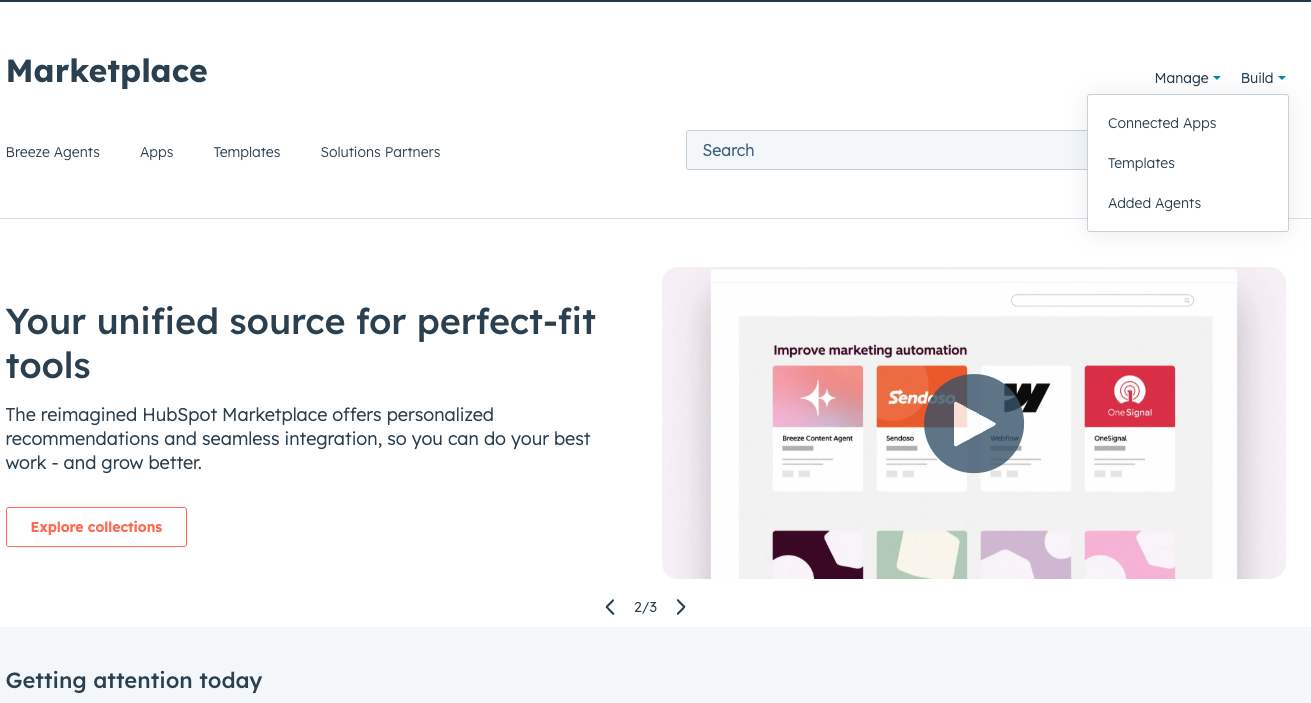
HubSpot App Marketplace
HubSpot provides an App Marketplace where users can discover and install integrations.
You can access the marketplace by navigating to:
Marketplace → App Marketplace
Here you will find hundreds of integrations for various tools and services.
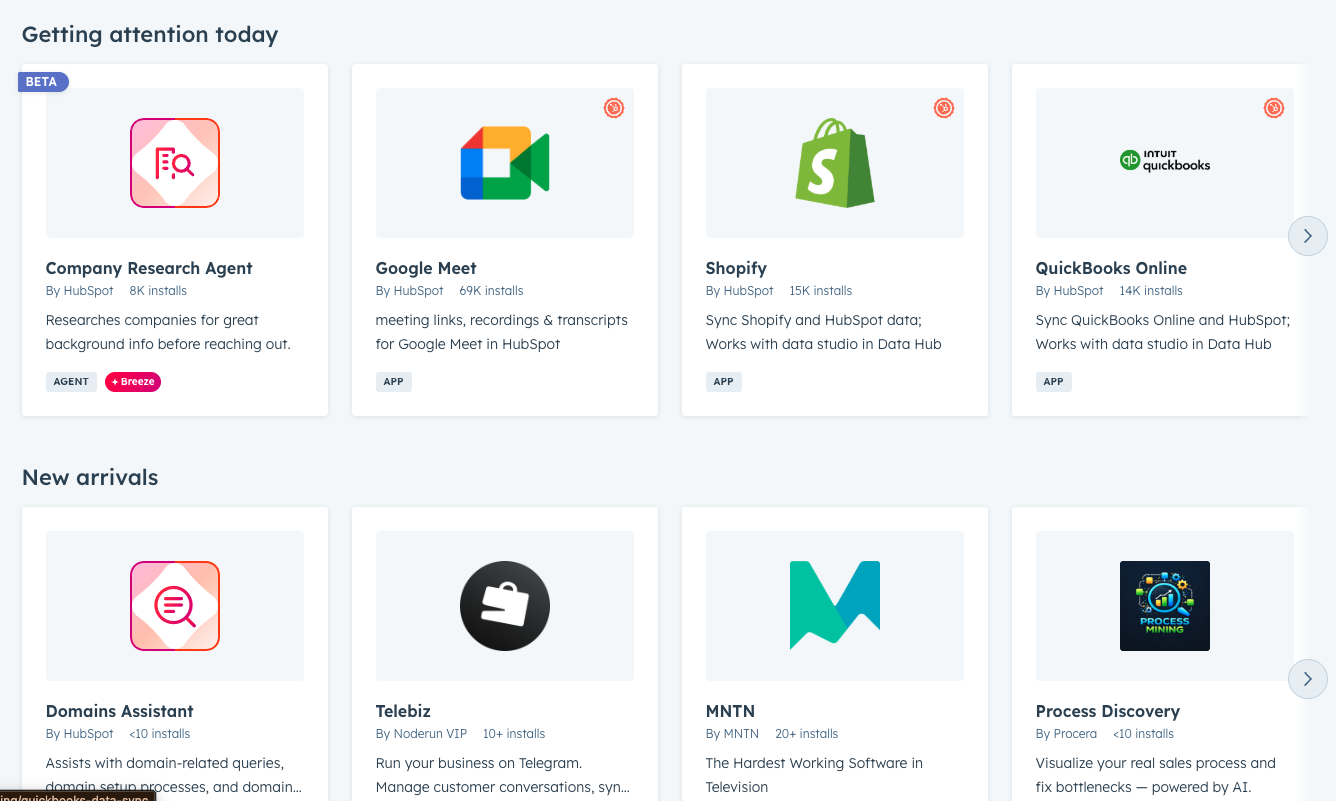
Common Integrations Used with HubSpot Content Hub
Many websites use integrations to enhance their functionality.
Some commonly used integrations include:
- Google Analytics for website traffic tracking
- Google Tag Manager for event tracking and scripts
- Stripe or payment tools for payments and subscriptions
- Customer support platforms for help desk systems
- Video platforms for embedded media
These integrations help businesses combine website content with other marketing and operational tools.
Installing an Integration
Installing an integration in HubSpot Content Hub is usually straightforward.
The general process involves:
- Opening the HubSpot App Marketplace
- Selecting the desired integration
- Clicking Install App
- Authorizing the connection between HubSpot and the external tool
Once installed, the integration becomes available within your HubSpot portal.
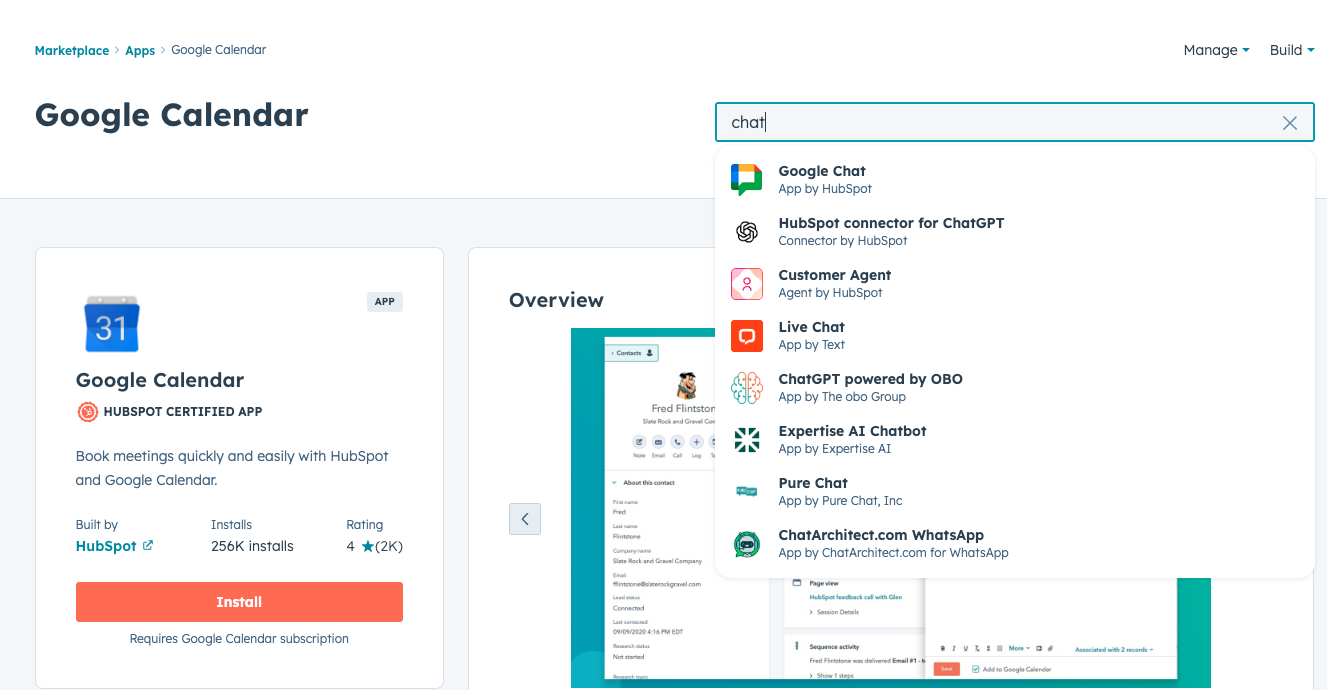
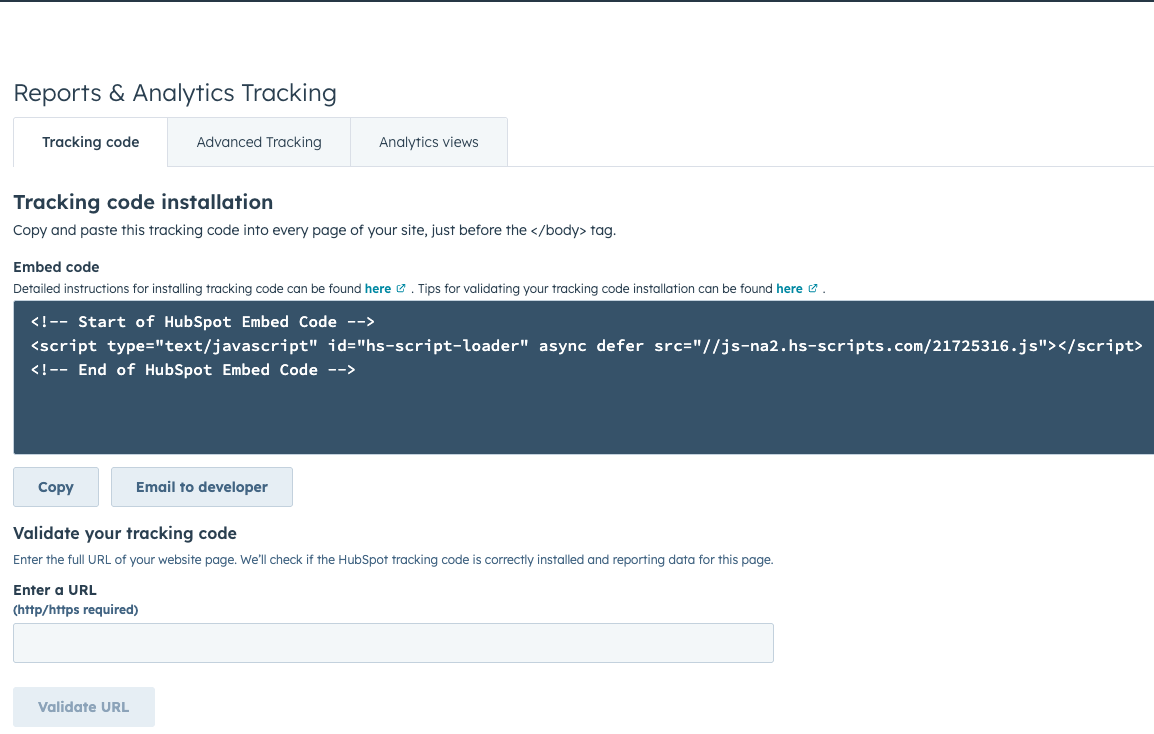
Using Tracking Scripts and Embed Codes
Some integrations are added to websites using tracking scripts or embed codes.
For example, tools like analytics platforms or chat widgets may require a script to be added to the website.
Developers usually add these scripts through:
- Website settings
- Header or footer code sections
- Custom modules or templates
This allows the external service to interact with the website.
Custom Integrations with APIs
For more advanced use cases, businesses can build custom integrations using HubSpot APIs.
Developers can use APIs to:
- Sync data between HubSpot and external systems
- Build custom applications
- Create automated workflows
- Connect proprietary tools
Custom integrations allow businesses to tailor HubSpot to their specific operational needs.
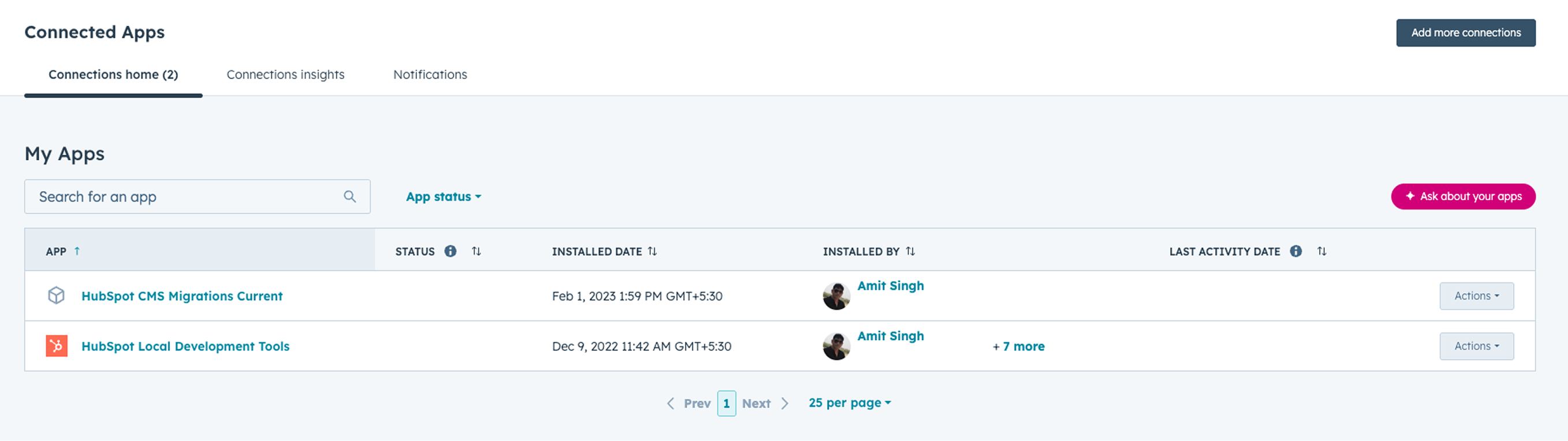
Managing Installed Integrations
HubSpot also provides tools to manage installed apps and integrations.
Administrators can:
- View installed apps
- Update integration permissions
- Remove unused integrations
- Monitor connected services
Managing integrations helps keep the system secure and organized
Key Takeaway
HubSpot Content Hub integrations allow businesses to connect their website with external tools and services. By integrating analytics, marketing platforms, and other applications, teams can expand the capabilities of their website and create a more connected digital ecosystem.
Related Post
How Does HubSpot Content Hub Schedule Blog Posts?
Publishing blog content consistently is important for maintaining an active website and engaging your audience. HubSpot Content Hub makes this easier by allowing users to schedule blog posts in advance.
How Do HubSpot Content Hub Content Permissions and User Roles Work?
When multiple people work on a website, it becomes important to control who can edit content, manage design assets, or publish pages. HubSpot Content Hub provides user roles and content permissions that allow administrators to control access across...
How Do HubSpot Content Hub Global Content and Reusable Sections Work?
Many websites include sections that appear on multiple pages, such as headers, footers, banners, or promotional blocks. Managing these sections individually on every page can be time-consuming. HubSpot Content Hub provides global content features...
Have a Project in Mind?
Let’s talk about what you need and how we can make it happen.

Leave a reply