


.png)
.png)



HubSpot Content Hub (formerly CMS Hub) is a content management system built by HubSpot that lets you create, edit, and manage websites without needing to handle hosting, security, or complex infrastructure.
In simple terms, it’s the website-building part of HubSpot — tightly connected to CRM, marketing, and analytics tools.
If you’ve ever felt stuck between a “too technical” CMS and a “too limited” page builder, HubSpot Content Hub sits comfortably in the middle.
What HubSpot Content Hub Is Designed For
HubSpot Content Hub is designed for:
- Marketing teams who want control over content
- Developers who want flexibility without server management
- Businesses that want their website connected to CRM and marketing data
Unlike traditional CMS platforms, HubSpot Content Hub is not just a website tool — it’s part of a larger ecosystem.
Key Components of HubSpot Content Hub
At a high level, HubSpot Content Hub consists of a few core building blocks:
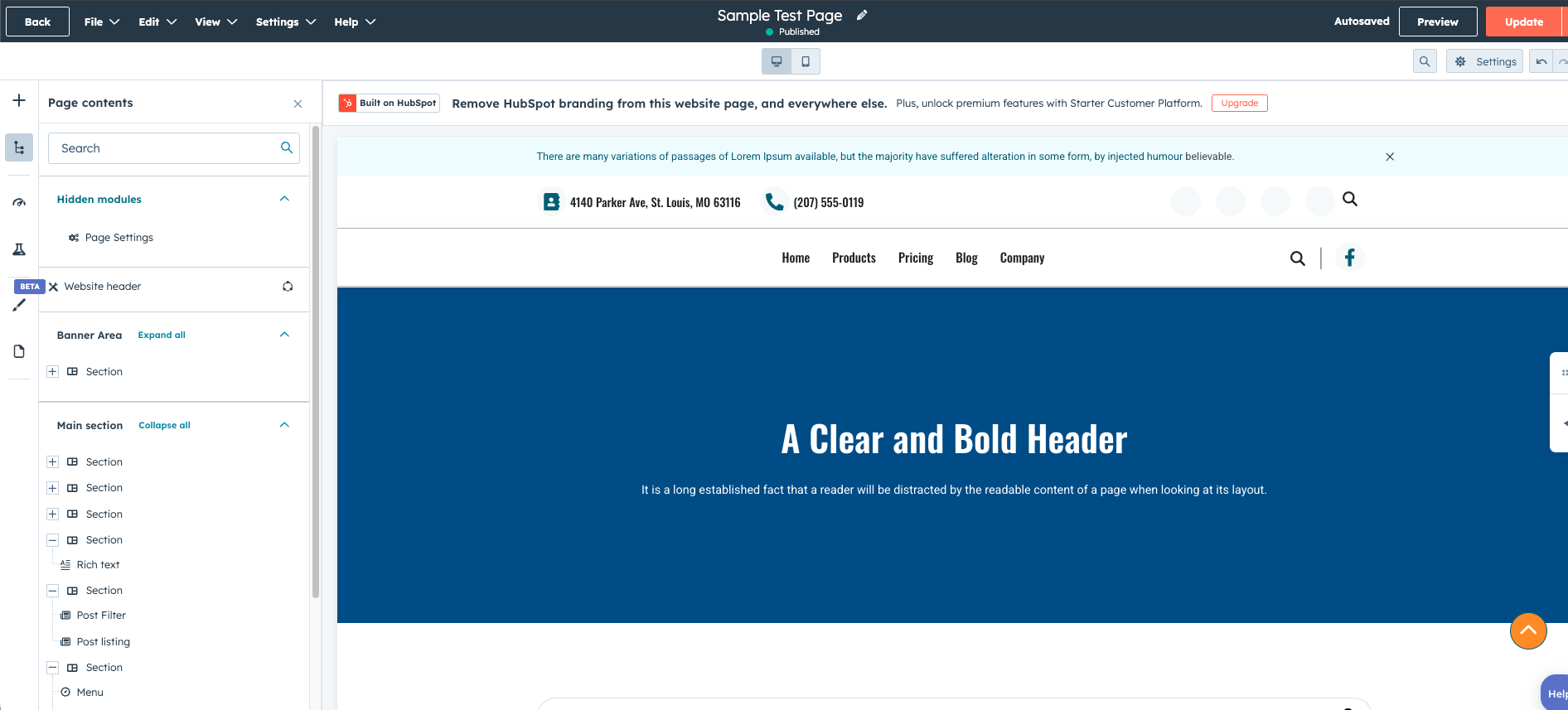
1. Pages
You can create:
- Website pages
- Landing pages
- Thank-you pages
Each page is built using drag-and-drop sections and modules.
2. Themes & Templates
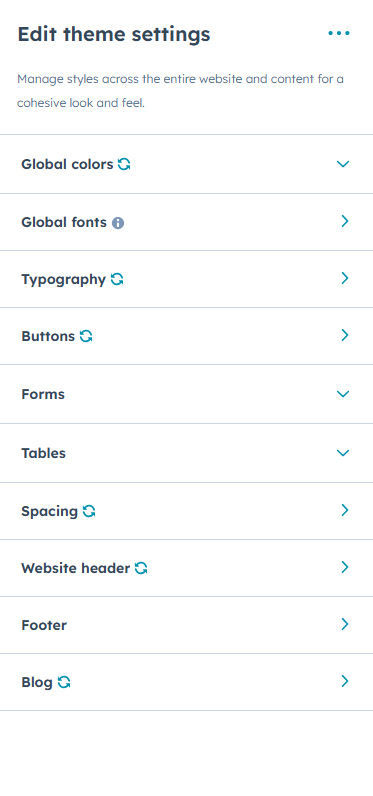
Themes control the overall structure and styling of your website:
- Fonts
- Colors
- Headers and footers
- Page templates
Templates define how pages are structured, while themes define how they look.
3. Modules
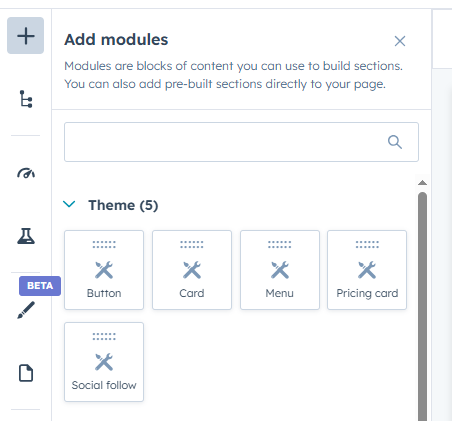
Modules are reusable content blocks like:
- Text blocks
- Image blocks
- Forms
- Custom-built components
You can use HubSpot’s default modules or create custom modules for more control.
4. Drag-and-Drop Editor
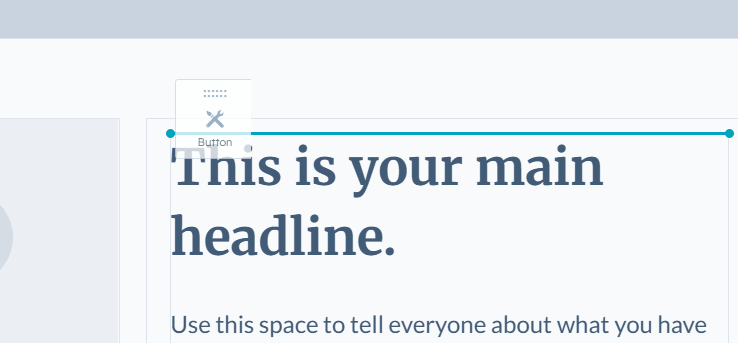
The drag-and-drop editor allows non-developers to:
- Rearrange sections
- Edit content safely
- Reuse saved sections
This makes HubSpot Content Hub very editor-friendly.
Who Should Use HubSpot Content Hub?
HubSpot Content Hub works best for:
- Marketing-led websites
- Marketing-led websites
- SaaS and B2B companies
- Agencies managing multiple client sites
- Teams that want speed without sacrificing structure
It may not be ideal if you need:
- Heavy custom backend logic
- Full ecommerce storefronts (without integrations)
- A headless-only setup
Final Thoughts
HubSpot Content Hub is best thought of as a practical, business-ready CMS — not just a page builder, and not a developer-only platform.
If your goal is to build and manage a website that works closely with marketing and CRM data, HubSpot Content Hub is a strong option.
Related Post
HubSpot Content Hub vs WordPress: Which One Should You Choose?
Choosing between HubSpot Content Hub and WordPress depends less on features and more on how your team works and what you want to manage yourself.

How Does HubSpot Content Hub Security and Website Protection Work?
Website security is an essential part of managing any online platform. Businesses need to ensure that their websites are protected from threats such as data breaches, malicious attacks, and unauthorized access. HubSpot Content Hub includes several...
How Do HubSpot Content Hub Smart Content and Personalization Work?
One of the powerful features of HubSpot Content Hub is the ability to personalize website content for different visitors. This feature is called Smart Content. It allows websites to display different messages, offers, or content blocks depending on...
Have a Project in Mind?
Let’s talk about what you need and how we can make it happen.

Leave a reply