


.png)
.png)



Website security is essential for protecting visitor data and maintaining trust. Modern websites must ensure that user interactions, form submissions, and data transfers are secure.
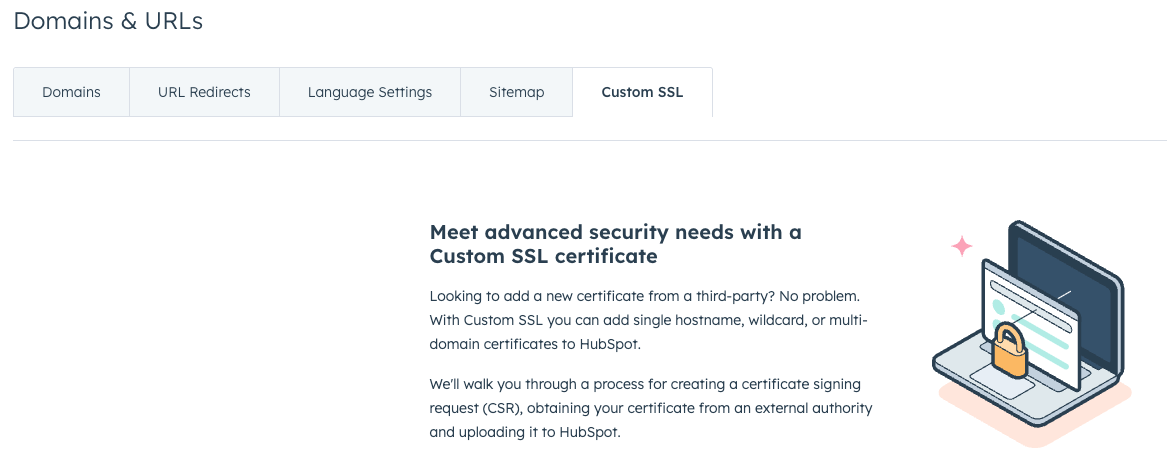
HubSpot Content Hub includes built-in security features such as SSL encryption, secure hosting infrastructure, and protection mechanisms that help safeguard websites and their visitors.
Understanding how HubSpot Content Hub website security and SSL features work helps businesses maintain secure websites without managing complex server configurations.
What Is SSL?
SSL (Secure Sockets Layer) is a security technology that encrypts the connection between a website and a visitor’s browser.
When SSL is enabled, the website URL begins with:
https://
Instead of:
http://
The “S” in HTTPS stands for secure, indicating that the connection is encrypted.

Why SSL Is Important
It helps:
- Protect visitor data during transmission
- Secure form submissions
- Improve search engine rankings
Search engines such as Google prefer secure HTTPS websites.
Automatic SSL in HubSpot
One of the advantages of using HubSpot Content Hub is that SSL is typically enabled automatically for hosted domains.
This means that:
- Visitors connect to the website through HTTPS
- Data transmitted between the visitor and the server is encrypted
- No manual SSL configuration is required
This simplifies website security management.
Key Takeaway
HubSpot Content Hub provides built-in security features such as SSL encryption, secure hosting infrastructure, and automatic platform updates. These features help protect visitor data and ensure that websites remain secure without requiring complex server management.
Have a Project in Mind?
Let’s talk about what you need and how we can make it happen.

Leave a reply