


.png)
.png)


When multiple people work on a website, it’s important to control who can access and edit different parts of the platform. HubSpot Content Hub includes a flexible user permissions system that allows administrators to control exactly what each user can see or modify.
This helps teams collaborate on websites while reducing the risk of accidental changes to important pages, templates, or settings.
Understanding how HubSpot Content Hub user permissions work can help organizations manage website access more safely and efficiently.
Why User Permissions Are Important
Websites often involve collaboration between multiple teams, such as:
- Marketing teams creating pages and campaigns
- Designers managing branding and layout
- Developers building templates and modules
- Administrators managing system settings
Without proper access controls, users could unintentionally modify important parts of the website.
HubSpot Content Hub permissions allow organizations to limit access based on each user’s role .
Types of Permissions in HubSpot Content Hub
HubSpot provides different levels of permissions depending on what a user needs to do inside the platform.
Some common permission types include:
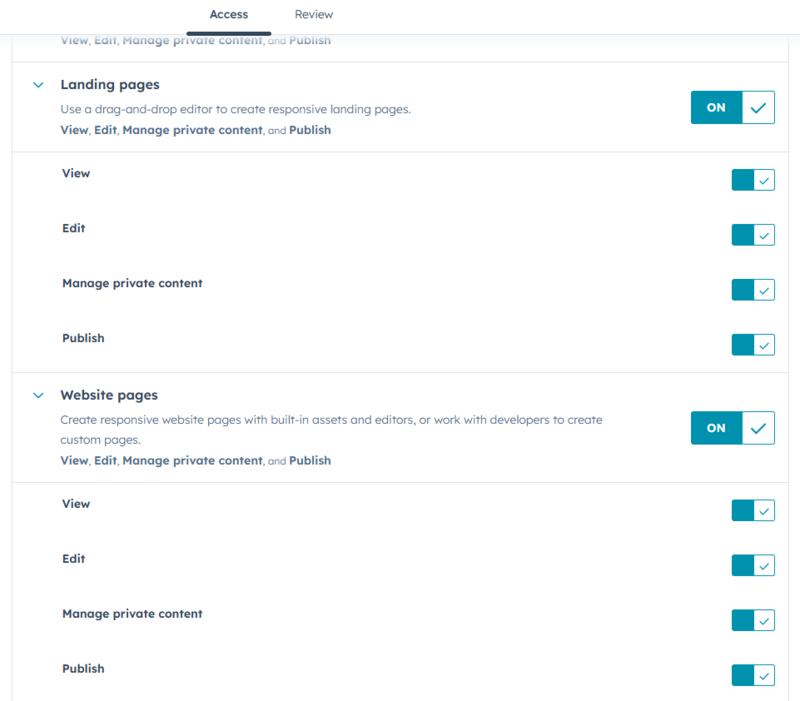
- Content editing permissions - allows users to create and edit pages or blog posts
- Publishing permissions - controls who can publish pages live
- Design permissions - determines who can access Design Manager and modify templates
- File permissions - manages access to files and media assets
- Administrative permissions - controls access to portal settings
This system allows teams to assign access based on responsibilities.
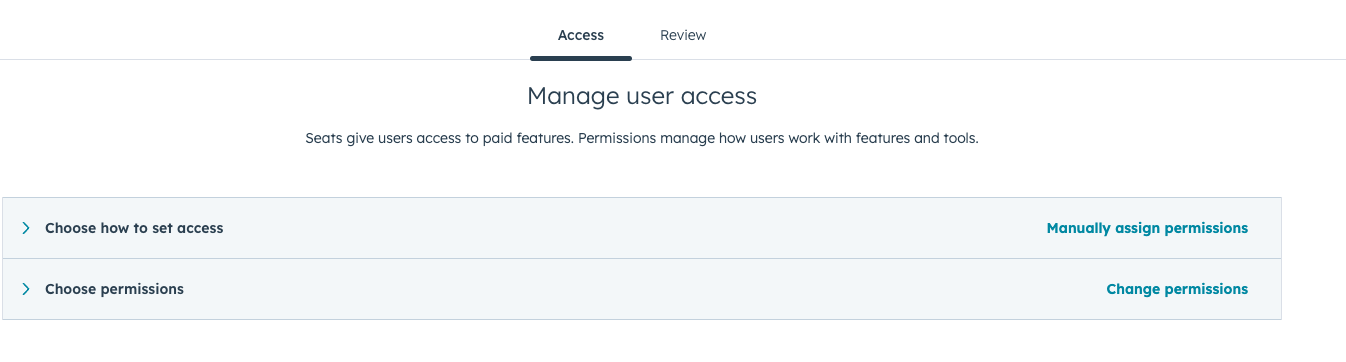
Assigning User Roles
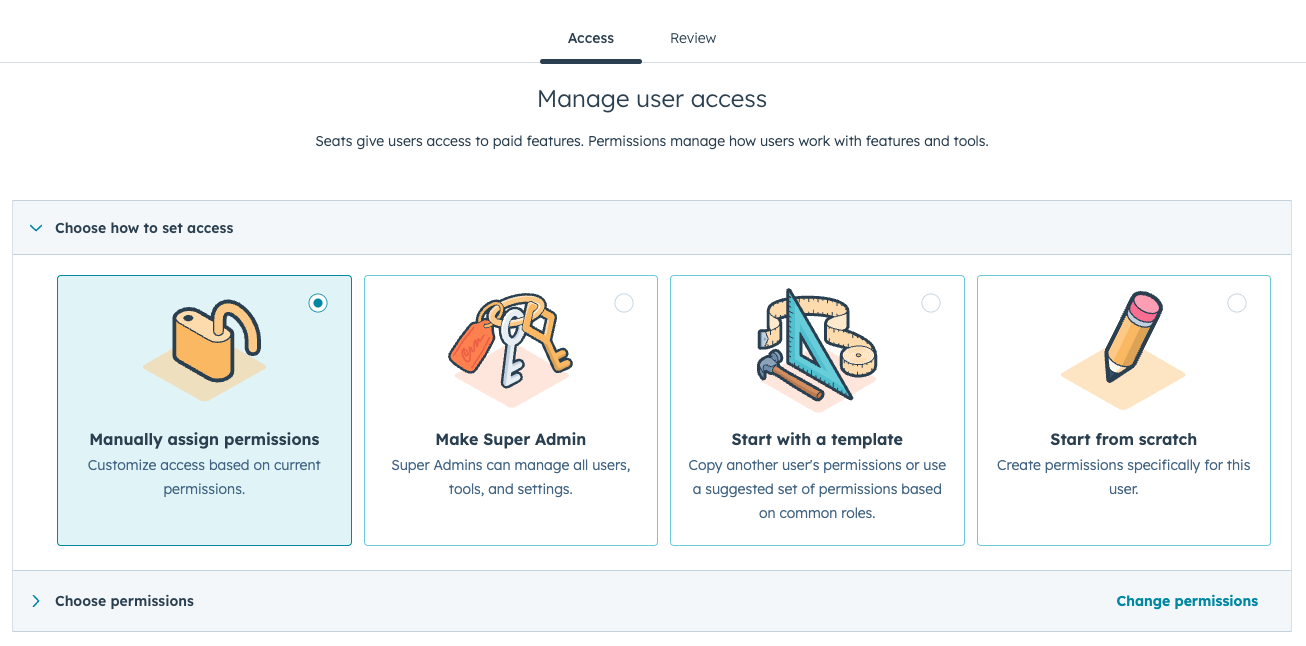
Administrators can assign permissions to users from the HubSpot user management settings.
When adding a user, administrators can choose which tools the user can access, including Content Hub features.
Permissions can be set for:
- Individual users
- Teams
- Specific tools within the platform
This allows organizations to create structured access rules for different departments.
Limiting Access to Design Tools
One important feature of HubSpot Content Hub permissions is the ability to limit access to design tools.
For example, administrators can restrict access to:
- Design Manager
- Theme editing
- Template development
- Custom module creation
This helps ensure that only developers or technical users modify the underlying structure of the website.
Meanwhile, marketing teams can safely update content without affecting the design system.
Controlling Publishing Access
Another useful permission feature is publishing control.
Some organizations allow content teams to draft and edit pages but restrict the ability to publish them.
In this workflow:
- Editors create and update content
- Managers or administrators review the changes
- Approved users publish the page
This process helps maintain quality control across the website.
Managing Teams and Collaboration
HubSpot also allows organizations to group users into teams, which makes managing permissions easier.
For example:
- Marketing team members may have page editing access
- Developers may have Design Manager access
- Executives may only have viewing permissions
Using teams simplifies permission management as organizations grow.
Final Thoughts
The HubSpot Content Hub permission system helps organizations manage website access in a structured and secure way.
By controlling who can edit content, modify design elements, and publish pages, teams can collaborate effectively while protecting important parts of the website.
Related Post
How Do HubSpot Content Hub Page Templates and Layout Sections Work?
When building pages in HubSpot Content Hub, the structure of a page is usually defined by a template. Within that template, the page is divided into layout sections that organize how content appears on the page.
How Do HubSpot Content Hub Blog Features and Publishing Tools Work?
Blogs are one of the most effective ways to publish educational content, attract search traffic, and support inbound marketing strategies. HubSpot Content Hub includes built-in blog tools that allow businesses to create, manage, and publish blog...
How Do HubSpot Content Hub Blog Templates Work?
Blog templates play an important role in organizing and displaying blog content within HubSpot Content Hub. A blog template controls the design and structure of how blog posts and blog listing pages appear on your website.
Power Up Your Project
Request a Quote and Let Us Save the Day!

Leave a reply