


.png)
.png)



Many businesses move their websites to HubSpot from platforms such as WordPress, Drupal, Webflow, or custom-built systems. HubSpot Content Hub includes migration and content import tools that help teams move their website content into the platform.
These tools simplify the process of transferring pages, blog posts, images, and other assets so businesses can rebuild or migrate their websites without starting from scratch.
Understanding how HubSpot Content Hub website migration and content import tools work helps organizations transition their websites smoothly to the HubSpot ecosystem.
What Is Website Migration?
Website migration refers to the process of moving a website from one platform to another.
This process may involve transferring:
- Website pages
- Blog articles
- Images and media files
- Navigation structures
- SEO settings and URLs
Migration is often done when businesses want to use HubSpot’s integrated marketing and CRM features.
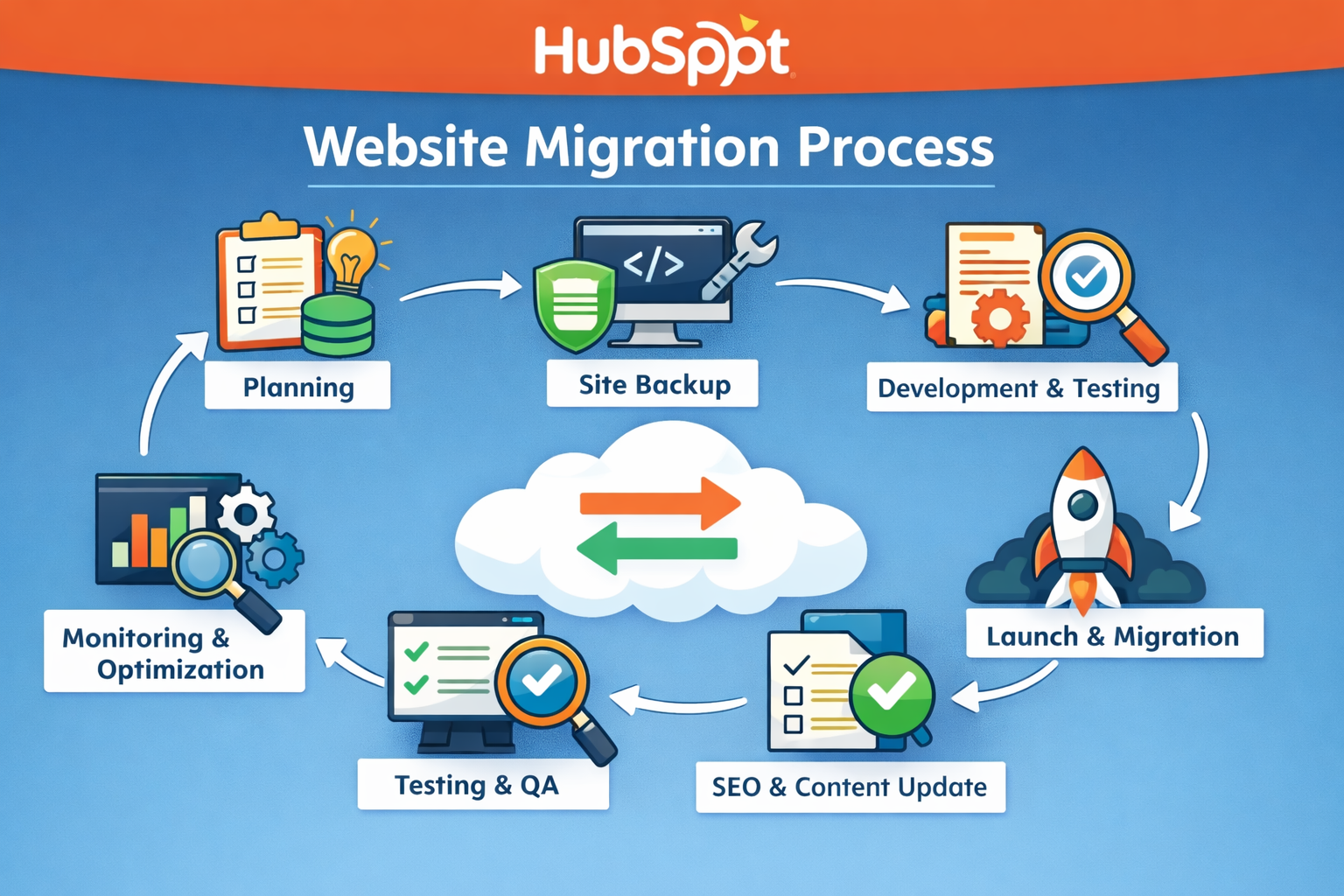
HubSpot Migration Options
HubSpot offers several ways to migrate content into HubSpot Content Hub.
Common migration methods include:
- Manual page recreation using HubSpot templates
- Content import tools for blog posts and assets
- Professional migration services provided by HubSpot
- Custom migration performed by developers
The method used usually depends on the size and complexity of the website.
Importing Blog Content
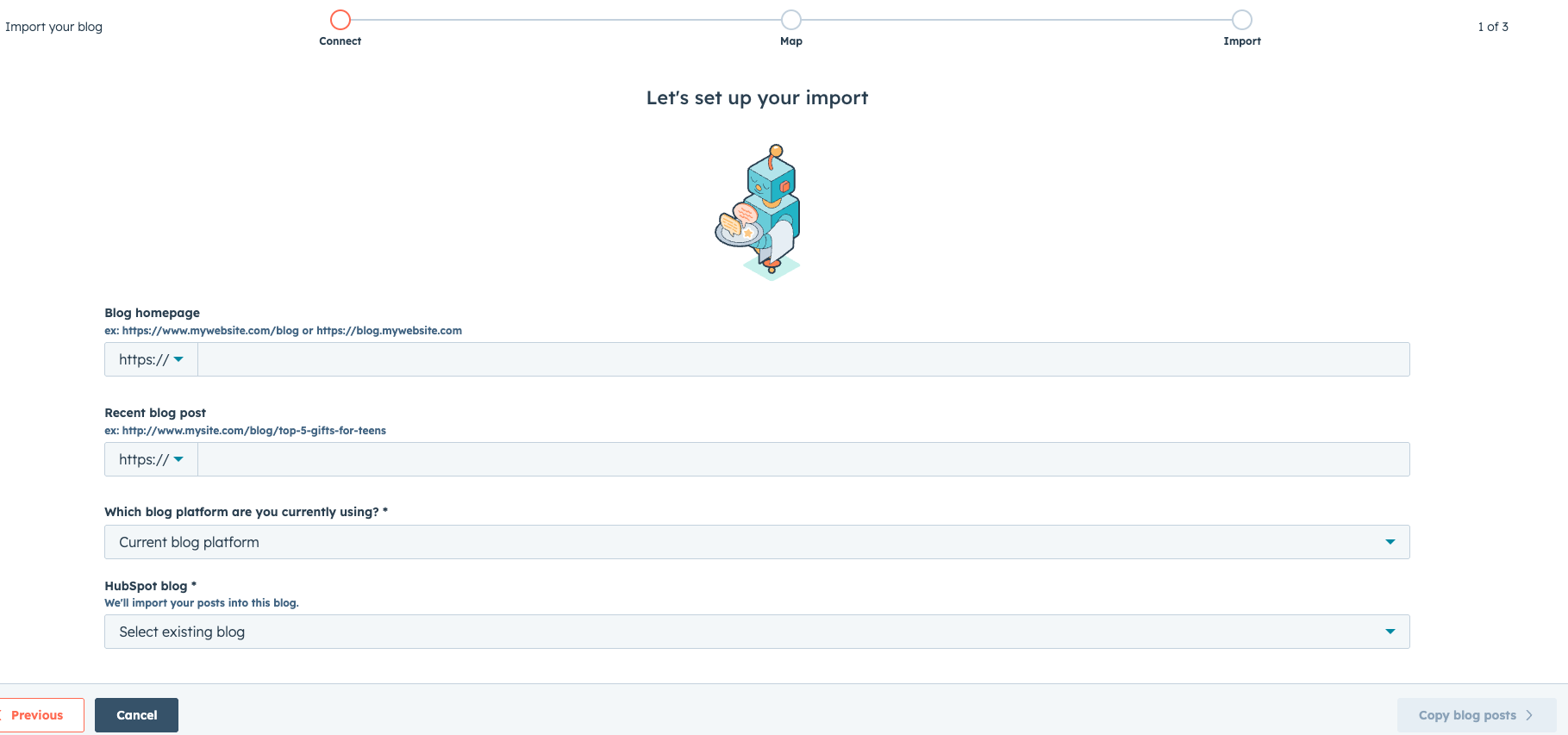
HubSpot provides a blog import tool that allows users to import blog posts from other platforms.
To import blog content:
- Navigate to Content → Blog → Import Blog
- Enter the source URL of the blog
- Map the content fields
- Review and import the posts
This tool can automatically import many blog articles along with images and formatting.
Rebuilding Website Pages
Website pages are often recreated using HubSpot templates.
Developers or designers typically:
- Rebuild page layouts using HubSpot themes
- Create templates that match the original design
- Add content using the page editor
This approach ensures the new website is optimized for HubSpot’s system.
Migrating Media and Files
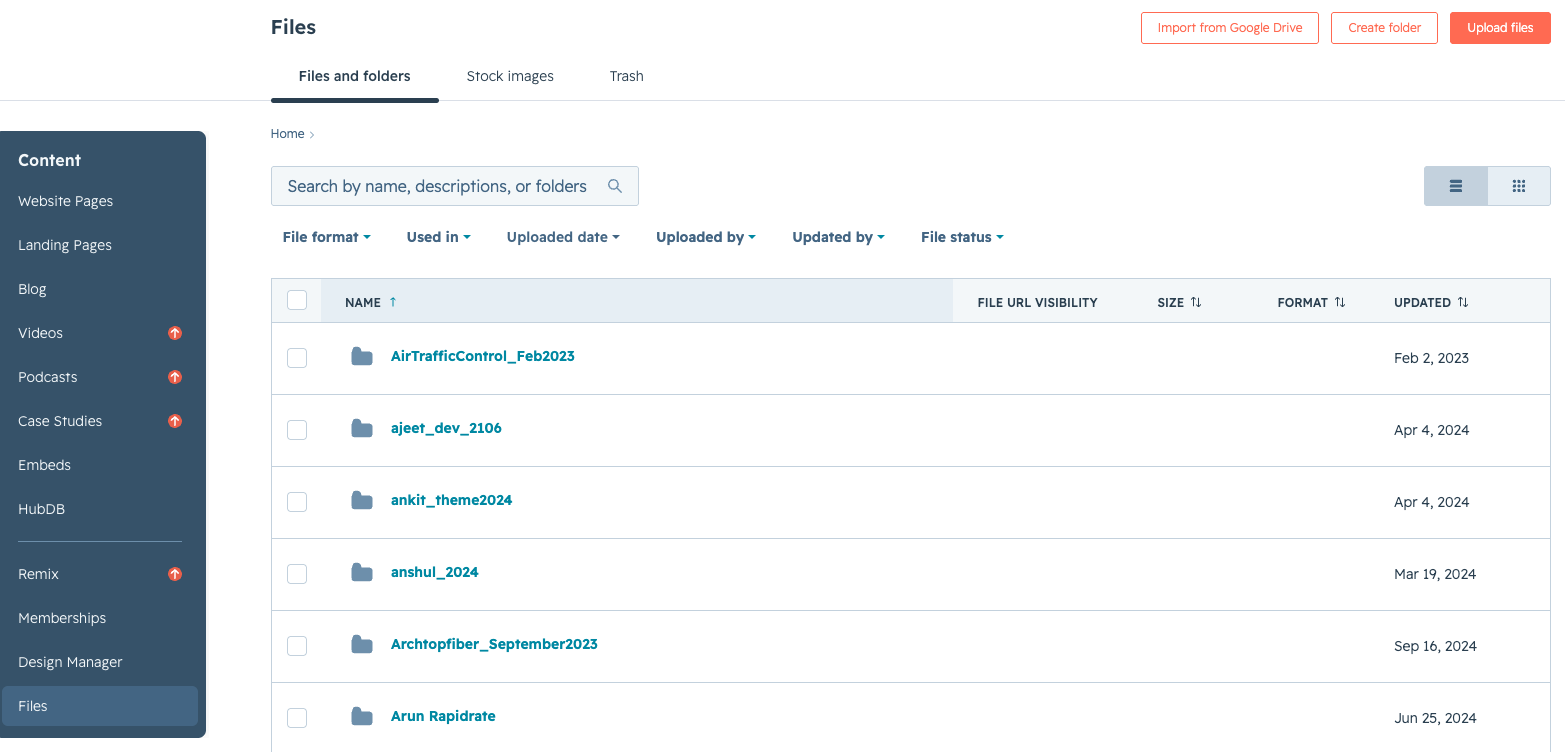
Media files such as images, documents, and videos can be uploaded to the HubSpot File Manager.
During migration, teams often organize files into folders such as:
- Blog images
- Website graphics
- Downloadable resources
Proper file organization helps maintain a clean media library.
Key Takeaway
HubSpot Content Hub migration and import tools help businesses transfer their website content from other platforms into HubSpot. By carefully migrating pages, blog posts, media files, and SEO settings, organizations can move to HubSpot while maintaining website functionality and search visibility.
Have a Project in Mind?
Let’s talk about what you need and how we can make it happen.

Leave a reply