


.png)
.png)

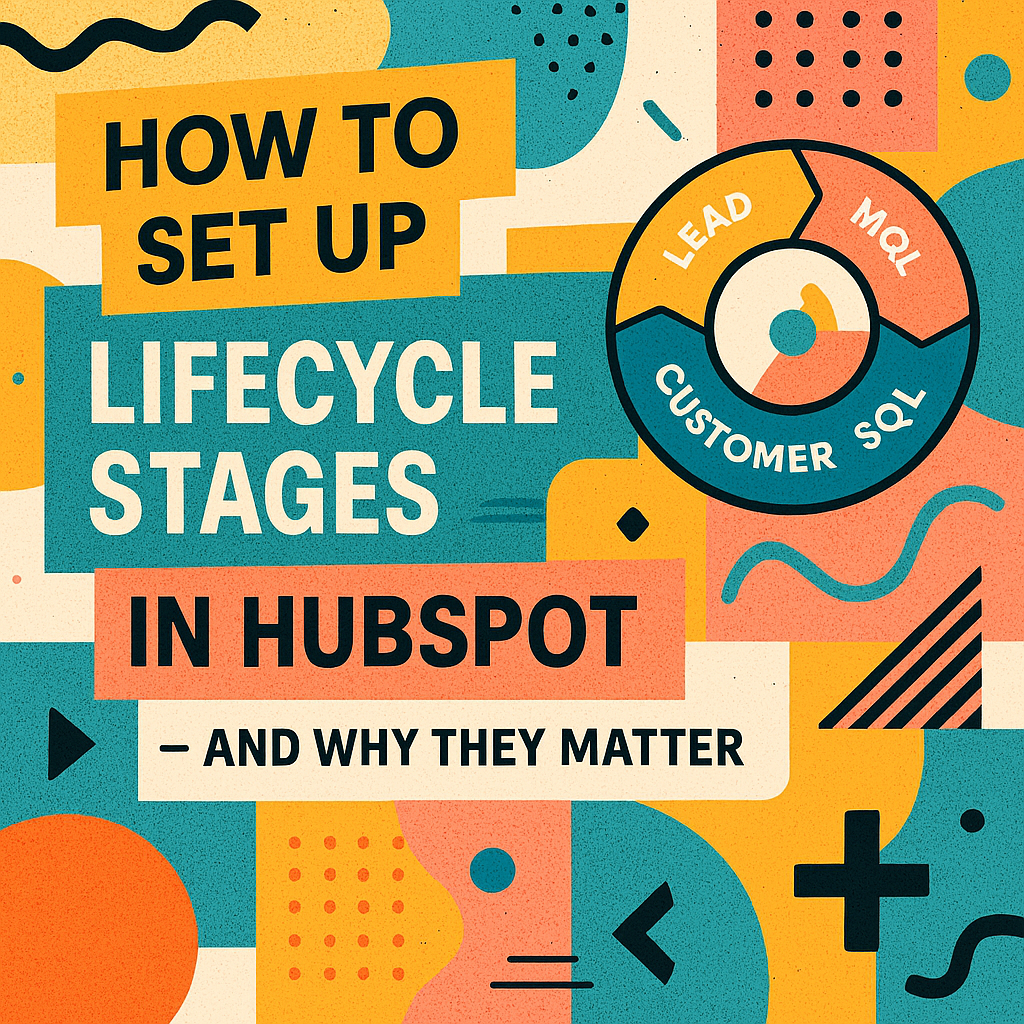

Setting Up Lifecycle Stages in HubSpot: What They Are and Why They Matter
Most businesses have leads at every stage of the customer journey, ranging from the first time someone visits your website, to marketing qualified leads (MQLs) who’ve shown interest, to sales qualified leads (SQLs) ready to talk with sales, to active opportunities in your pipeline, and finally, to loyal customers who keep coming back. Successfully moving leads through these stages is key to growing your business. However, if you’re not clearly tracking these lifecycle stages within your HubSpot CRM, you’re likely missing out on valuable opportunities to:- Personalize outreach
- Nurture leads properly
- Align marketing and sales
- Report accurately on funnel health
That’s where lifecycle stages come in.
In HubSpot, lifecycle stages let you define where a contact is in their journey and use that insight to automate, segment, and scale.
In this post, you’ll learn:
- What lifecycle stages are and how HubSpot uses them
- How to set them up correctly
- When and how to update them
- Why they’re critical to your marketing and sales funnel
- Best practices to avoid messy CRM data
How to Set Up Lifecycle Stages in HubSpot
Step 1: Understand the Property
In HubSpot, Lifecycle Stage is a default contact property.
You can view or edit it by:
- Going to a contact record
- Searching for the “Lifecycle Stage” field
- Manually updating it — or automating it via forms, workflows, or integrations
This field is readable and writable — but it doesn’t auto-update unless you set logic.
Step 2: Automate Stage Updates with Workflows
To prevent manual errors, use Workflows to update lifecycle stages based on:
Form submissions
- “Contact Us” = Lead
- “Request a Demo” = SQL
- “Free Trial Signup” = MQL
Lead scoring
- HubSpot score > 60 = MQL
- Score > 80 and visited pricing = SQL
Deal creation
- If a deal is created → change to Opportunity
Closed deal
- If deal = Closed-Won → change to Customer
Workflows ensure that lifecycle stage data is accurate, up to date, and actionable.
Common Mistakes to Avoid
- Not updating lifecycle stages automatically (leads get stuck)
- Treating every contact as a lead (no segmentation)
- Confusing lifecycle stage with lead status (they’re not the same!)
- Skipping stages or skipping documentation
Lifecycle = relationship status. Lead Status = sales process progress.
Bonus Tip: Sync Lifecycle Stage Across Objects
If you’re using companies, deals, or custom objects, use workflows to sync lifecycle stages from
- Contact → Company
- Contact → Deal (and vice versa)
This creates consistency in how accounts are handled and measured.
Final Thoughts
Lifecycle stages are the backbone of your HubSpot CRM strategy.
They help you:
- Align your team
- Trigger the right campaigns
- Clean your data
- Measure what matters
The best part? Once it’s set up properly, it runs in the background giving your marketing and sales engine the structure it needs to grow.
You might also like
What Is a HubSpot Lifecycle Stage? And Why You Should Care
Introduction One of the most powerful — but often overlooked — features in HubSpot is the Lifecycle Stage property. Whether you’re in marketing, sales, or client services, understanding lifecycle stages can completely transform how your team manages...
How to Build a Lean, Scalable Sales Funnel with HubSpot
Streamlining Your Sales Funnel for Growth with HubSpot Sales funnels are not new — but the way modern businesses design, measure, and scale them has changed dramatically.

HubSpot Workflows Explained: Triggers, Branches & Best Practices in 2026
A Complete Guide to HubSpot Workflows: Triggers, Branches, and Best Practices for 2026 Whether you're nurturing leads, assigning deals, or onboarding new clients — one of the most powerful tools in HubSpot is the Workflow feature.
Have a Project in Mind?
Let’s talk about what you need and how we can make it happen.

Leave a reply