


.png)
.png)


Introduction
Email marketing is still one of the highest ROI channels available — but only when it’s relevant.
Generic email blasts are easy to ignore. In contrast, personalized email campaigns feel like one-to-one conversations, increasing engagement and action.
With HubSpot, personalization isn’t just adding a first name — it’s about targeting the right message to the right person at the right time based on their behavior, profile, and lifecycle stage.
In this guide, you’ll learn how to:
- Personalize emails using CRM data, smart content, and lists
- Set up dynamic segments for automated campaigns
- Improve performance through A/B testing and behavioral triggers
What Does “Personalization” Really Mean?
Personalization in HubSpot goes far beyond “Hi [First Name]”.
It includes:
- Customizing content blocks based on contact properties
- Sending emails based on past behavior (page views, downloads)
- Segmenting lists by lifecycle stage, persona, or engagement
- Adjusting CTAs or offers dynamically within emails
- Tailoring subject lines, timing, and tone for each audience
The goal is to make every email feel relevant — not just accurate.

Metrics to Watch
When personalizing, measure:
- Open rate (subject line relevance)
- Click-through rate (content match)
- Conversion rate (landing page alignment)
- Unsubscribe rate (too broad or too frequent?)
- Engagement over time (improving or falling?)
Use HubSpot’s email analytics + contact timeline to refine personalization strategies.

Personalization Pitfalls to Avoid
- Missing fallback values (e.g., “Hi ,”)
- Over-personalizing to the point of creepiness
- Sending irrelevant content just because a token is present
- Ignoring segmentation and batching everyone together
- Forgetting to test and iterate
Personalization is powerful — but only when paired with value and context.

Bonus: Use Personalization in CTAs
Don’t stop at text.
In HubSpot, you can create Smart CTAs:
- Show different offers based on lifecycle stage
- Promote webinars to leads and consultations to MQLs
- Use image or copy variations based on device or location
Smart CTAs boost click-throughs by 20–50% over static CTAs in many cases.
Final Thoughts
In 2025 and beyond, relevance wins.
The inbox is crowded. The attention span is shrinking. And only personalized, valuable, and well-timed emails will stand out.
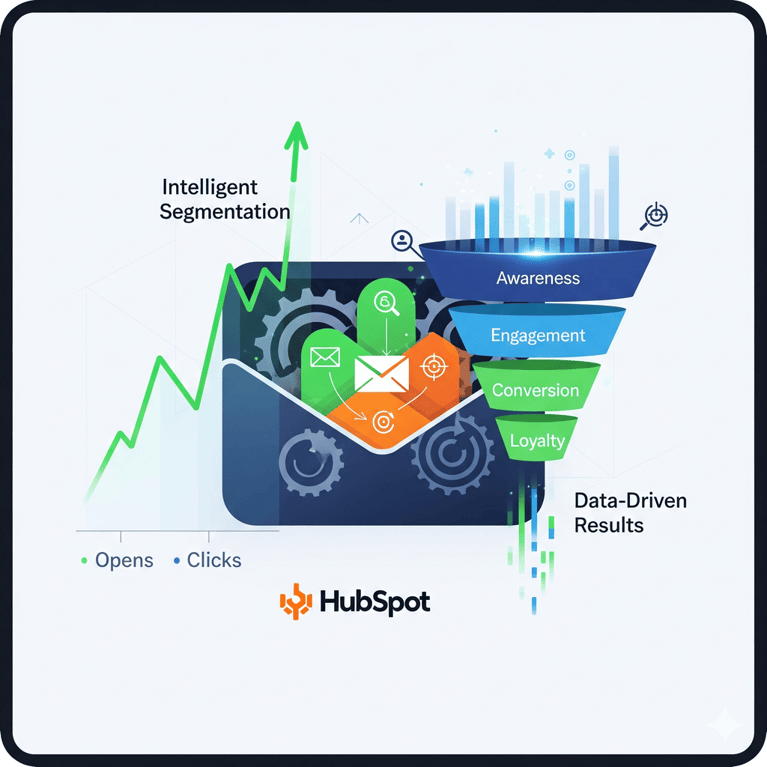
With HubSpot, you have every tool you need to:
- Personalize at scale
- Segment intelligently
- Trigger messages automatically
- Optimize for performance
The result? More opens, more clicks, more conversions — and happier leads.
You might also like
How to Use Smart Content to Increase Conversions in HubSpot
Introduction In today’s digital landscape, generic content just doesn’t cut it. Audiences expect relevance. They expect to be spoken to directly — based on who they are, what they’ve done, and where they are in the buying journey.

HubSpot Workflows Explained: Triggers, Branches & Best Practices in 2026
A Complete Guide to HubSpot Workflows: Triggers, Branches, and Best Practices for 2026 Whether you're nurturing leads, assigning deals, or onboarding new clients — one of the most powerful tools in HubSpot is the Workflow feature.
How to Set Up Lifecycle Stages in HubSpot and Why They Matter ?
Setting Up Lifecycle Stages in HubSpot: What They Are and Why They Matter Most businesses have leads at every stage of the customer journey, ranging from the first time someone visits your website, to marketing qualified leads (MQLs) who’ve shown...
Have a Project in Mind?
Let’s talk about what you need and how we can make it happen.

Leave a reply