


.png)
.png)



Videos and embedded media are commonly used on modern websites to explain products, share tutorials, or engage visitors. HubSpot Content Hub allows users to easily add videos and other embedded media to pages, blog posts, and landing pages.
Instead of relying only on text and images, videos can help communicate ideas more clearly and improve user engagement.
Understanding how HubSpot Content Hub videos and embedded media work helps teams create more interactive and engaging website content.
Ways to Add Videos in HubSpot Content Hub
There are several ways to add videos to pages in HubSpot Content Hub.
Common options include:
- Embedding videos from platforms such as YouTube or Vimeo
- Uploading video files directly to the File Manager
- Using video modules inside page templates
Most websites prefer embedding videos from platforms like YouTube because it reduces the load on the website hosting system.
Embedding Videos from External Platforms
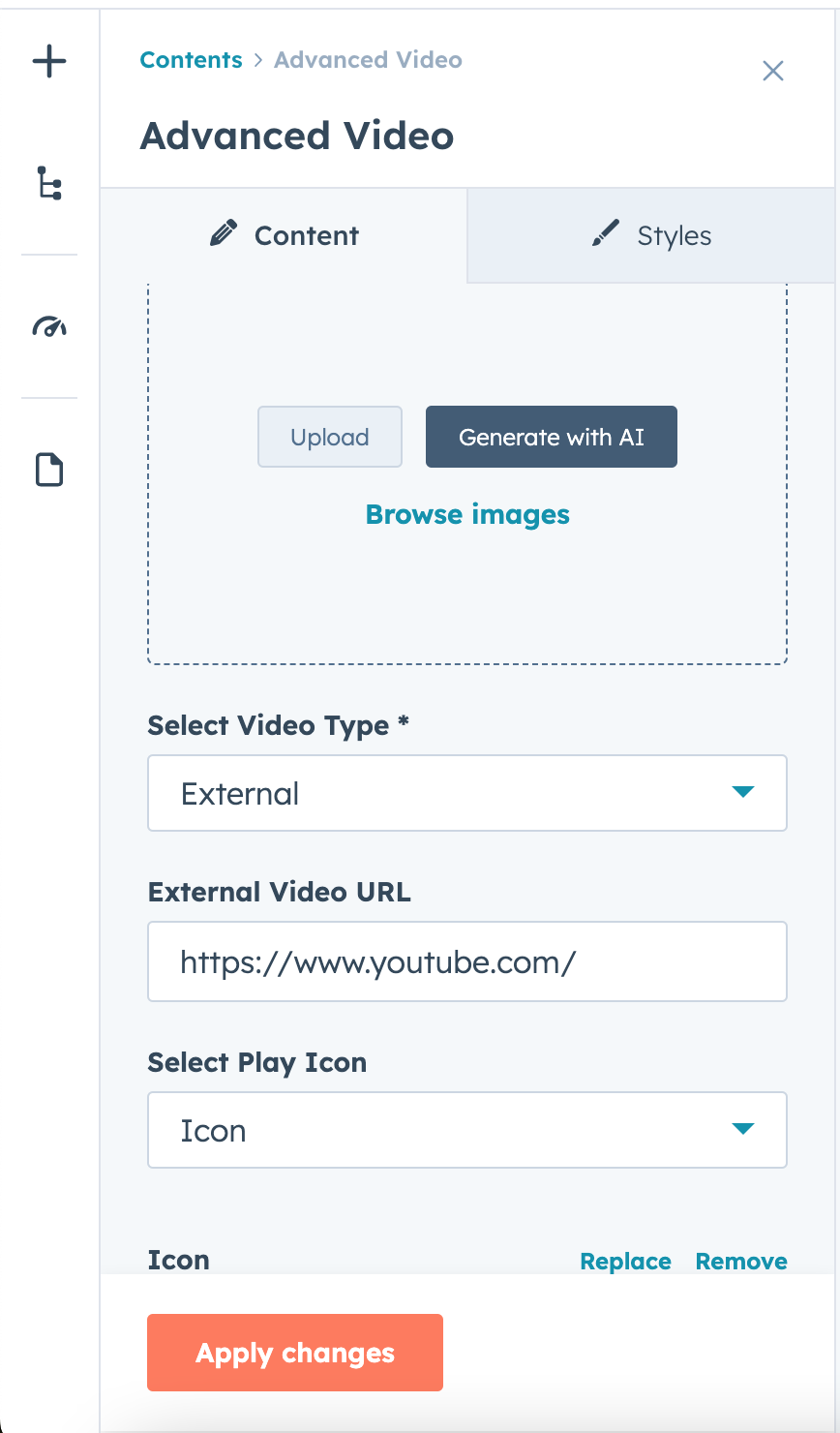
The most common method of adding videos in HubSpot Content Hub is embedding videos from external platforms.
To embed a video:
- Copy the video embed code from platforms like YouTube or Vimeo
- Open the page editor in HubSpot
- Insert a rich text or video module
- Paste the embed code
The video will then appear on the page.
Uploading Videos to File Manager
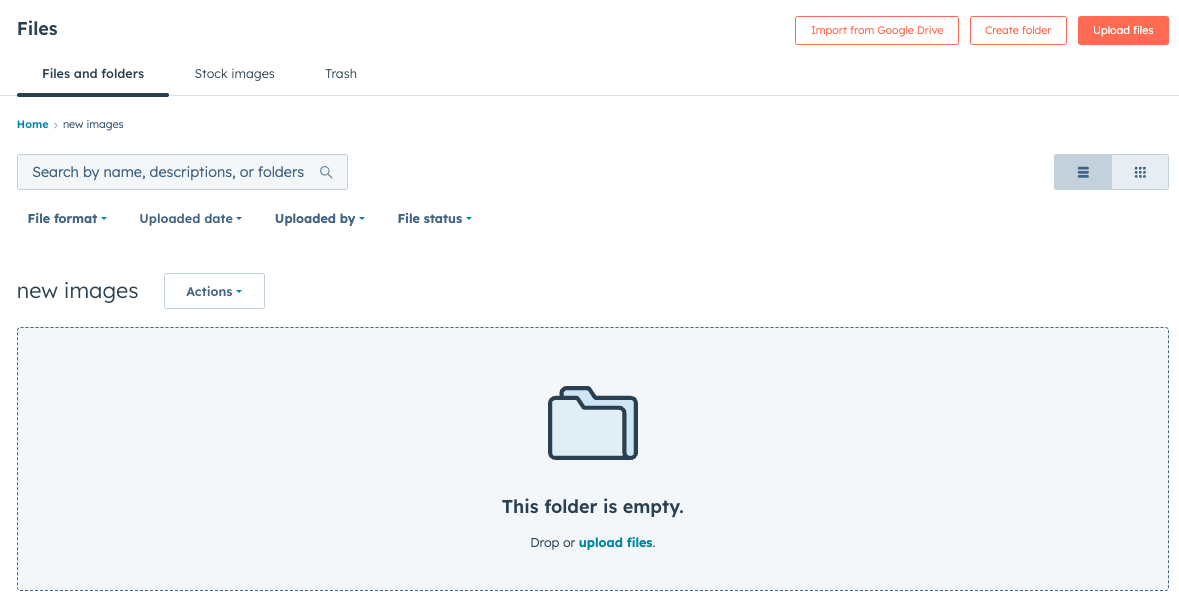
HubSpot also allows users to upload video files directly into the HubSpot Content Hub File Manager.
To upload a video:
- Go to Content → File Manager
- Click Upload Files
- Select the video file
Once uploaded, the video can be embedded into pages using its file URL.
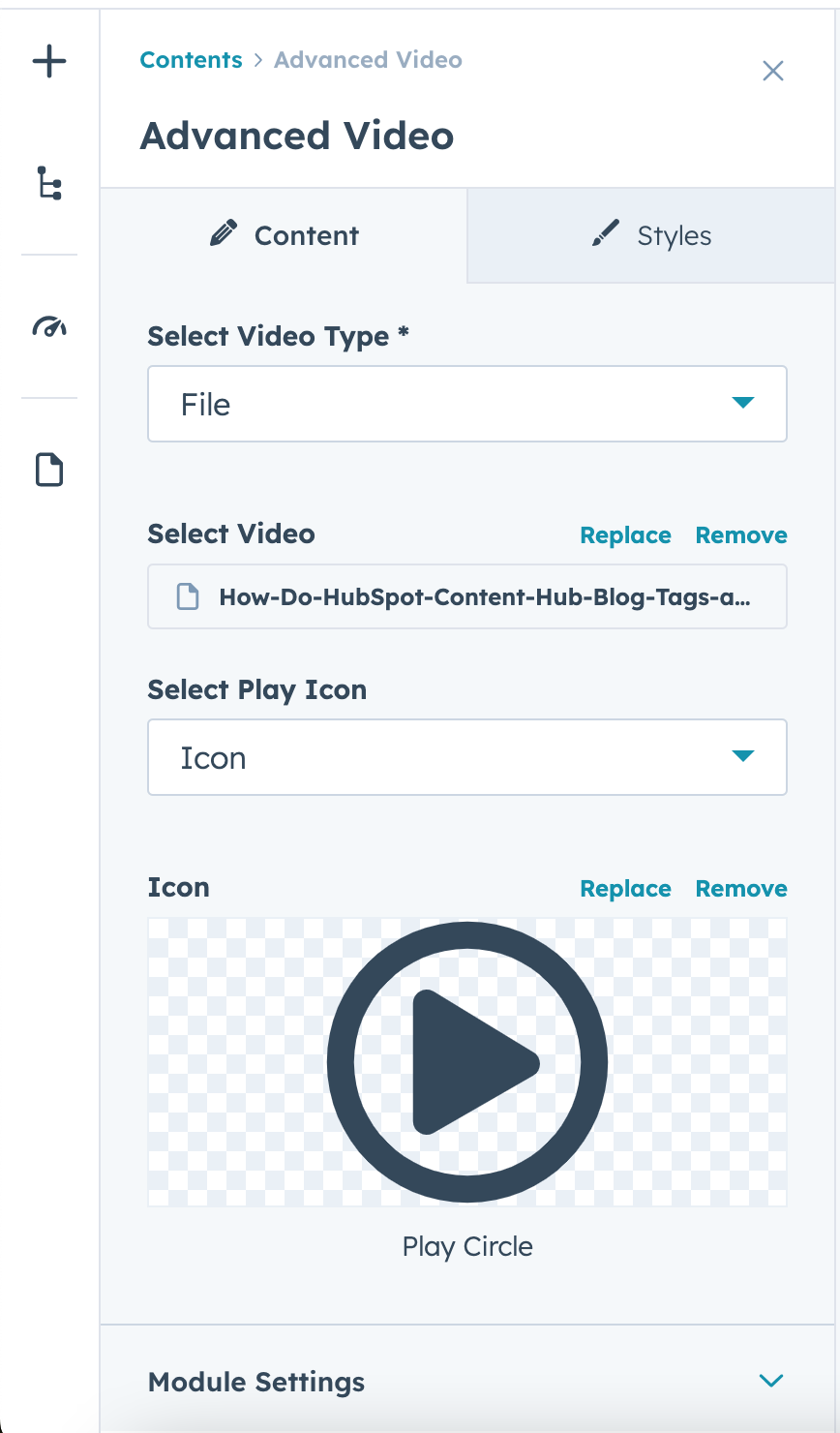
Using Video Modules
Some themes and templates include video modules that allow editors to easily add videos to pages.
These modules typically allow you to:
- Paste a video URL
- Upload a video file
- Add a video thumbnail or preview image
Video modules simplify the process of embedding videos while maintaining design consistency.
Key Takeaway
HubSpot Content Hub makes it easy to add videos and embedded media to websites using video modules, embed codes, or uploaded media files. By combining written content with video elements, teams can create more engaging pages that communicate ideas more effectively.
Related Post

How Do HubSpot Content Hub Folders and File Organization Work?
As websites grow, the number of images, documents, and media files stored in HubSpot Content Hub can increase quickly. Without proper organization, managing these assets becomes difficult. To solve this, HubSpot provides a folder system inside the...

How Hosting and Security Work in HubSpot Content Hub
When you build a website on HubSpot Content Hub, you don’t have to worry about managing servers, installing security updates, or configuring hosting environments. HubSpot provides a fully managed hosting and security infrastructure as part of the...

How Do HubSpot Content Hub Blog Templates Work?
Blog templates play an important role in organizing and displaying blog content within HubSpot Content Hub. A blog template controls the design and structure of how blog posts and blog listing pages appear on your website.
Have a Project in Mind?
Let’s talk about what you need and how we can make it happen.

Leave a reply