


.png)
.png)



Modern websites are built using structured sections and layouts rather than static page designs. HubSpot Content Hub uses a section-based layout system that allows users to arrange modules into rows, columns, and flexible content areas.
This structure makes it easy for marketers and editors to design pages using the drag-and-drop editor without needing technical knowledge.
Understanding how HubSpot Content Hub page sections and layouts work helps teams build pages faster while maintaining a consistent design structure.
What Are Page Sections?
A page section is a horizontal block that groups related content modules together.
For example, a typical page may include sections such as:
- Hero section at the top
- Feature highlights
- Testimonials
- Call-to-action section
- Footer
Each section can contain one or more modules.
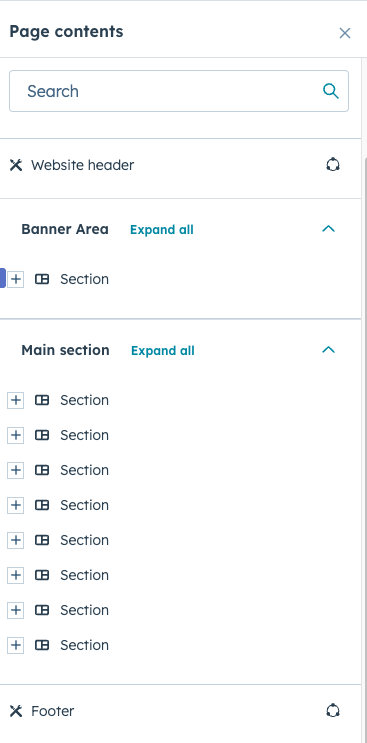
How Sections Work in the Page Editor
In HubSpot Content Hub, pages are built by stacking sections vertically.
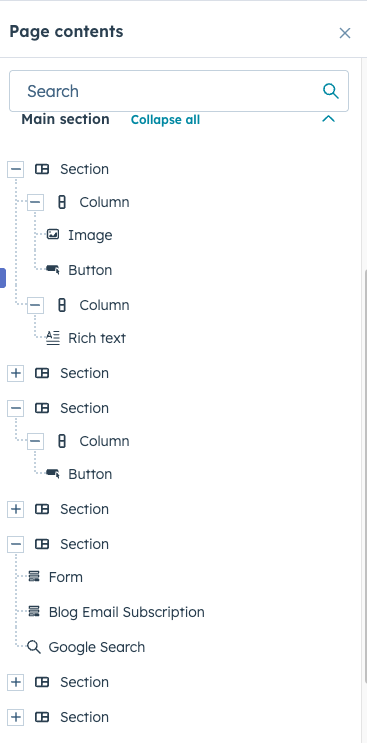
Each section can include:
- Single column layouts
- Two-column layouts
- Three-column layouts
- Custom grid structures
Editors can easily rearrange these sections within the page editor.
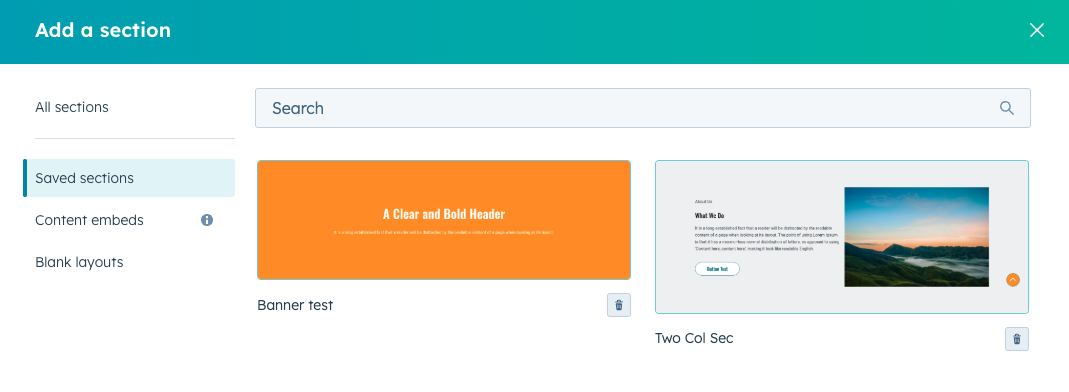
Adding Sections to a Page
To add a new section in the HubSpot page editor:
- Open the page in the editor
- Click Add Section
- Choose the desired layout
- Insert modules into the section
This process allows users to quickly build page layouts without coding.
Using Pre-Built Sections
Many HubSpot themes include pre-designed sections that can be inserted into pages.
Examples include:
- Hero banners
- Feature grids
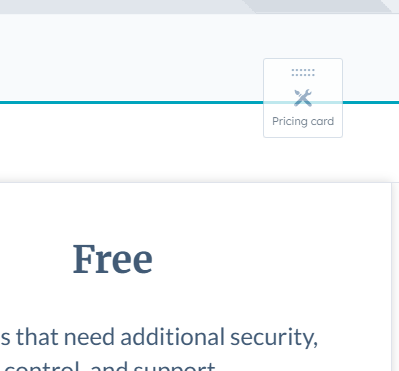
- Pricing tables
- Testimonials sections
- CTA blocks
Pre-built sections help maintain consistent design across the website.
Customizing Section Layouts
Each section can be customized to match the website’s design.
Customization options may include:
- Background colors or images
- Column spacing
- Content alignment
- Padding and margins
These settings allow editors to adjust page appearance without editing templates.
Reordering Sections
One of the advantages of the drag-and-drop editor is the ability to rearrange sections easily.
Editors can:
- Move sections up or down
- Duplicate sections
- Remove sections when needed
This flexibility allows pages to be updated quickly.
Maintaining Consistent Page Structure
Although sections allow flexibility, many websites follow consistent layout patterns.
For example:
- Hero section
- Product or service overview
- Feature highlights
- Testimonials
- CTA section
Consistent page structure helps improve usability and readability.
Key Takeaway
HubSpot Content Hub page sections and layout tools allow editors to build flexible page structures using the drag-and-drop editor. By organizing modules into structured sections, teams can design pages efficiently while maintaining consistent layouts across the website.
Have a Project in Mind?
Let’s talk about what you need and how we can make it happen.

Leave a reply