


.png)
.png)



Images and media play an important role in modern websites. However, large media files can slow down page loading speed if they are not optimized properly. HubSpot Content Hub includes built-in image optimization features that help deliver images efficiently without sacrificing quality.
These features ensure that images load quickly across different devices and screen sizes.
Understanding how HubSpot Content Hub image optimization and media performance features work helps teams maintain visually rich websites while keeping page performance high.
Why Image Optimization Is Important
Images are often the largest assets on a webpage.
If images are too large or not optimized, they can cause:
- Slow page loading times
- Higher bounce rates
- Poor mobile performance
- Lower search engine rankings
Optimizing images ensures that pages load faster and provide a better user experience.
Image Hosting in HubSpot
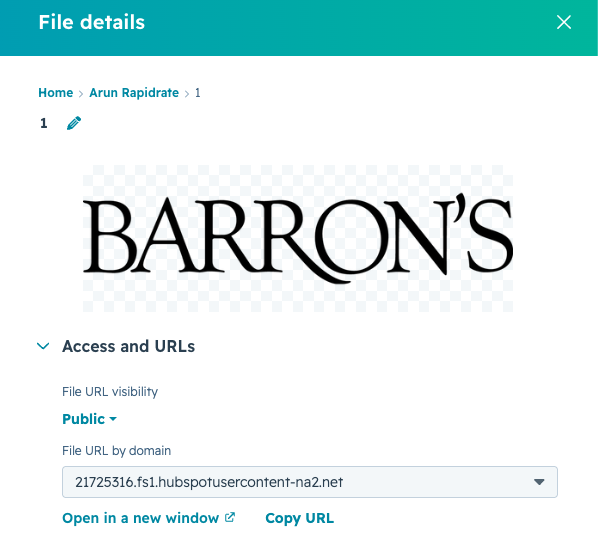
When images are uploaded to HubSpot Content Hub, they are stored in the HubSpot File Manager and delivered through the platform’s CDN.
This means images are served from servers that are geographically closer to the visitor.
Benefits include:
- Faster image delivery
- Improved page load speed
- Better performance for global audiences
Responsive Images
HubSpot automatically supports responsive images, meaning images adjust based on the visitor’s device.
For example:
- Large screens receive higher-resolution images
- Mobile devices receive smaller optimized versions
This helps ensure that images load efficiently on all devices.
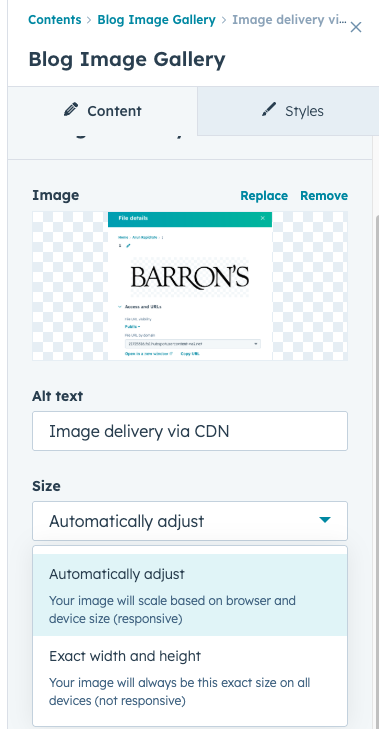
Image Compression
HubSpot also compresses images to reduce file size while maintaining visual quality.
Compression helps reduce the amount of data required to load images.
Smaller file sizes lead to faster page loading times.
Adding Images to Pages
Images can be added to pages using modules within the HubSpot editor.
To add an image:
- Open the page editor
- Drag an Image module into the page
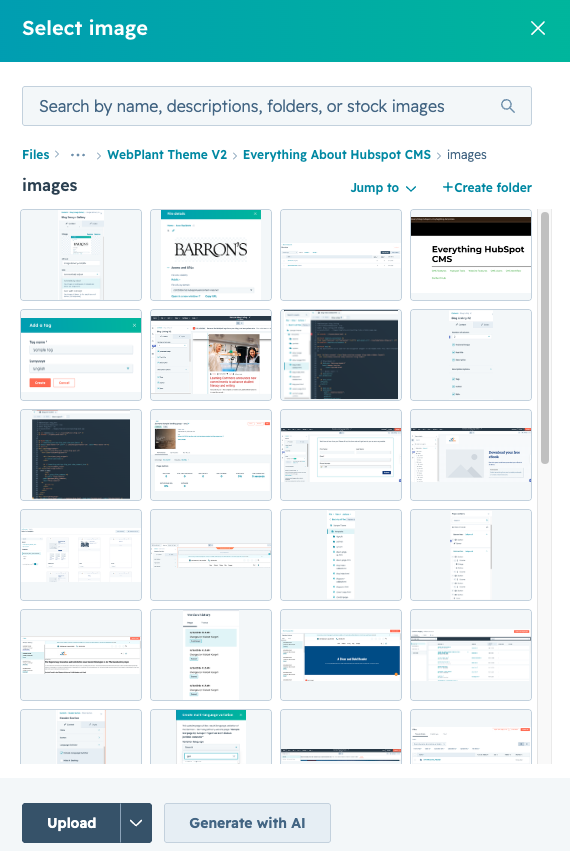
- Upload or select an image from the file manager
- Add alt text and settings
Once published, the image will be delivered through the CDN.
Key Takeaway
HubSpot Content Hub image optimization features help deliver images efficiently using CDN delivery, compression, and responsive image sizing. By combining these platform capabilities with good media practices, businesses can maintain visually appealing websites without sacrificing performance.
Have a Project in Mind?
Let’s talk about what you need and how we can make it happen.

Leave a reply