


.png)
.png)



As websites grow, visitors need an easy way to find the information they are looking for. HubSpot Content Hub includes site search functionality that allows users to search across pages, blog posts, and other content on the website.
A well-configured search feature helps visitors quickly locate relevant content, improving both user experience and engagement.
Understanding how HubSpot Content Hub content search and site search features work helps businesses make large websites easier to navigate.
What Is Website Site Search?
Site search is a search feature built into a website that allows visitors to type keywords and find related pages or articles.
For example, if a visitor searches for:
“HubSpot forms”
The search results may display:
- Blog posts about HubSpot forms
- Tutorials explaining form creation
- Relevant landing pages
Site search helps visitors quickly locate useful information.
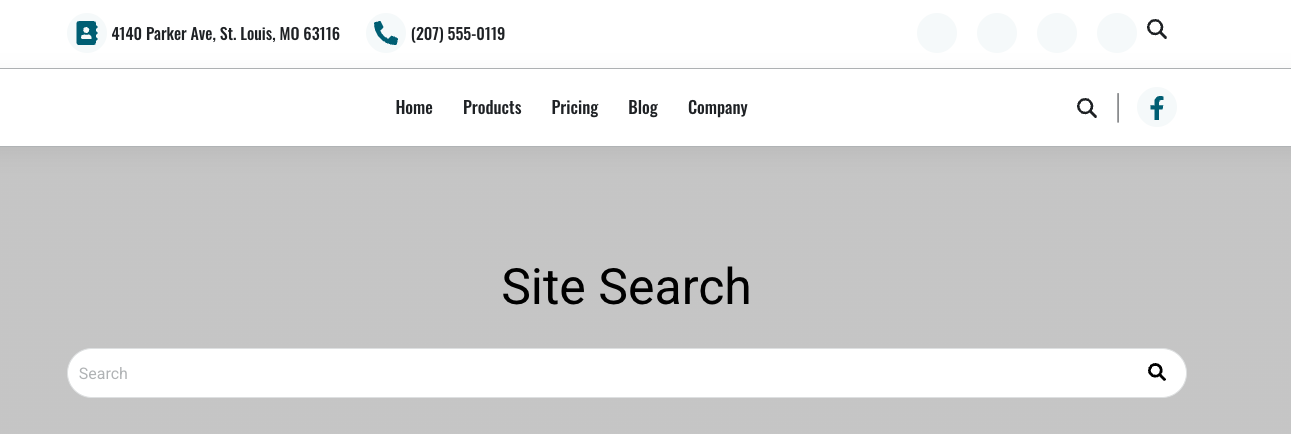
How HubSpot Site Search Works
HubSpot automatically indexes content published within HubSpot Content Hub.
This includes:
- Website pages
- Blog posts
- Knowledge base articles
When a visitor enters a search query, HubSpot scans the indexed content and returns relevant results.
Adding a Search Feature to a Website
Developers can add a search bar module to the website layout.
Search bars are commonly placed in areas such as:
- Website header
- Blog pages
- Resource libraries
- Help center pages
Visitors can type keywords and view results instantly.
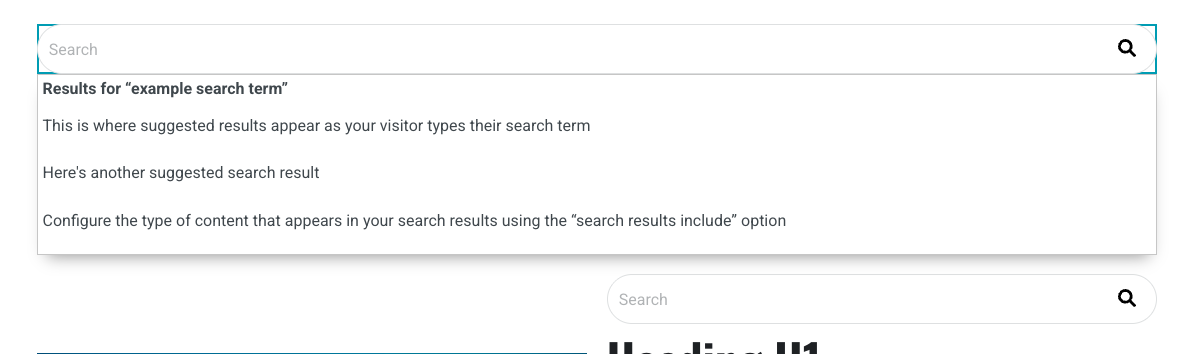
Search Results Pages
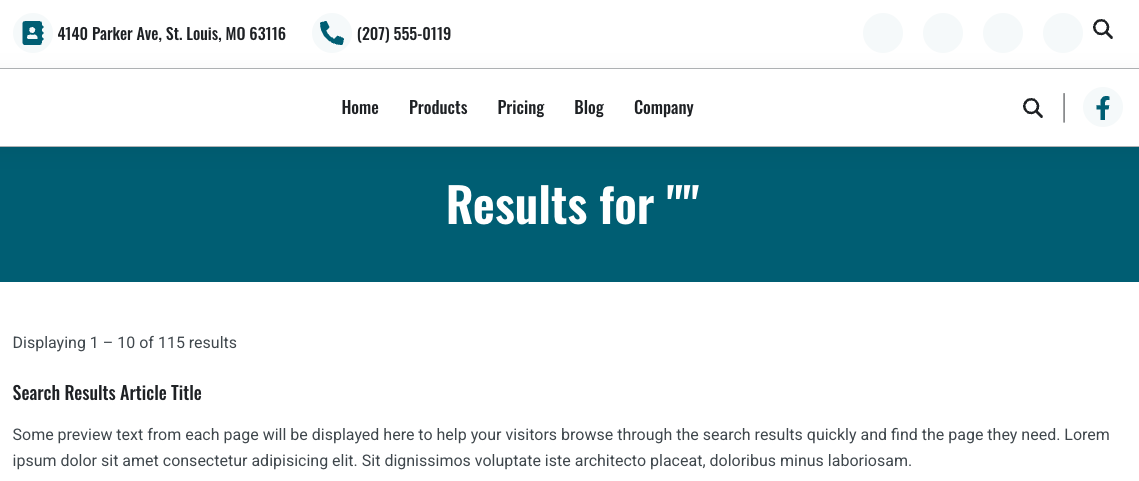
When visitors perform a search, they are typically directed to a search results page.
This page displays a list of content that matches the search query.
Search results often include:
- Page titles
- Content summaries
- Links to the relevant pages
This makes it easier for visitors to explore relevant content.
Key Takeaway
HubSpot Content Hub site search features allow visitors to search across website pages, blog posts, and knowledge base articles. By adding search functionality and organizing content effectively, businesses can make their websites easier to navigate and improve the overall user experience.
Have a Project in Mind?
Let’s talk about what you need and how we can make it happen.

Leave a reply