



Calls-to-action (CTAs) are one of the most important elements of any marketing website. They guide visitors toward the next step, whether that is downloading a resource, requesting a demo, or contacting the business.
HubSpot Content Hub provides built-in CTA modules that allow marketers to easily add conversion-focused buttons and sections to pages.
Understanding how HubSpot Content Hub CTA modules work helps teams design pages that guide visitors toward meaningful actions.
What Is a CTA?
A Call-to-Action (CTA) is an element on a webpage that encourages visitors to take a specific action.
Examples of common CTAs include:
- Download a guide
- Book a demo
- Start a free trial
- Contact the sales team
- Subscribe to updates
CTAs typically appear as buttons, banners, or highlighted sections on a page.

What Is a CTA Module?
A CTA module in HubSpot allows users to insert CTA elements directly into pages using the page editor.
CTA modules may include:
- Button text
- Destination link
- Design styling
- Tracking capabilities
Tracking capabilities
Adding a CTA Module to a Page
To add a CTA module in HubSpot Content Hub:
- Open the page in the page editor
- Locate the CTA module in the module library
- Drag the module into the page layout
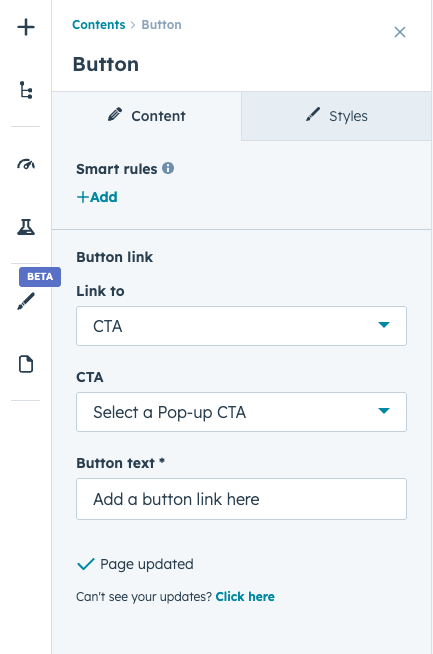
- Configure the CTA content and link
Once published, visitors can click the CTA and navigate to the intended action page.
Types of CTAs
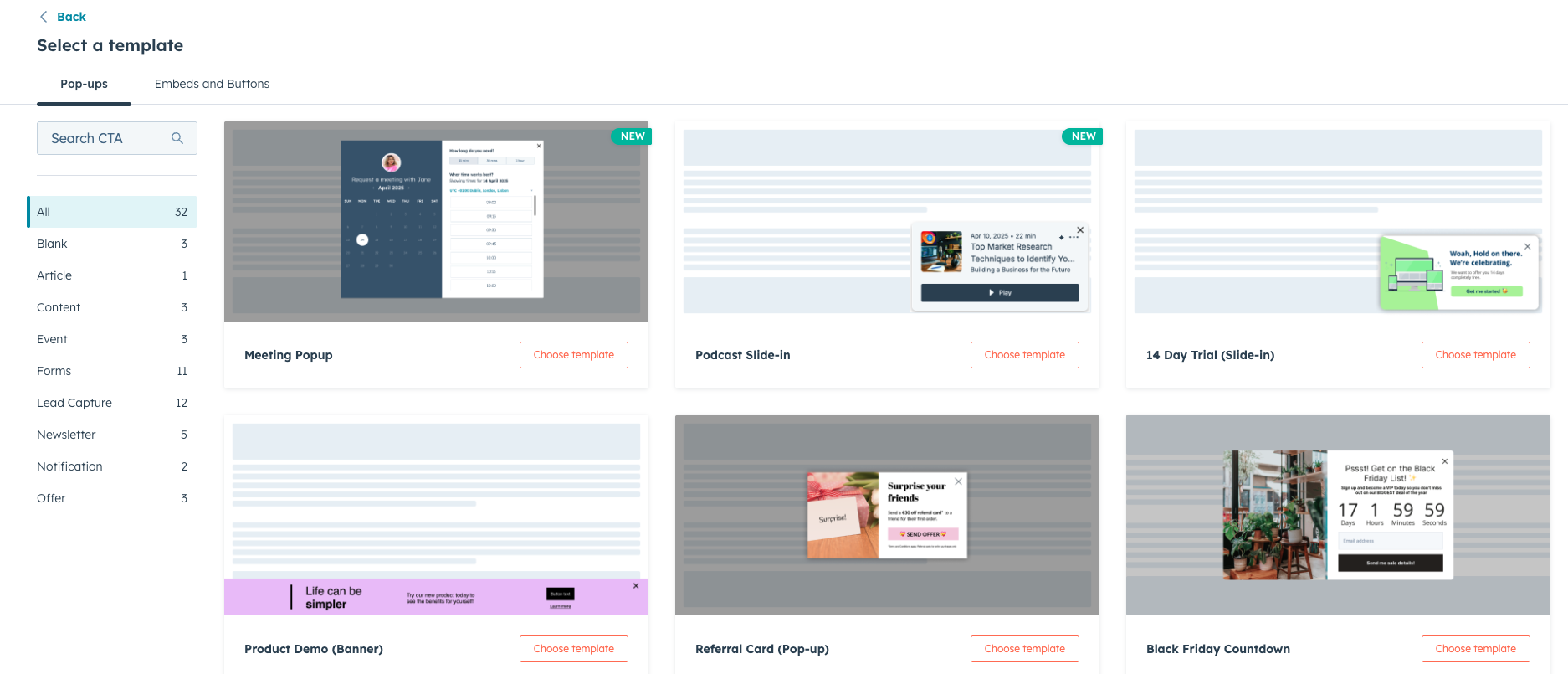
HubSpot supports different CTA formats depending on the design and goal.
Common types include:
Button CTAs
Simple buttons placed within content sections.
Banner CTAs
Larger promotional sections that highlight special offers.
Image-Based CTAs
Clickable images designed to attract attention.
Key Takeaway
HubSpot Content Hub CTA modules help businesses guide visitors toward important actions such as downloading resources or requesting demos. By adding well-designed CTAs throughout the website and tracking their performance, teams can improve engagement and generate more leads.
Have a Project in Mind?
Let’s talk about what you need and how we can make it happen.

Leave a reply