


.png)
.png)



Blogs are one of the most powerful tools for attracting organic traffic and educating visitors. In HubSpot Content Hub, blogs are powered by blog templates that define how blog posts and blog listing pages appear on the website.
These templates control the layout, styling, and structure of blog content, ensuring consistency across all articles.
Understanding how HubSpot Content Hub blog templates work helps teams maintain a professional blog design while allowing writers to focus on creating content.
What Is a Blog Template?
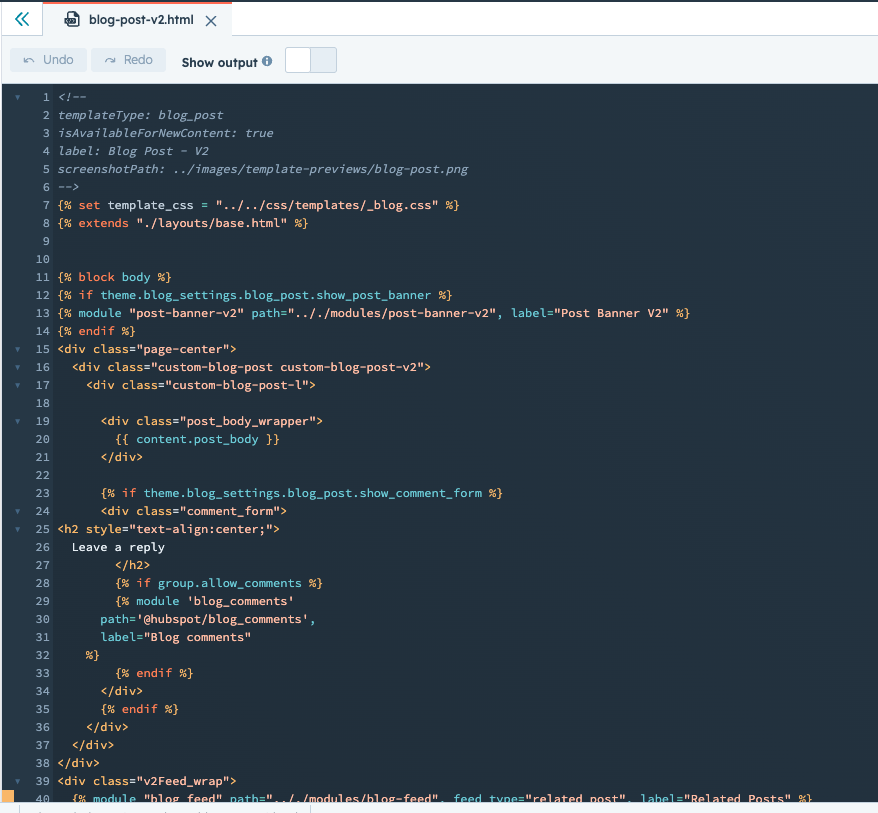
A blog template defines how blog posts are displayed on a website.
Instead of designing each article individually, the template automatically applies a layout to every blog post
A typical blog post template may include:
- Article title
- Featured image
- Author information
- Publish date
- Content area
- Related articles section
Templates ensure that all blog posts follow the same design structure.
Types of Blog Templates
HubSpot typically uses two main blog templates.
Blog Post Template
This template controls how individual blog articles appear.
Each time a new blog post is published, the content is displayed using this template.
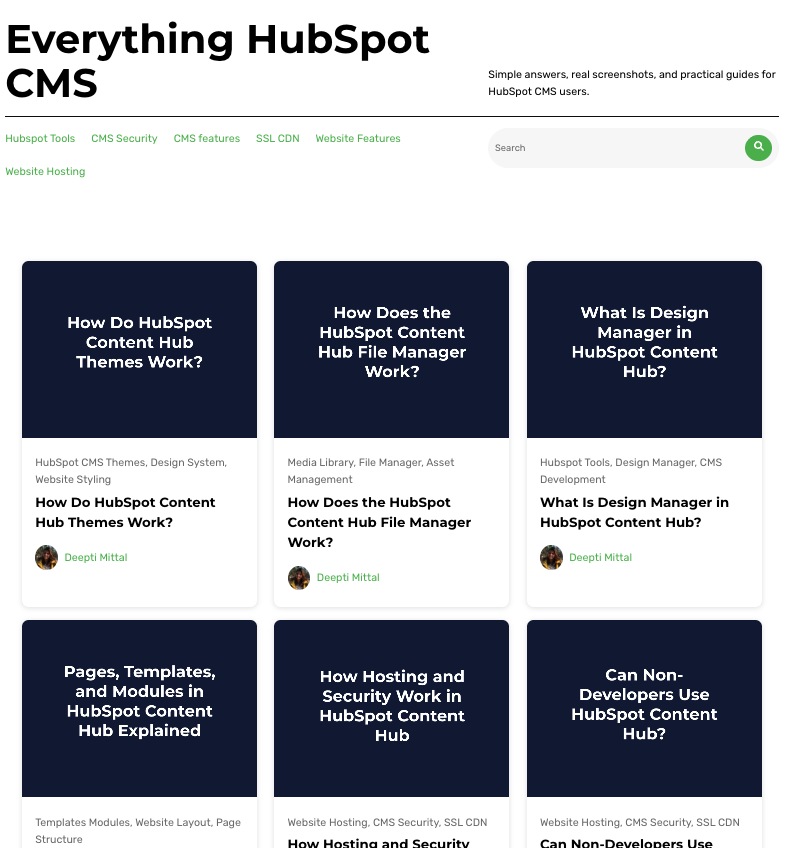
Blog Listing Template
This template controls the blog homepage, which displays a list of blog posts.
Blog listing pages often include:
- Article previews
- Featured images
- Publish dates
- Pagination or load-more buttons
Where Blog Templates Are Managed
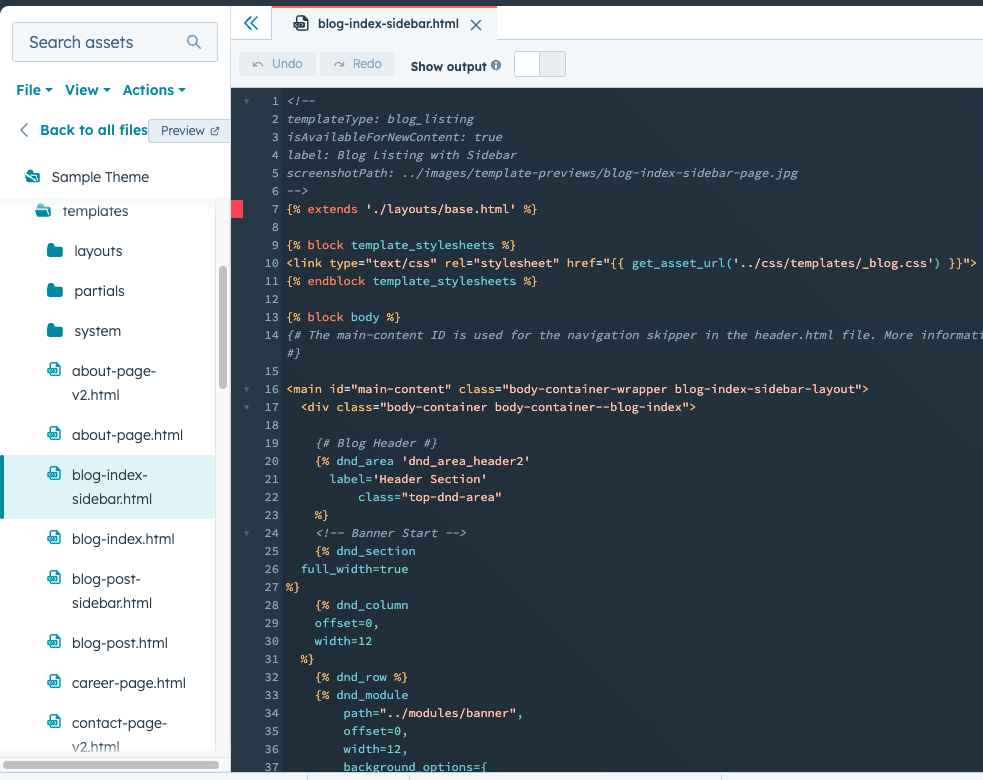
Blog templates are created and managed in the HubSpot Design Manager.
To access the design manager:
Content → Design Manager
Developers can create and modify blog templates using HTML, HubL, and custom modules.
Using Modules in Blog Templates
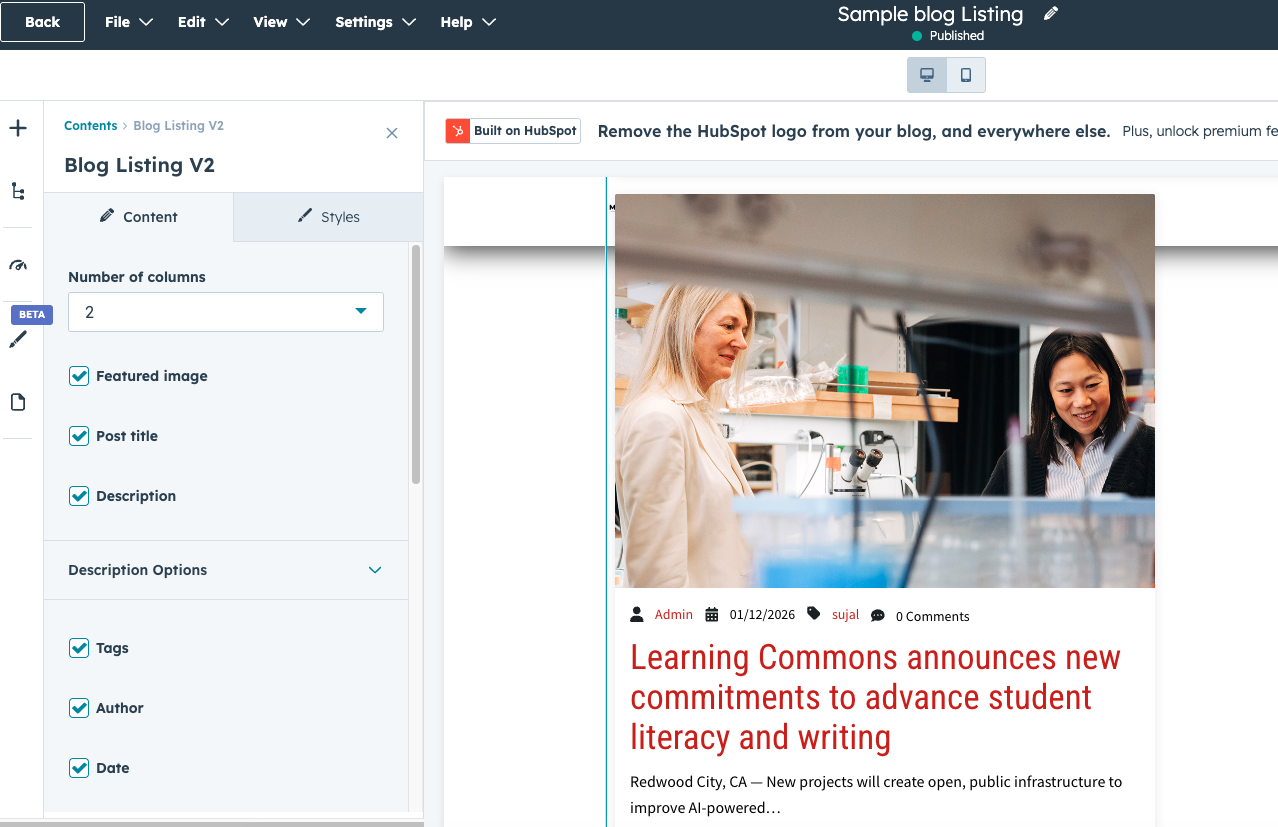
Blog templates often include reusable modules.
Common blog modules include:
- Author bio modules
- Social sharing buttons
- Newsletter signup sections
- Related articles sections
Modules make it easier to enhance blog posts without changing the template structure.
Customizing Blog Layout
Developers can customize blog templates to match the website’s design.
Customization may include:
- Typography styles
- Content width
- Featured image placement
- Sidebar widgets
These design choices help create a consistent visual experience across blog posts.
Updating Blog Templates
When a blog template is updated, the changes typically apply to all blog posts that use that template.
Because of this, template updates should be tested carefully to avoid unexpected layout changes.
Many teams use staging environments to test template updates before publishing them live.
Key Takeaway
HubSpot Content Hub blog templates define how blog posts and blog listing pages appear on the website. By using templates and reusable modules, businesses can maintain a consistent blog design while making it easy for writers to publish new content.
Have a Project in Mind?
Let’s talk about what you need and how we can make it happen.

Leave a reply