


.png)
.png)


A Complete Guide to HubSpot Terms You Should Know for 2026
Whether you’re just getting started with HubSpot or you’ve been using it for months, you’ve probably come across a few terms that made you think:
- “Wait... what exactly is a lifecycle stage again?”
- “What’s the difference between a sequence and a workflow?”
- “Do I really need to care about HubDB?”
Don’t worry — you’re not alone.
HubSpot is packed with powerful features, but that also means it comes with its own vocabulary. This glossary is your go-to guide to understanding the essential HubSpot terms, organized by category and explained in simple, non-technical language.
By the end, you’ll feel more confident using the platform — and better equipped to get results.
CRM & Contact Management Terms

Contact
An individual person stored in your CRM (e.g., a lead, customer, or partner). Each contact has a record containing their name, email, activity history, and more.
Company
A business entity associated with one or more contacts. You can track company-level details, like industry, employee count, and website visits.

Deal
An opportunity or potential sale that moves through your pipeline. Deals can be associated with contacts and companies.

Pipeline
A visual representation of your sales process, broken into stages (e.g., Discovery → Proposal → Closed-Won).

Deal Stage
A step within a pipeline. You move deals between stages as they progress toward closing.

Lifecycle Stage
Describes where a contact is in your marketing/sales funnel (e.g., Lead, Marketing Qualified Lead, Customer, Evangelist). Helps with automation and segmentation.

Lead Status
A custom property to track the progress of a lead (e.g., New, In Progress, Unqualified). Unlike lifecycle stages, this is editable and customizable.
Marketing & Automation Terms
- Form: A web form used to collect information from visitors (e.g., newsletter sign-up, contact request, download form).
- CTA (Call-to-Action): A button or link prompting visitors to take action (e.g., “Download the Guide”, “Get a Quote”). Can be tracked and customized.
- Landing Page: A standalone web page created for a specific campaign or offer. Usually focused on one goal, like capturing leads.
- Workflow: An automation tool that performs a series of actions based on triggers (e.g., send an email when someone fills out a form).
- Sequence: A sales automation tool that sends timed one-on-one emails and task reminders to contacts — often used by sales reps for outreach.
- Email Marketing: HubSpot’s drag-and-drop email tool for sending newsletters, campaigns, or follow-ups to your contacts.
- Marketing Email: An email sent to multiple contacts from HubSpot’s marketing tool (vs. 1:1 emails in the CRM).
Smart Tools & Personalization Terms
- Smart Content: Dynamic content that changes based on who’s viewing it — e.g., lifecycle stage, location, or device. Can be used in emails, landing pages, CTAs, and modules.
- Lead Scoring: Assigning numeric values to leads based on their activity, fit, and engagement to prioritize sales outreach.
- Personalization Token: A placeholder (like “First Name”) that automatically pulls data from the CRM to customize emails, pages, or messages.
CMS & Website Management Terms

CMS Hub
HubSpot’s website platform. Includes blog tools, landing pages, dynamic content, SEO tools, and more.

HubDB
A table-based database that powers dynamic website content — perfect for things like team directories, event calendars, or product catalogs.

Theme
A collection of templates, modules, and styles that determine the look and feel of your website.

Module
A content block (e.g., text, image, form) that can be dragged into a page. Modules can be default or custom-built.

Blog Post
A content item in your website’s blog. HubSpot’s blog tool lets you manage posts, tags, authors, and featured images.
Analytics & Reporting Terms
- Dashboard: A customizable area where you view reports and KPIs like traffic, conversions, revenue, and pipeline metrics.
- Attribution Report: A report that shows which channels or content contributed to contacts or revenue.
- Traffic Analytics: Breaks down where your visitors come from — including organic search, paid media, direct, and referrals.
- Campaign: A grouping of marketing assets (emails, forms, pages) tracked together to measure performance holistically.
Sales & Service Hub Terms
Tasks
Reminders or to-dos for you or your team. Can be associated with deals, contacts, or tickets.
Meeting Link
A booking link connected to your calendar, so prospects can schedule meetings directly.
Tickets
Used to track customer support requests in Service Hub. Similar to deals, but for service resolution instead of sales.
Inbox / Conversations
A shared inbox for your team to manage emails, chats, and form submissions — great for support or sales teams.

Miscellaneous HubSpot Terms
- Properties: Custom fields used to store and segment contact, company, or deal data (e.g., Industry, Annual Revenue, Signup Source).
- Lists: Groups of contacts segmented by criteria. Can be static (set once) or active (updates automatically).
- Custom Object: A feature that allows you to create your own record types beyond contacts, companies, deals, and tickets (e.g., Memberships, Subscriptions).
- Partitioning: A way to control access to assets by teams — available on Enterprise plans.
Pro Tip: Don’t Learn It All at Once
You don’t need to memorize every term to succeed with HubSpot. Start with the basics — like contacts, deals, workflows, and emails — and build up from there.
Use HubSpot’s built-in tooltips, help guides, and HubSpot Academy to keep learning as you go.
Final Thoughts
HubSpot is powerful because it connects so many tools in one place — but with that power comes new terminology.
This glossary is your starting point. Bookmark it. Share it with your team. And come back when you get stuck.
Remember: The best HubSpot users aren’t the most technical. They’re the most curious.

You might also like
How to Build a Lean, Scalable Sales Funnel with HubSpot
Streamlining Your Sales Funnel for Growth with HubSpot Sales funnels are not new — but the way modern businesses design, measure, and scale them has changed dramatically.
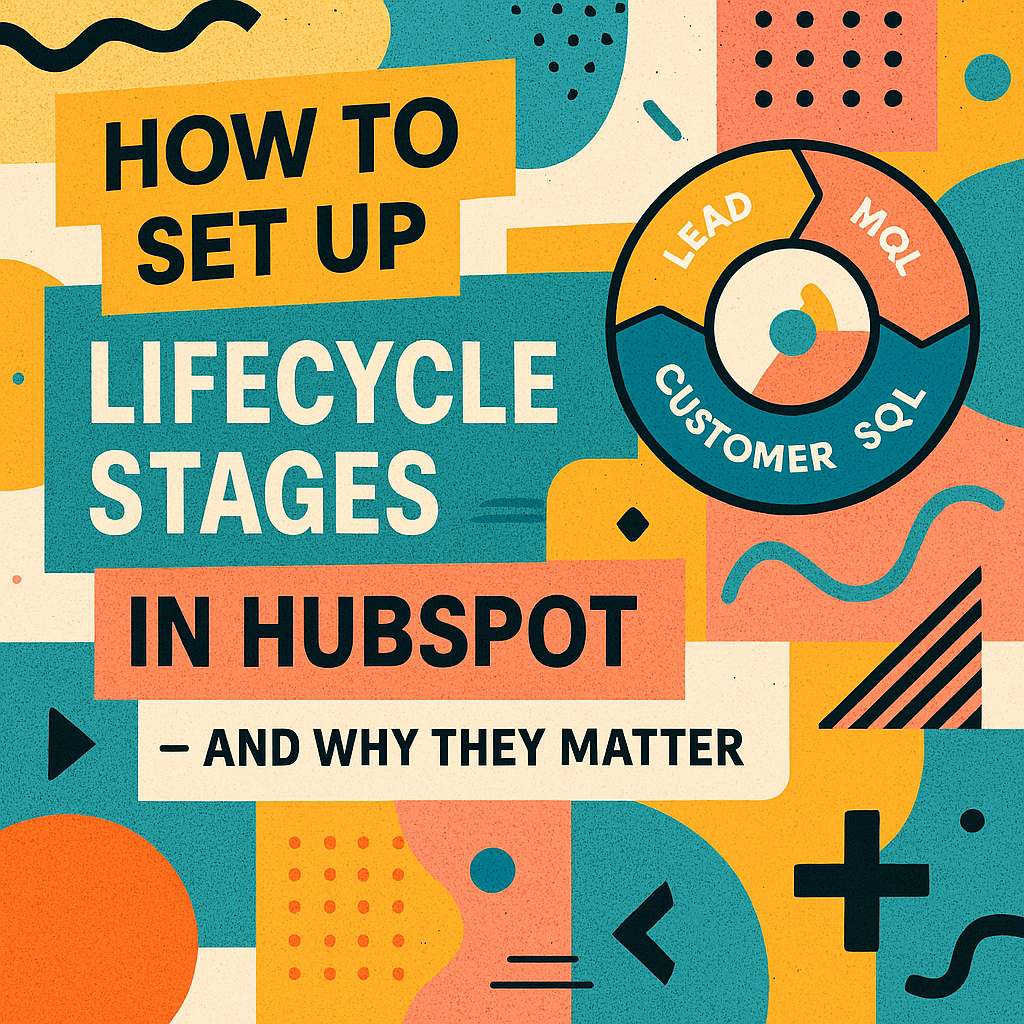
How to Set Up Lifecycle Stages in HubSpot and Why They Matter ?
Setting Up Lifecycle Stages in HubSpot: What They Are and Why They Matter Most businesses have leads at every stage of the customer journey, ranging from the first time someone visits your website, to marketing qualified leads (MQLs) who’ve shown...
What Is a HubSpot Lifecycle Stage? And Why You Should Care
Introduction One of the most powerful — but often overlooked — features in HubSpot is the Lifecycle Stage property. Whether you’re in marketing, sales, or client services, understanding lifecycle stages can completely transform how your team manages...
Have a Project in Mind?
Let’s talk about what you need and how we can make it happen.
