


.png)
.png)



When editing website pages or content, mistakes can sometimes happen. A section might be deleted accidentally, or changes may not produce the expected result. HubSpot Content Hub includes version history and recovery tools that allow users to review and restore previous versions of pages.
These features help teams safely edit content while maintaining the ability to revert changes when needed.
Understanding how HubSpot Content Hub backups and version history work helps teams manage website updates more confidently.
What Is Version History?
Version history is a record of changes made to a page over time.
Each time a page is updated or published, HubSpot saves a version of that page.
This allows users to:
- Review previous edits
- Compare versions of content
- Restore an earlier version if needed
Version history helps prevent permanent loss of content changes.
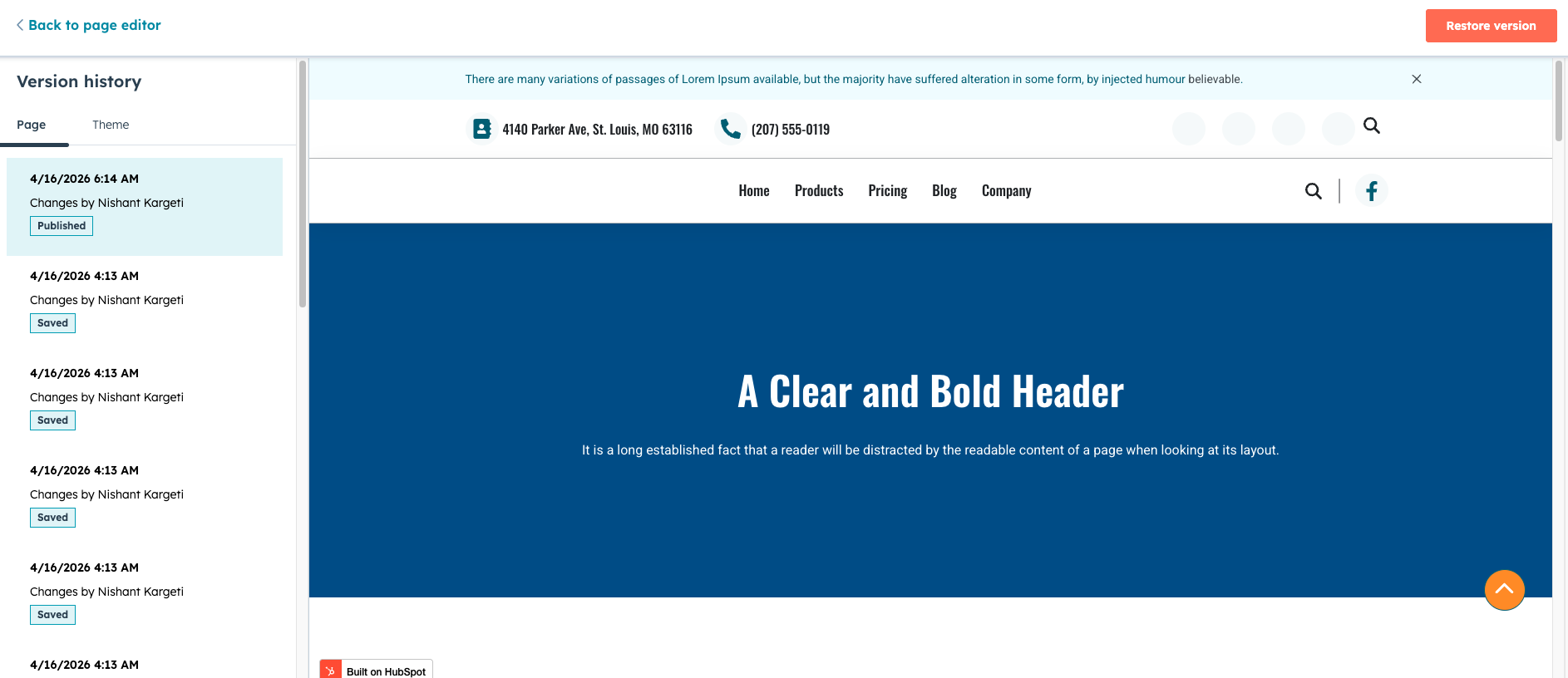
Viewing Page History
To view version history for a page in HubSpot Content Hub:
- Open the page in the editor
- Click the History option
- View the list of saved versions
- Select a version to review
Each version typically includes information such as the date and the user who made the change.
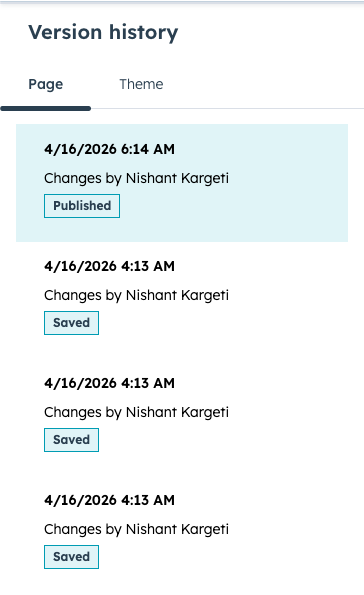
Version History for Blog Posts
Blog posts in HubSpot Content Hub also support version history.
This allows writers and editors to:
- Review earlier drafts
- Compare revisions
- Restore previous versions if necessary
This feature is especially useful during collaborative editing.
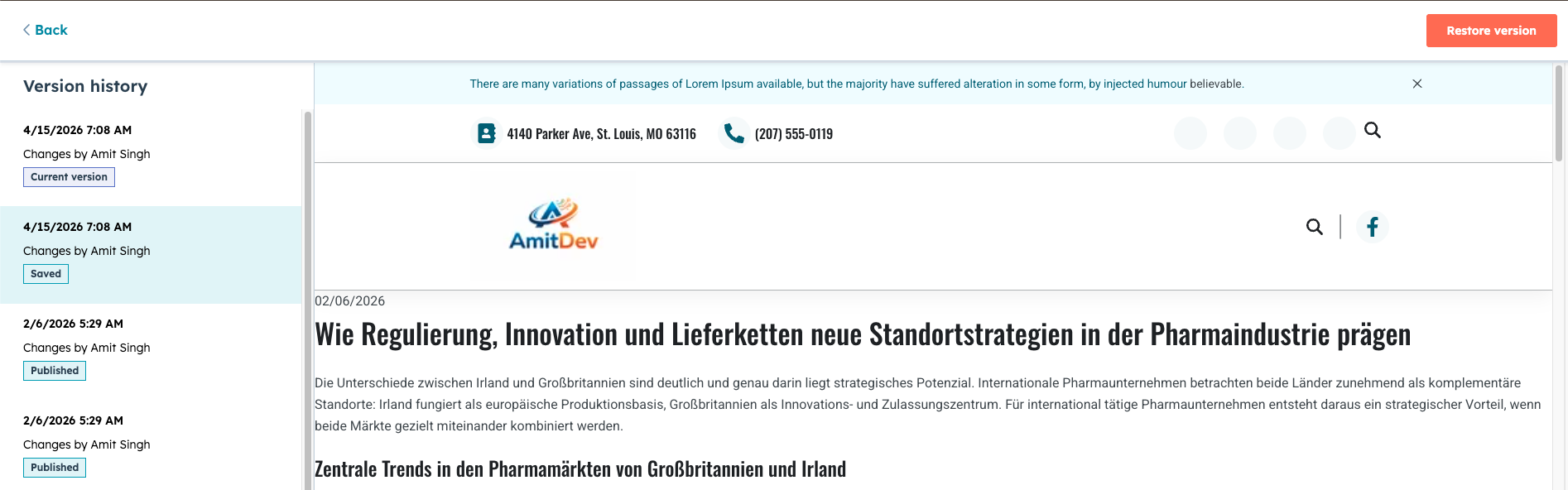
Key Takeaway
HubSpot Content Hub version history tools allow teams to review previous page versions and restore earlier content when necessary. This feature helps prevent content loss and makes it easier to manage website updates across teams.
Have a Project in Mind?
Let’s talk about what you need and how we can make it happen.

Leave a reply