


.png)
.png)

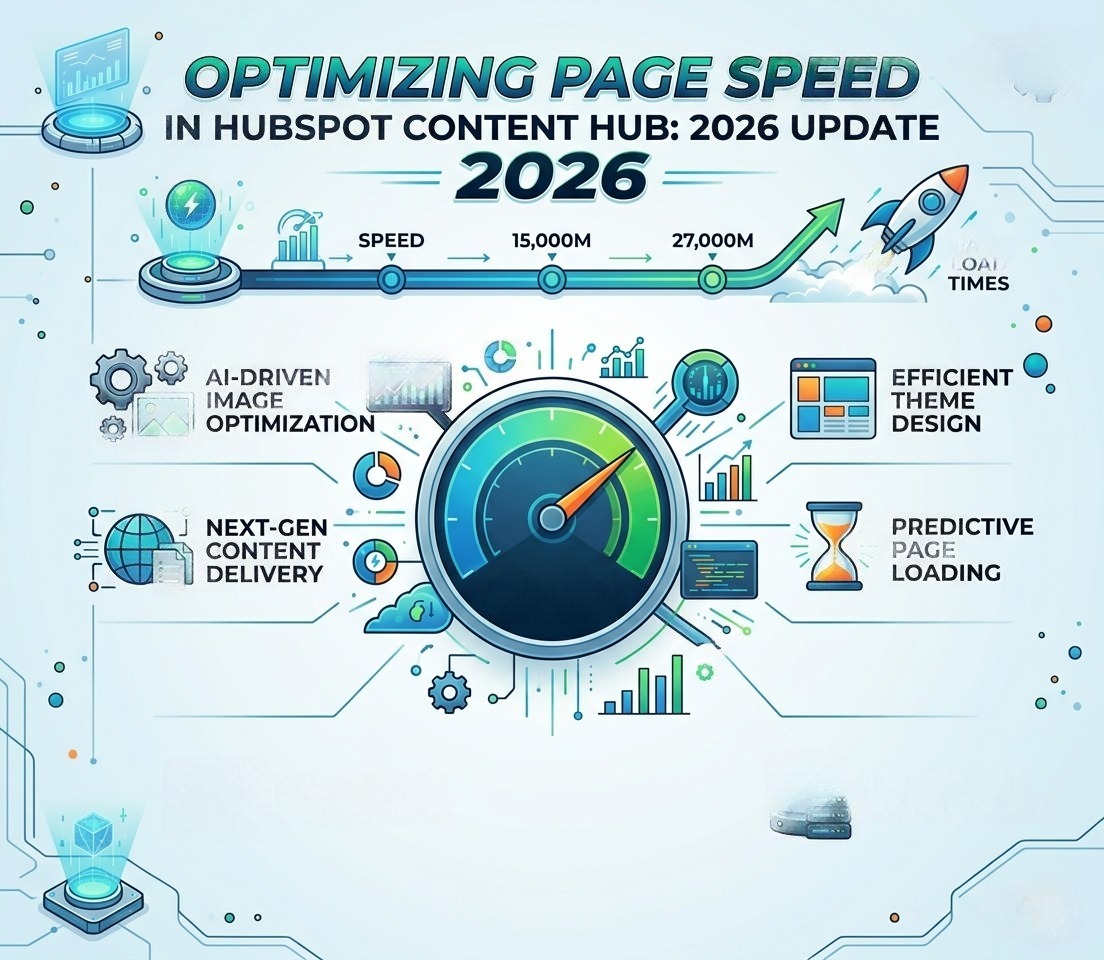

Introduction
Page speed in 2026 isn't just about user experience — it's measurable, ranking-relevant, and revenue-impacting. Google's algorithm now factors Core Web Vitals into search ranking, and faster sites consistently outperform slower competitors in conversion rate, bounce rate, and engagement metrics.
If you're running a HubSpot Content Hub site, page speed optimization combines three things: HubSpot's built-in performance infrastructure, your build choices (themes, modules, scripts), and ongoing measurement discipline. This post is an updated 2026 guide to all three.
Why Page Speed Is a Ranking Factor in 2026
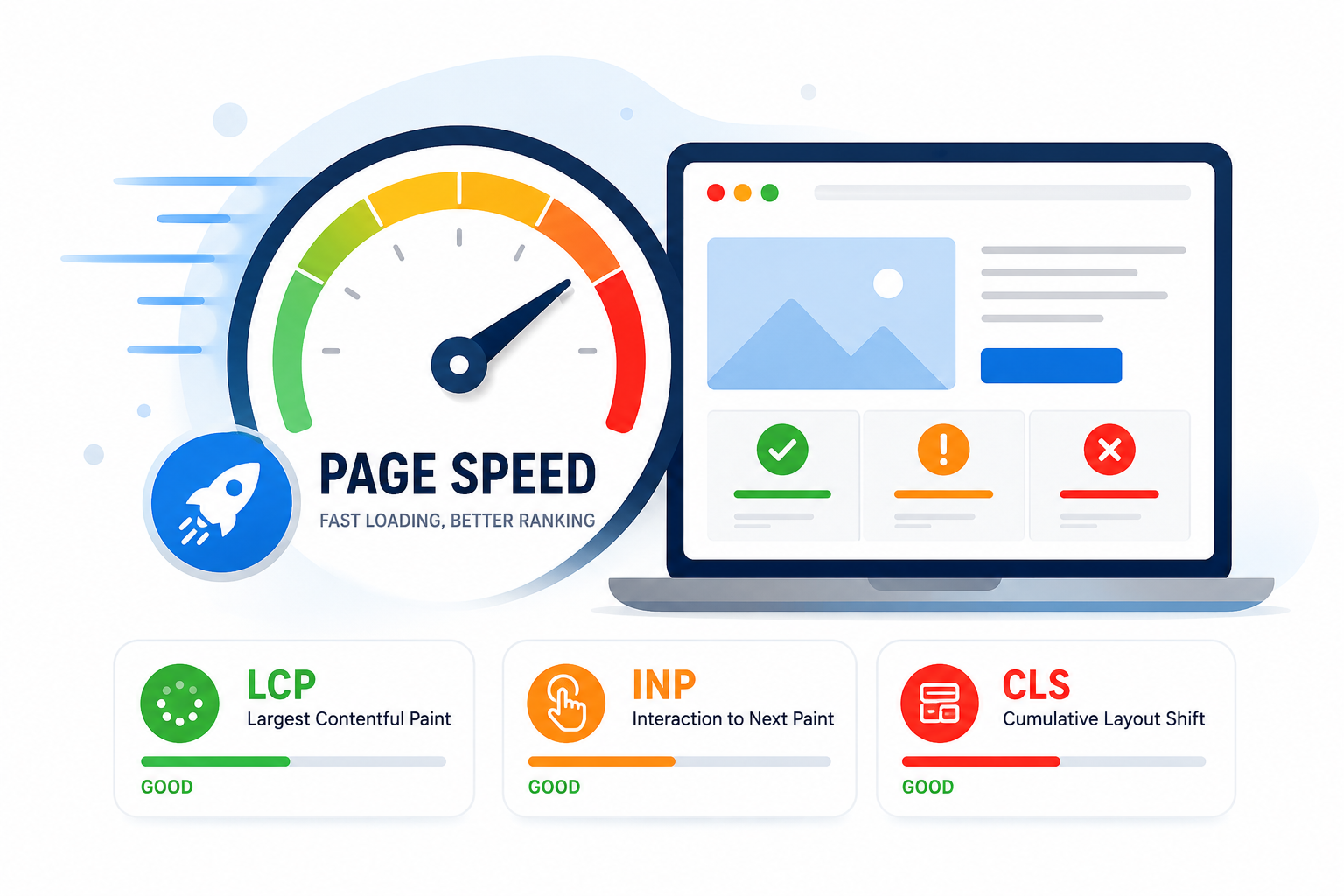
Google formalized Core Web Vitals as a ranking signal in 2021, and the metrics have only become more important since. The three Core Web Vitals as of 2026:
Largest Contentful Paint (LCP)
Measures how quickly the main content of a page becomes visible. Good: under 2.5 seconds. Needs improvement: 2.5–4.0 seconds. Poor: over 4 seconds.
Interaction to Next Paint (INP)
Replaced First Input Delay (FID) in March 2024. INP measures the responsiveness of the page across all user interactions, not just the first. Good: under 200ms. Needs improvement: 200–500ms. Poor: over 500ms.
Cumulative Layout Shift (CLS)
Measures visual stability — how much the page jumps around as it loads. Good: under 0.1. Needs improvement: 0.1–0.25. Poor: over 0.25.
Beyond ranking, page speed correlates strongly with business outcomes. Industry research consistently shows that one-second delays in load time can reduce conversion rates by up to 7%. For a site doing $1 million in annual online revenue, that's potentially $70,000 a year lost to slow pages.
Why Page Speed Is a Ranking Factor in 2026
Google formalized Core Web Vitals as a ranking signal in 2021, and the metrics have only become more important since. The three Core Web Vitals as of 2026:
Largest Contentful Paint (LCP)
Measures how quickly the main content of a page becomes visible. Good: under 2.5 seconds. Needs improvement: 2.5–4.0 seconds. Poor: over 4 seconds.
Interaction to Next Paint (INP)
Replaced First Input Delay (FID) in March 2024. INP measures the responsiveness of the page across all user interactions, not just the first. Good: under 200ms. Needs improvement: 200–500ms. Poor: over 500ms.
Cumulative Layout Shift (CLS)
Measures visual stability — how much the page jumps around as it loads. Good: under 0.1. Needs improvement: 0.1–0.25. Poor: over 0.25.
Beyond ranking, page speed correlates strongly with business outcomes. Industry research consistently shows that one-second delays in load time can reduce conversion rates by up to 7%. For a site doing $1 million in annual online revenue, that's potentially $70,000 a year lost to slow pages.
How to Measure Page Speed Properly
Before optimizing, measure. There are three tools every Content Hub team should have in regular rotation:
1. Google PageSpeed Insights
This is the authoritative source because it uses real Chrome User Experience (CrUX) data — the same data Google uses for rankings. PageSpeed Insights gives you both lab data (controlled simulation) and field data (real user metrics from the past 28 days).
Field data is what really matters for SEO. If your field data shows poor Core Web Vitals, your rankings are at risk regardless of what your lab scores look like.
2. Google Lighthouse (Chrome DevTools)
Lighthouse runs a controlled audit and gives you specific, actionable recommendations. To run it: open Chrome → right-click → Inspect → Lighthouse tab → select Performance, Accessibility, SEO, Best Practices → Generate report.
Use Lighthouse during development. Use PageSpeed Insights to verify real-world results.
3. HubSpot's Built-In Performance Tab
Every page in HubSpot's editor has a Performance tab that shows load times for that specific page. Useful for quick checks during page building.
4. WebPageTest (advanced)
For deep diagnosis — waterfall analysis, render filmstrips, third-party impact analysis — WebPageTest is unbeatable. It's free and gives you forensic-level detail on what's slowing your site down.
Common Page Speed Issues on HubSpot Content Hub Sites
Across the HubSpot sites we audit, the same handful of issues come up repeatedly. Here's how to diagnose and fix each.
Issue 1: Heavy, Unoptimized Images
Almost universal. Diagnose in Lighthouse under 'Properly size images', 'Serve images in next-gen formats', and 'Efficiently encode images'.
Fix: Resize images to actual display dimensions. Compress with TinyPNG or similar. Rely on HubSpot's automatic WebP/AVIF conversion. Lazy-load below-the-fold images.
Issue 2: Render-Blocking Scripts and Stylesheets
If your CSS and JS load before the page can render, every visitor waits for them. Diagnose in Lighthouse under 'Eliminate render-blocking resources'.
Fix: Add defer or async attributes to non-critical scripts. Inline critical CSS. Defer non-essential stylesheets.
Issue 3: Too Many Third-Party Scripts
Marketing pixels, chat widgets, ads, analytics — they accumulate fast. Each adds DNS lookups, downloads, and execution time.
Fix: Audit quarterly. Remove what you're not using. Defer what you can. For critical tools like analytics, ensure they're loaded with the most efficient configuration.
Issue 4: Server Response Time (TTFB)
Time to First Byte measures how fast HubSpot's server responds to your visitor's browser. HubSpot's infrastructure is fast, but heavy HubL templates, complex HubDB queries, or excessive includes can slow TTFB.
Fix: Audit your theme's HubL for inefficient queries. Avoid querying the same HubDB table multiple times in one template. Cache HubDB results when possible.
Issue 5: Layout Shifts (CLS)
Pages that visually jump around as they load fail CLS scoring. Common causes: images without dimensions, fonts that swap mid-load, ads that load late.
Fix: Always specify width and height on images. Use font-display: optional or font-display: swap with reserved space. Reserve space for ads and embeds with placeholder containers.
Mobile Performance: The Real Battleground
Most websites underperform on mobile, and most ranking opportunities are on mobile. Google uses mobile-first indexing — your mobile experience determines your rankings.
Test on real mobile networks
Lighthouse's mobile mode simulates slow 4G. Real-world mobile users are often on slower connections, especially in markets like India, Southeast Asia, and Latin America.
Avoid intrusive interstitials
Pop-ups that block content on mobile hurt both UX and rankings. HubSpot's native pop-up tools include mobile-optimized options — use them.
Verify responsive behavior
Test every page at multiple viewports (320px, 375px, 414px, 768px) before publishing. HubSpot's editor includes a device preview, but real devices catch issues that simulators miss.
HubSpot-Specific Optimization Tactics
Theme audit
Your theme determines a huge portion of your performance baseline. If you inherited a heavy theme, audit it: identify unused modules, remove duplicated CSS, consolidate JavaScript dependencies.
Module-level controls
As covered in our companion post, HubSpot's module config supports css_render_options and js_render_options. Used correctly, these can significantly improve load behavior. Used incorrectly, they cause CLS or break interactivity.
HubL caching considerations
HubSpot caches rendered HubL output, but heavy logic in templates still slows server response times. Keep complex computation out of templates where possible.
A 2026 Page Speed Optimization Workflow
This is the workflow we use on client projects:
- Baseline measurement — run PageSpeed Insights and Lighthouse on top 10 pages, document scores
- Image audit — identify oversized, uncompressed, or missing-dimension images
- Script audit — list all third-party scripts, evaluate necessity, defer where possible
- CSS audit — identify render-blocking stylesheets, inline critical CSS
- Module audit — review custom modules for performance issues, optimize loading
- Re-measure — run Lighthouse again to confirm improvements
- Monitor — set up monthly automated checks for regression
Related Post
HubSpot Content Hub Pricing in India: 2026 Plans, INR Costs & GST Guide
Introduction Page speed in 2026 isn't just about user experience — it's measurable, ranking-relevant, and revenue-impacting. Google's algorithm now factors Core Web Vitals into search ranking, and faster sites consistently outperform slower...
.png)
How to Optimize HubSpot Content Hub Pages for Performance (2026 Guide)
Introduction Website performance has stopped being a 'nice to have' — it's a ranking factor, a conversion factor, and a trust factor all at once. Slow pages don't just frustrate visitors; they actively cost you leads, revenue, and search visibility.

SEO Tips on Optimize Your HubSpot Website
SEO (Search Engine Optimization) is essential for improving your website's visibility in search engine results, making it more likely that people will find your site when they search for relevant topics. By optimizing your website content and...
Power Up Your Project
Request a Quote and Let Us Save the Day!

Leave a reply