


.png)
.png)


Introduction
HubSpot is a powerful all-in-one platform — offering tools for marketing, sales, content management, and customer service.
But like any platform, it’s only as effective as how you use it.
While it’s designed to be user-friendly, many teams fall into avoidable traps that create inefficiencies, misaligned teams, and data chaos.
In this post, we’ll cover the most common HubSpot mistakes — and how to avoid them with simple best practices, strategic planning, and proper training.

Mistake 1: Not Defining Lifecycle Stages Properly
Why it hurts:
Leads sit in the wrong stage, sales doesn’t know who to prioritize, and your reporting gets messy.
Avoid it by:
- Mapping lifecycle stages to your funnel
- Using workflows to automate stage updates
- Regularly auditing stuck or skipped contacts
- Training your team on the difference between lifecycle stage and lead status
Tip: Align lifecycle stage triggers with form submissions, lead scoring, and deal activity.

Mistake 2: Creating Too Many Static Lists
Why it hurts:
List sprawl becomes unmanageable, and contact segmentation becomes slow and redundant.
Avoid it by:
- Using Active Lists for segmentation whenever possible
- Archiving or deleting old, unused lists quarterly
- Naming lists with consistent conventions (e.g., “MQL – Webinars – Q1 2025”)
Active lists are dynamic and update automatically — saving time and reducing human error.

Mistake 3: Not Cleaning or Standardizing Data
Why it hurts:
You end up with multiple versions of the same company, inconsistent property values, and unreliable filters for automation and reporting.
Avoid it by:
- Setting up property field rules (e.g., dropdowns instead of open text)
- Running regular data hygiene workflows
- Using HubSpot’s data quality tools to detect duplicates and anomalies
- Restricting access to property editing (with roles or teams)
Clean data is the foundation of accurate segmentation, scoring, and personalization.

Mistake 4: Using Workflows Without Clear Logic
Why it hurts:
Leads get stuck, emails get sent twice, or you end up with overlapping automations that confuse users and your team.
Avoid it by:
- Documenting every workflow before building
- Testing with dummy contacts
- Adding enrollment and suppression criteria
- Adding exit conditions and delays
Review workflows monthly to identify and eliminate inefficiencies.

Mistake 5: Ignoring Lead Scoring
Why it hurts:
Sales reps waste time on low-fit leads while high-potential contacts slip through the cracks.
Avoid it by:
- Defining key fit and engagement criteria
- Assigning point values based on past closed-won data
- Using lead score to trigger lifecycle changes or alerts
- Reviewing top-scoring leads with sales every quarter
Even a basic lead scoring model can dramatically improve conversion rates.

Mistake 6: Failing to Integrate Sales and Marketing Efforts
Why it hurts:
Marketing generates leads that sales can’t use. Sales doesn’t update statuses, so marketers can’t optimize campaigns.
Avoid it by:
- Syncing lifecycle stages and lead statuses
- Hosting monthly Sales-Marketing syncs to review MQL/SQL quality
- Using shared dashboards for pipeline performance
- Setting up automatic lead assignments and SLA workflows
Alignment = better close rates and happier teams.

Mistake 7: Sending Generic Emails to Everyone
Why it hurts:
Open rates drop, unsubscribes increase, and leads tune out your brand.
Avoid it by:
- Using segmentation (smart lists) based on lifecycle, persona, or behavior
- Adding personalization tokens (first name, company, interests)
- Using smart content to show different blocks to different segments
- Triggering emails based on behavior (not just a set calendar)
Email personalization doesn’t have to be creepy — just relevant.
.png?width=512&height=512&name=Customer-Service%20Dashboard%20(Service%20Hub).png)
Mistake 8: Over-Customizing Properties Without Strategy
Why it hurts:
You end up with hundreds of unused or duplicated properties, confusing your team and cluttering your CRM.
Avoid it by:
- Auditing all properties quarterly
- Merging or deleting unused ones
- Using global naming conventions (e.g., “Sales – Region” or “MKTG – Lead Source”)
- Limiting who can create new properties
Less is more when it comes to custom fields.

Mistake 9: Not Using Dashboards for Reporting
Why it hurts:
Teams waste time creating ad hoc reports, and leadership lacks visibility into what’s working.
Avoid it by:
- Creating role-based dashboards (Marketing, Sales, Exec)
- Including KPIs tied to lifecycle progression and conversion rates
- Automating report delivery (weekly/monthly)
- Building dashboards for campaigns and goal tracking
Great dashboards turn data into action — without logging into spreadsheets.

Mistake 10: Neglecting Onboarding and Training
Why it hurts:
New hires get overwhelmed, adoption drops, and even seasoned users make avoidable errors.
Avoid it by:
- Providing HubSpot Academy certifications
- Creating internal process docs and playbooks
- Hosting team refreshers and workflow walkthroughs
- Having a HubSpot expert or partner help manage your portal
Training is the difference between using HubSpot and maximizing it.
Final Thoughts
HubSpot is an incredibly powerful platform — but only if used intentionally.
By avoiding these common mistakes, your team will:
- Move faster
- Work more collaboratively
- Get cleaner data
- Drive better ROI from every campaign
Make time for regular audits, use templates and naming conventions, and keep refining your workflows and segmentation logic.

You might also like
Why D2C Brands Are Choosing HubSpot to Power Their Customer Journey
Introduction Direct-to-Consumer (D2C) brands place a strong emphasis on customer experience. Unlike traditional retail models, where distributors or resellers play a role in the customer journey, D2C companies take full responsibility for every...
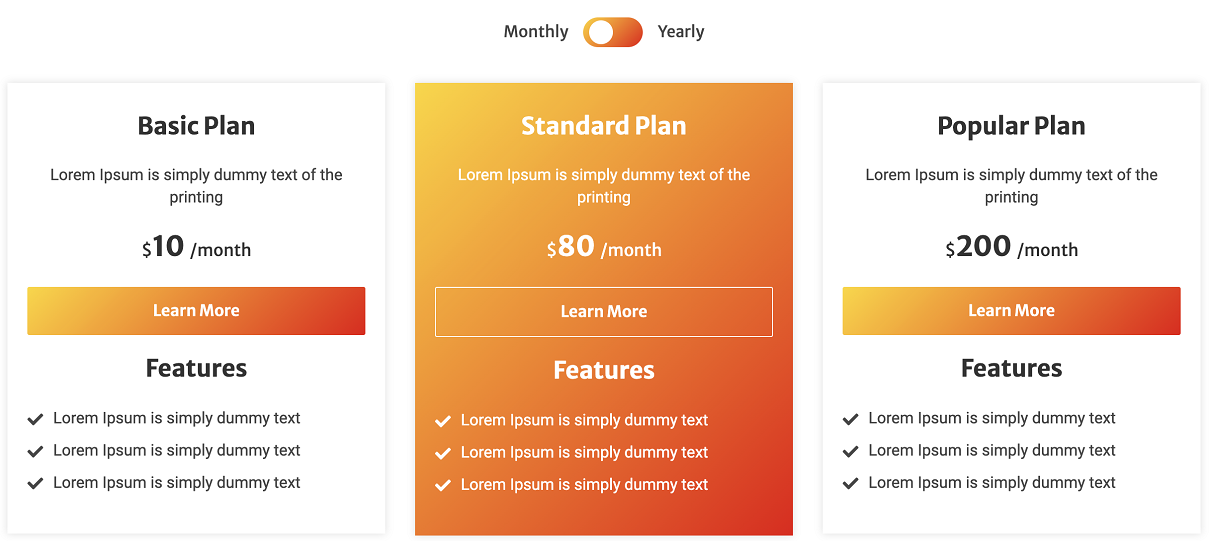
How to create a pricing page for your website on HubSpot
Pricing is a critical aspect of any business, and a well-designed pricing module can greatly impact your revenue and customer acquisition.
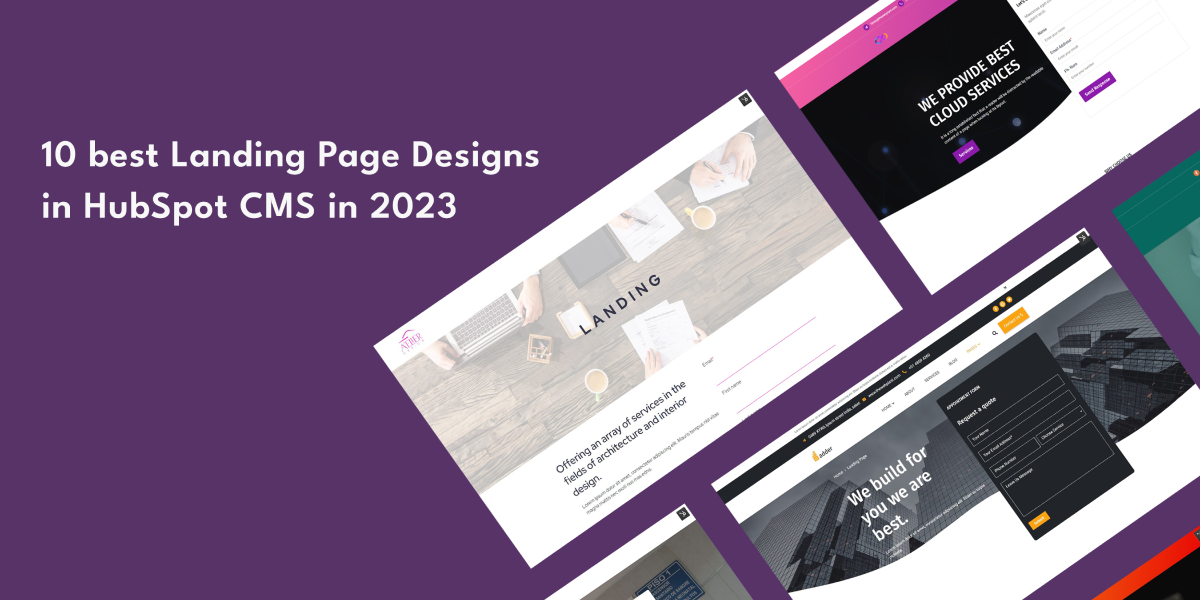
10 best Landing Page Designs in HubSpot CMS in 2023
For the majority of startups, landing pages serve as the representation of their company's identity.
Have a Project in Mind?
Let’s talk about what you need and how we can make it happen.

Leave a reply